Description
Autumn Presets and Overlays for Atmospheric Photography
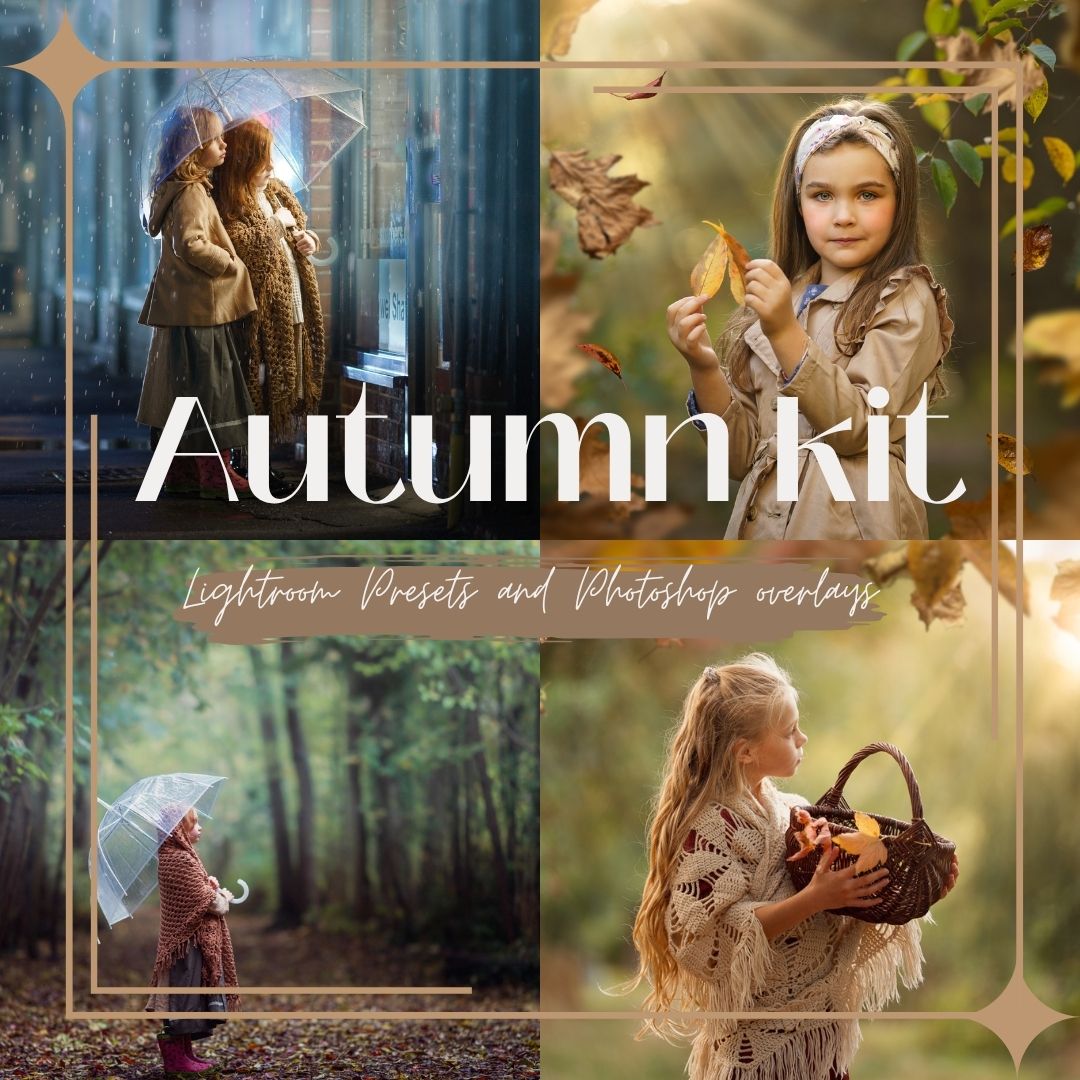
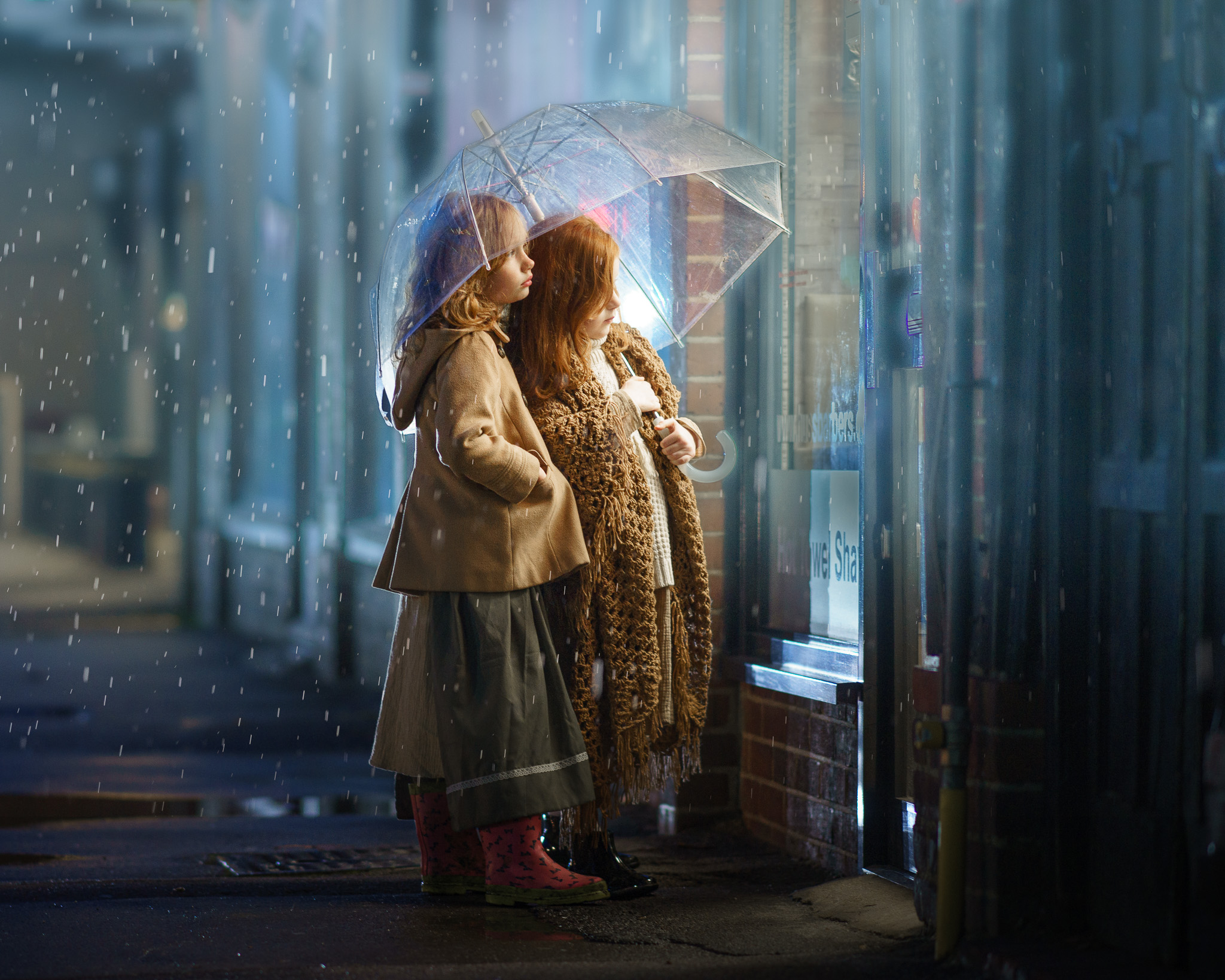
Autumn presets and overlays make it easy to transform green or warm photographs into atmospheric autumn stories filled with rich color, soft mist, beautiful light, falling leaves and rain.
The Autumn Kit combines creative tools for Lightroom, Adobe Camera Raw and Photoshop. Begin by creating beautiful autumn color and light, then complete the story with realistic overlays. Every effect can be adjusted to suit your photograph and your personal editing style.
One Kit. Two Creative Stages.
The Autumn Kit combines two types of editing tools:
Lightroom and Adobe Camera Raw presets help you create autumn colors, add atmospheric mist and introduce beautiful light directly into your photograph.
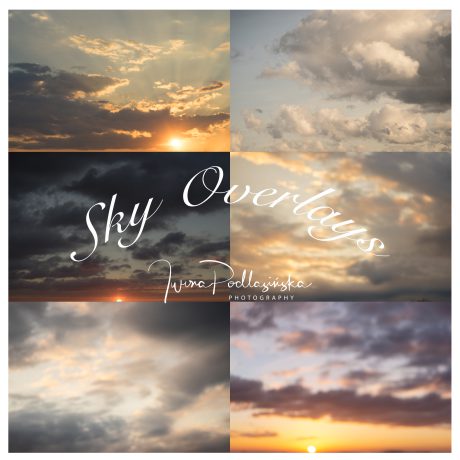
Photoshop overlays allow you to complete the scene with falling leaves, rain and realistic light flares.
Use only the elements your photograph needs or combine several of them to create a complete autumn transformation.
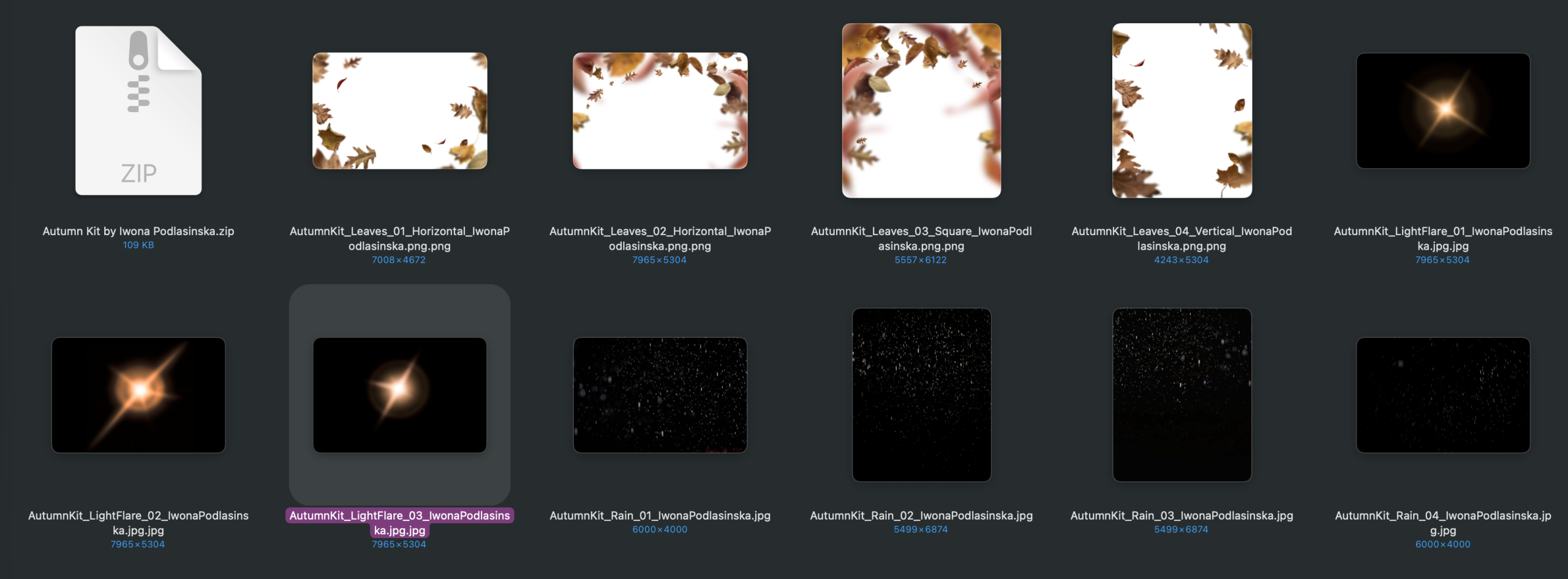
11 Presets for Lightroom and Adobe Camera Raw
The preset collection includes:
- 1 Complete Look combining autumn color with a soft, misty atmosphere
- 4 Color Presets created for both green and naturally warm photographs
- 6 Local Effects for adding horizon mist, sun flares and light rays from different directions
The Color and Local presets can be used separately or combined. This gives you full control over the final result and allows you to build the effect step by step.
The local presets create adjustable masks. You can move them, change their intensity and modify their settings to match the direction and quality of light in your photograph.
These are creative editing tools, not rigid one-click filters. Every photograph is different, so you can easily adapt the result to your own image.
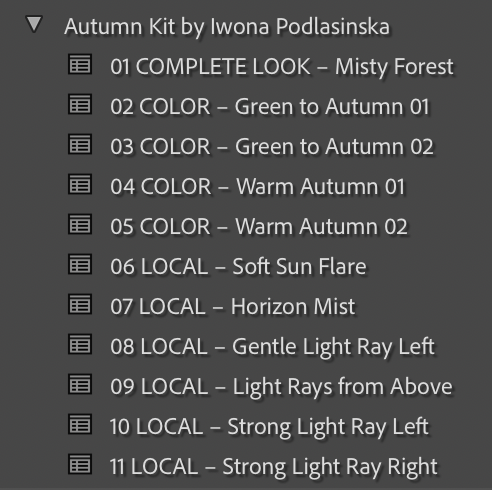
11 Photoshop Overlays
Complete your autumn scene with carefully created, high-resolution overlays:
- 4 Falling Leaves Overlays in PNG format
- 3 Light Flare Overlays in JPEG format
- 4 Rain Overlays in JPEG format
The transparent PNG files can be placed directly over your photograph. The light flare and rain overlays are applied using the Screen blending mode.
You can resize, rotate, reposition and combine the overlays, adjust their opacity and use layer masks to remove the effect from faces or other important parts of the image.
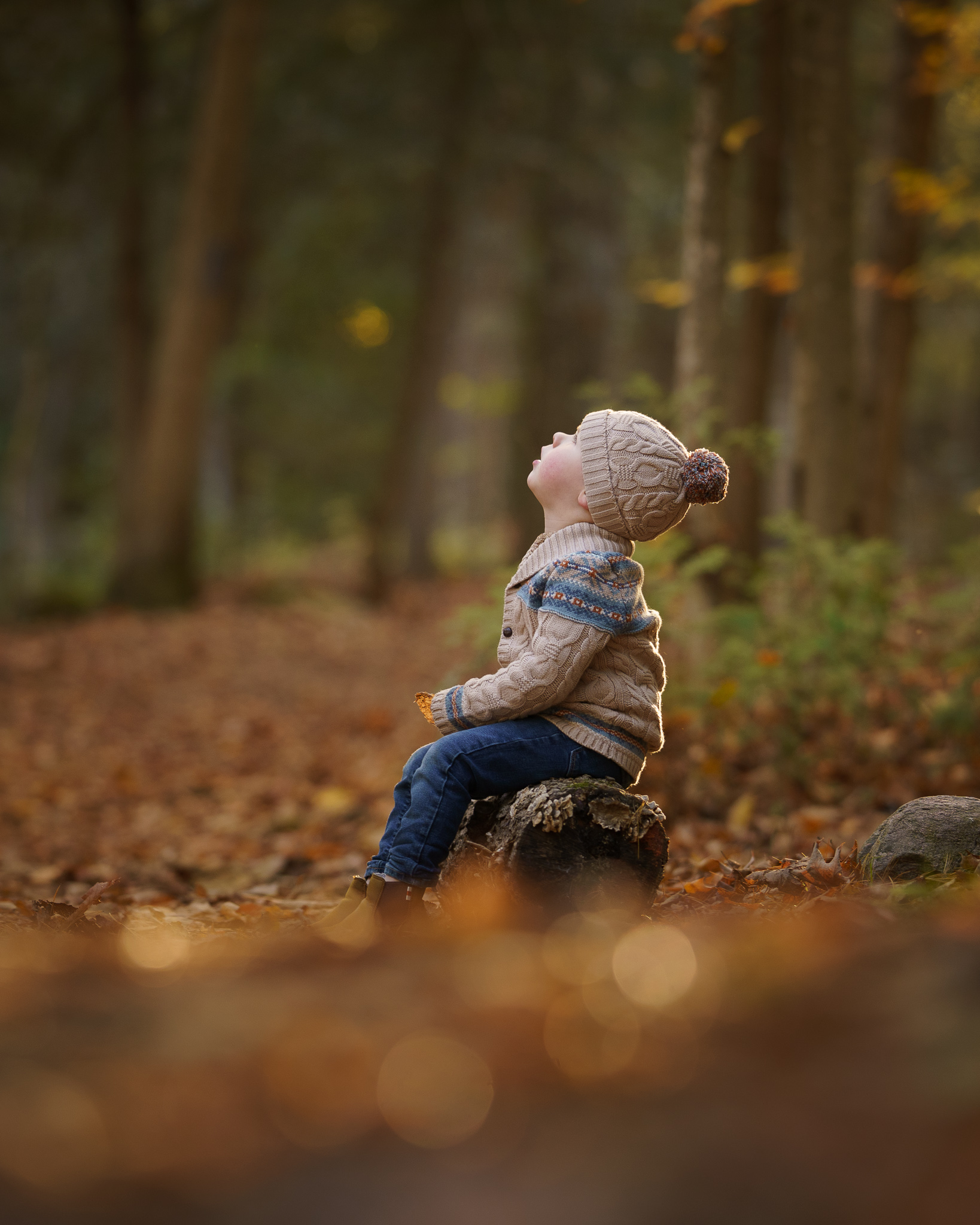
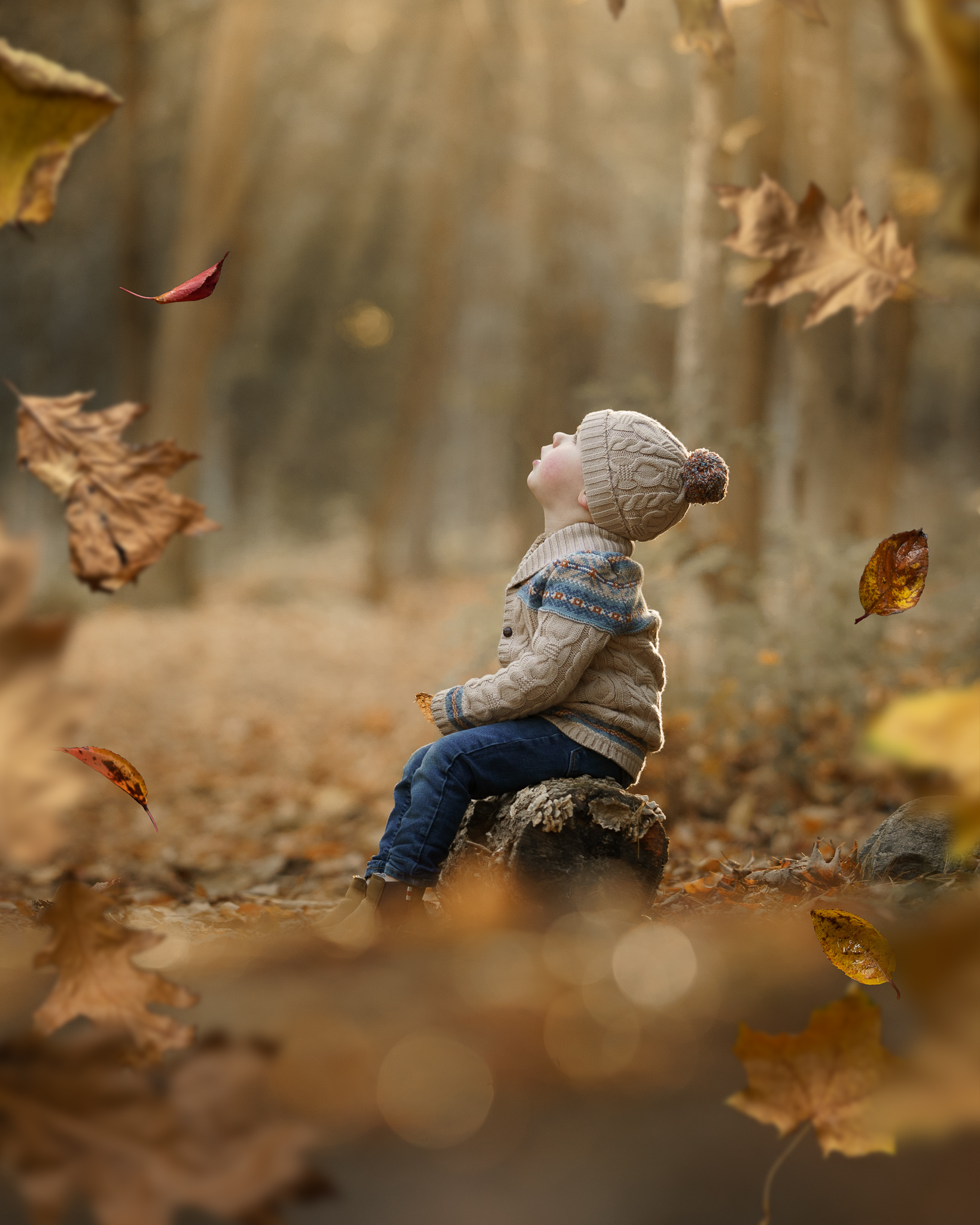
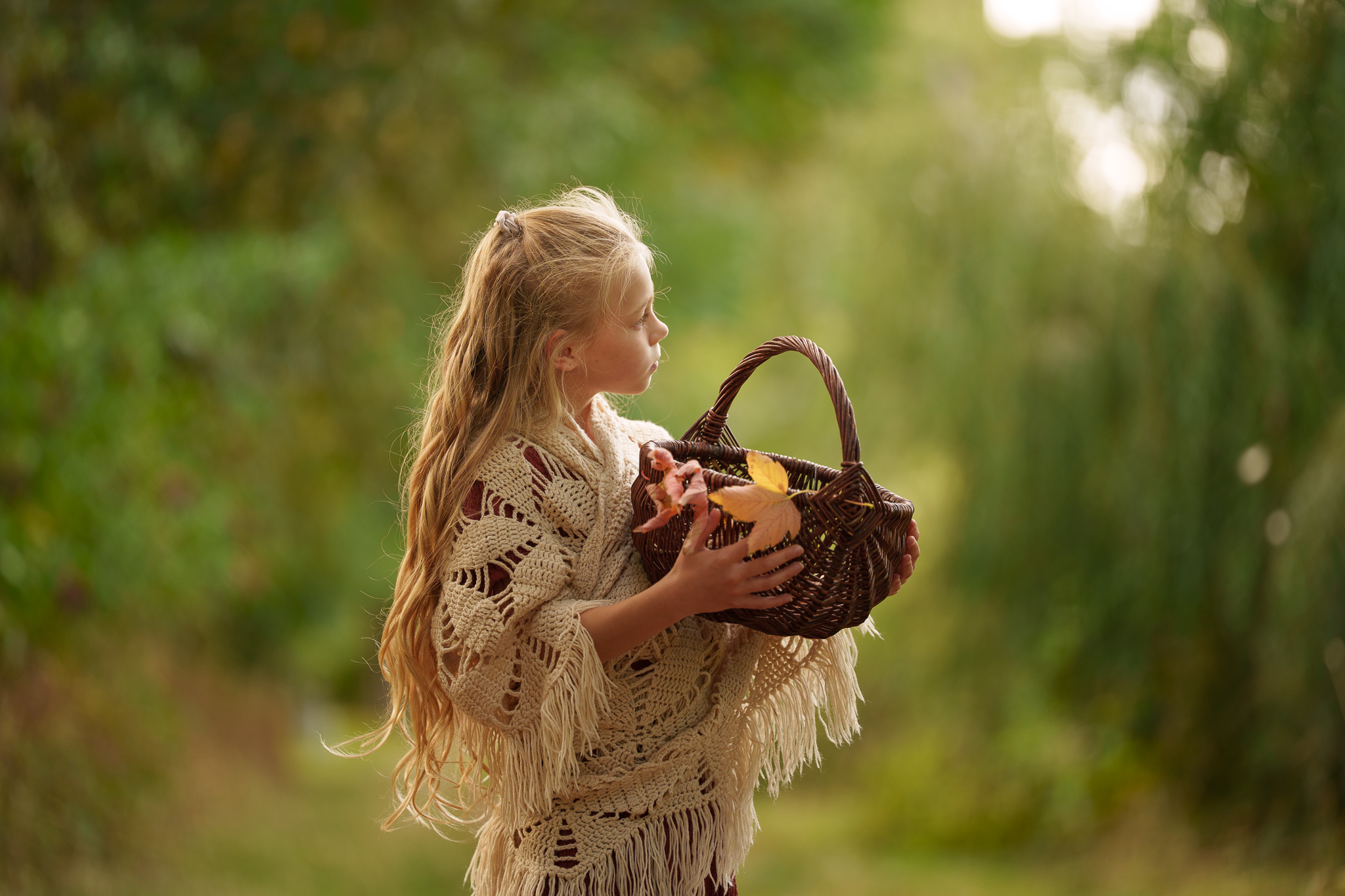

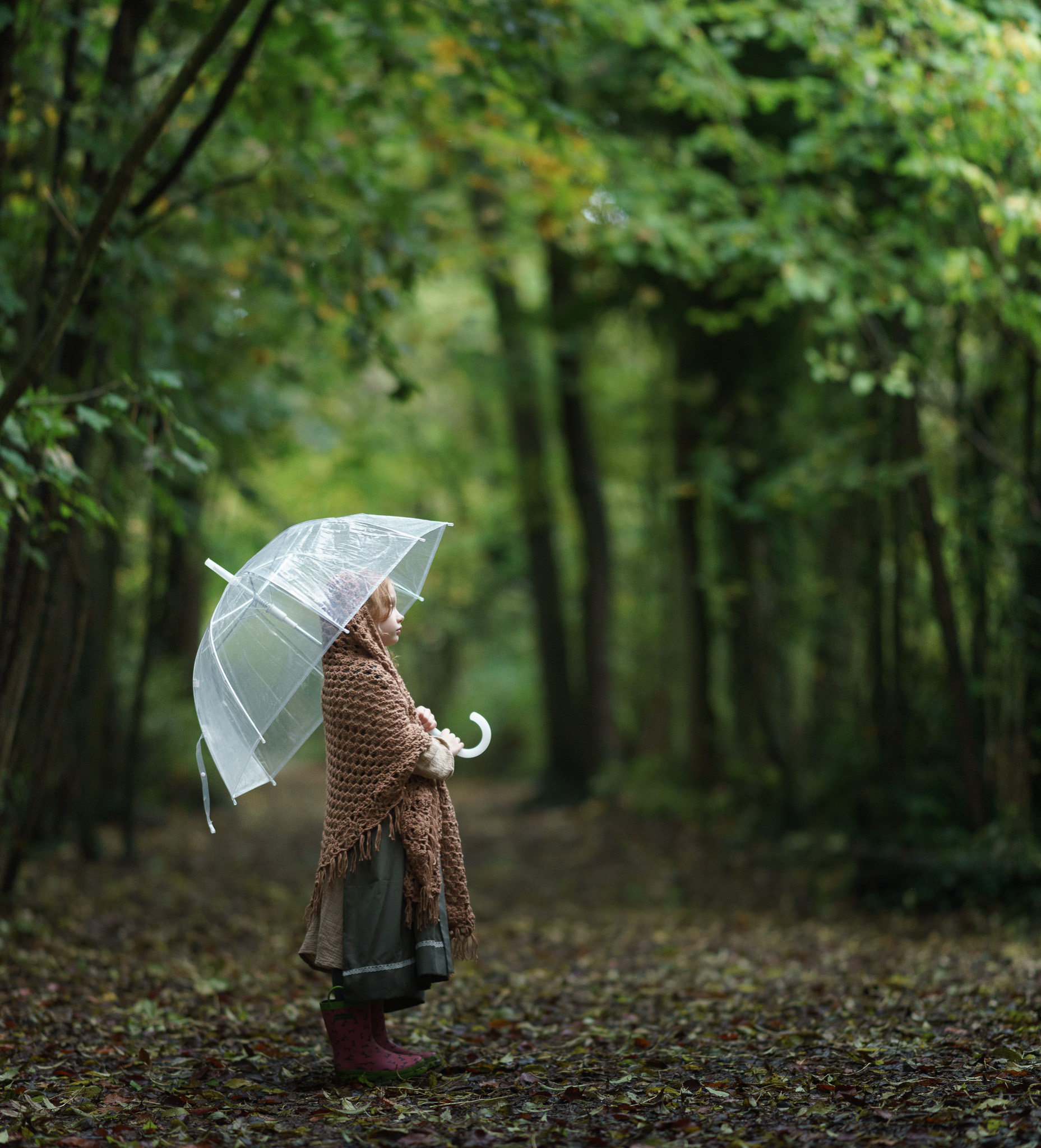
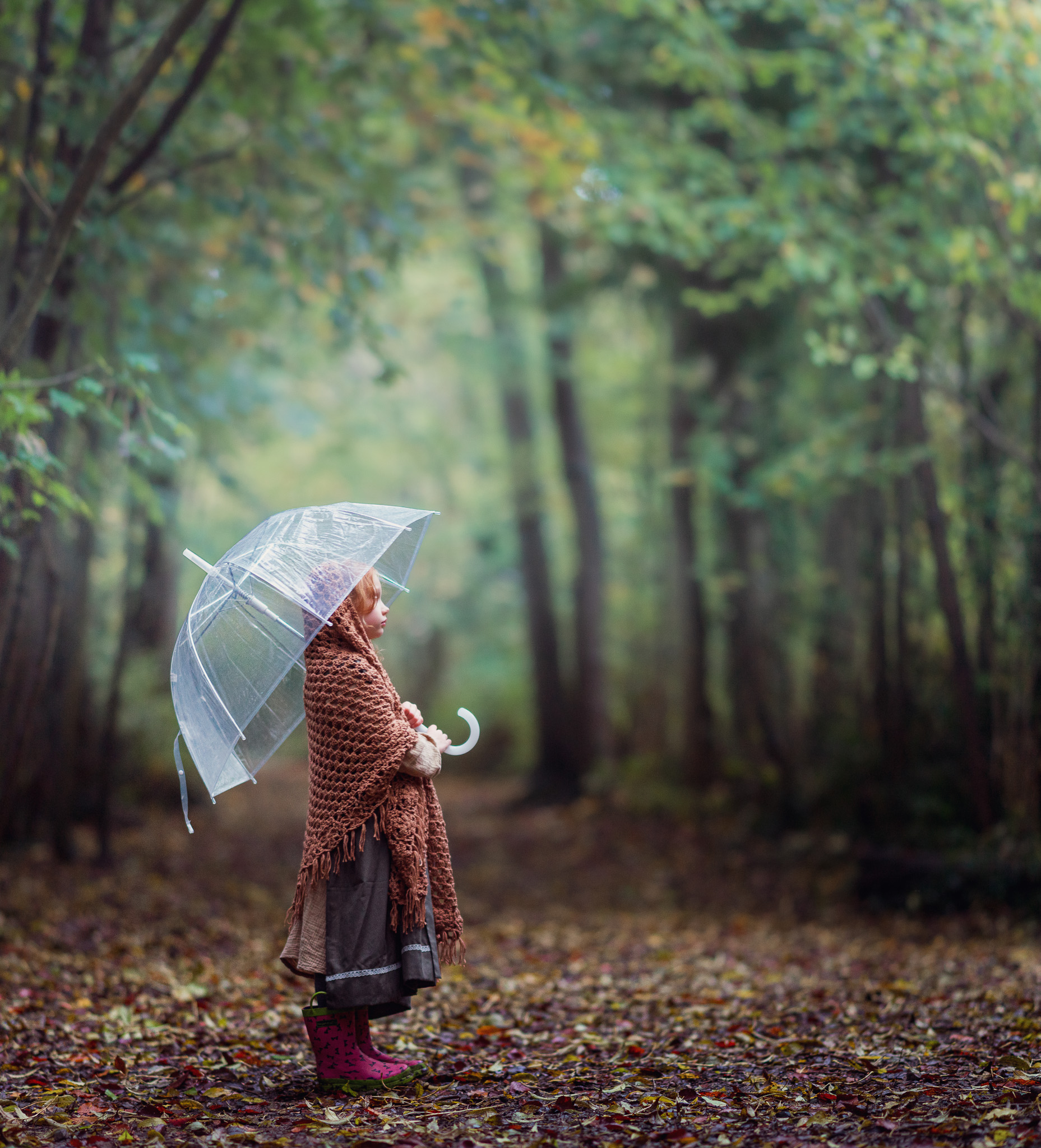
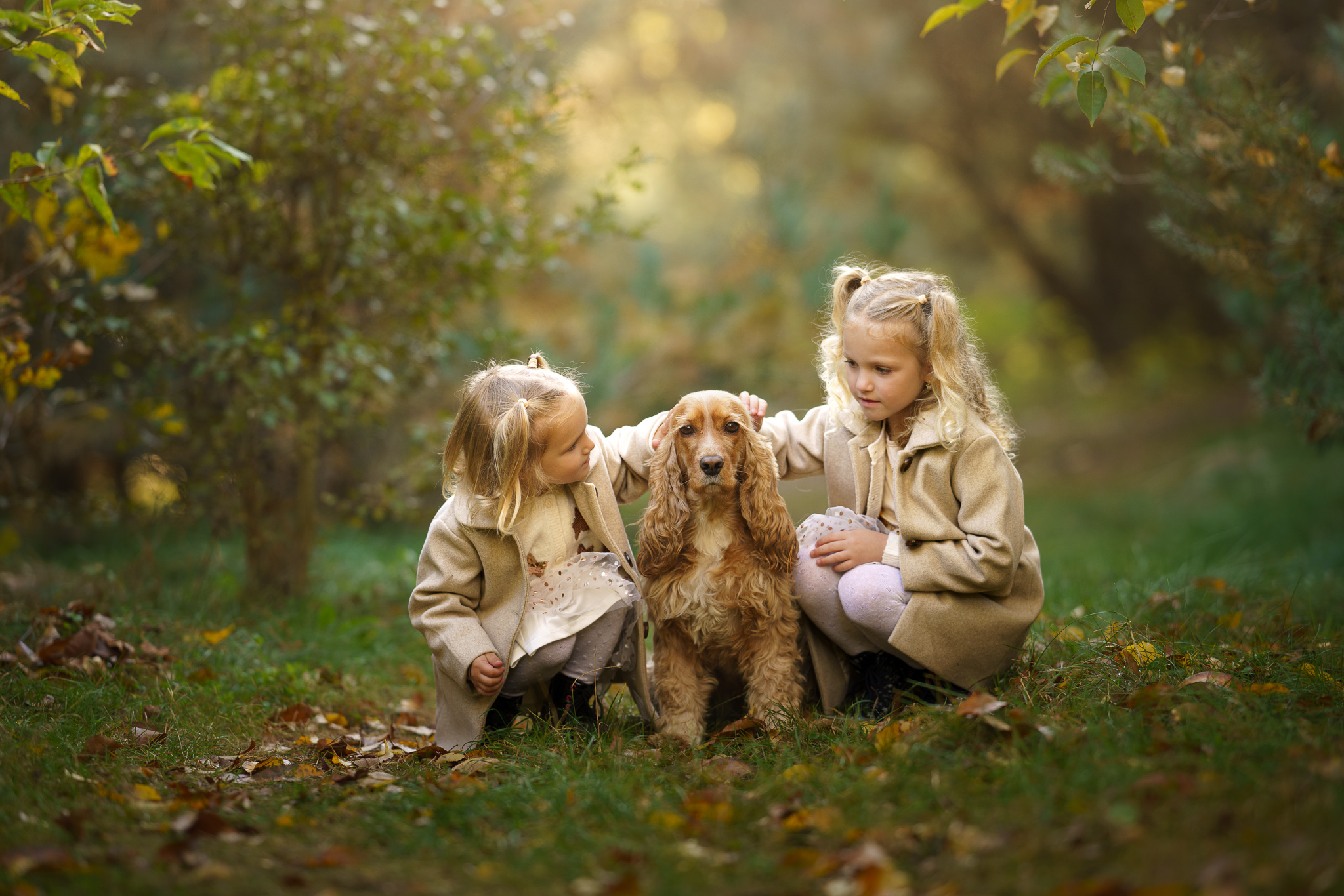
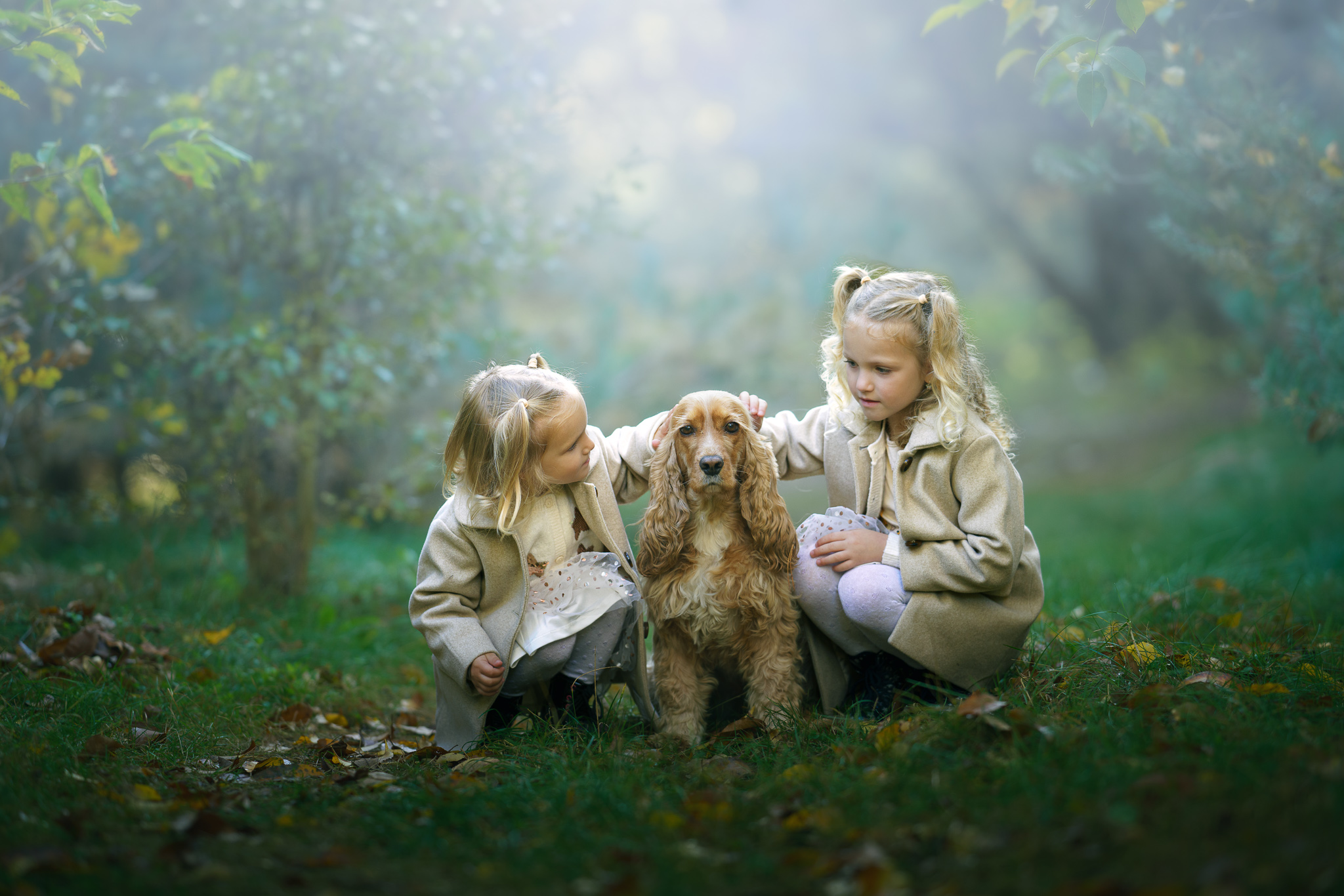
From an Ordinary Photograph to an Autumn Story
Use the presets and overlays separately for subtle adjustments or combine them to create a complete transformation.
Move the slider to see the before-and-after results.
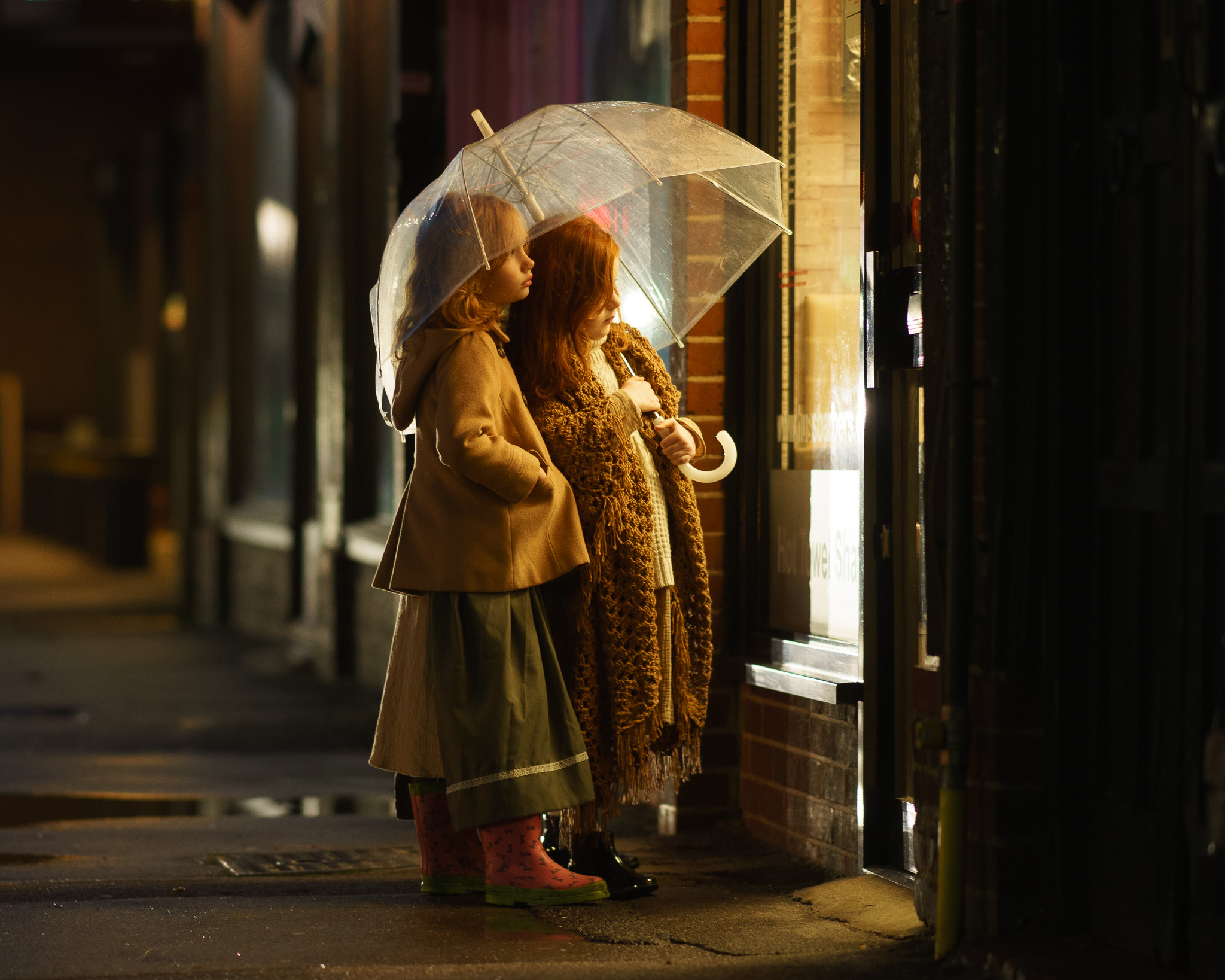
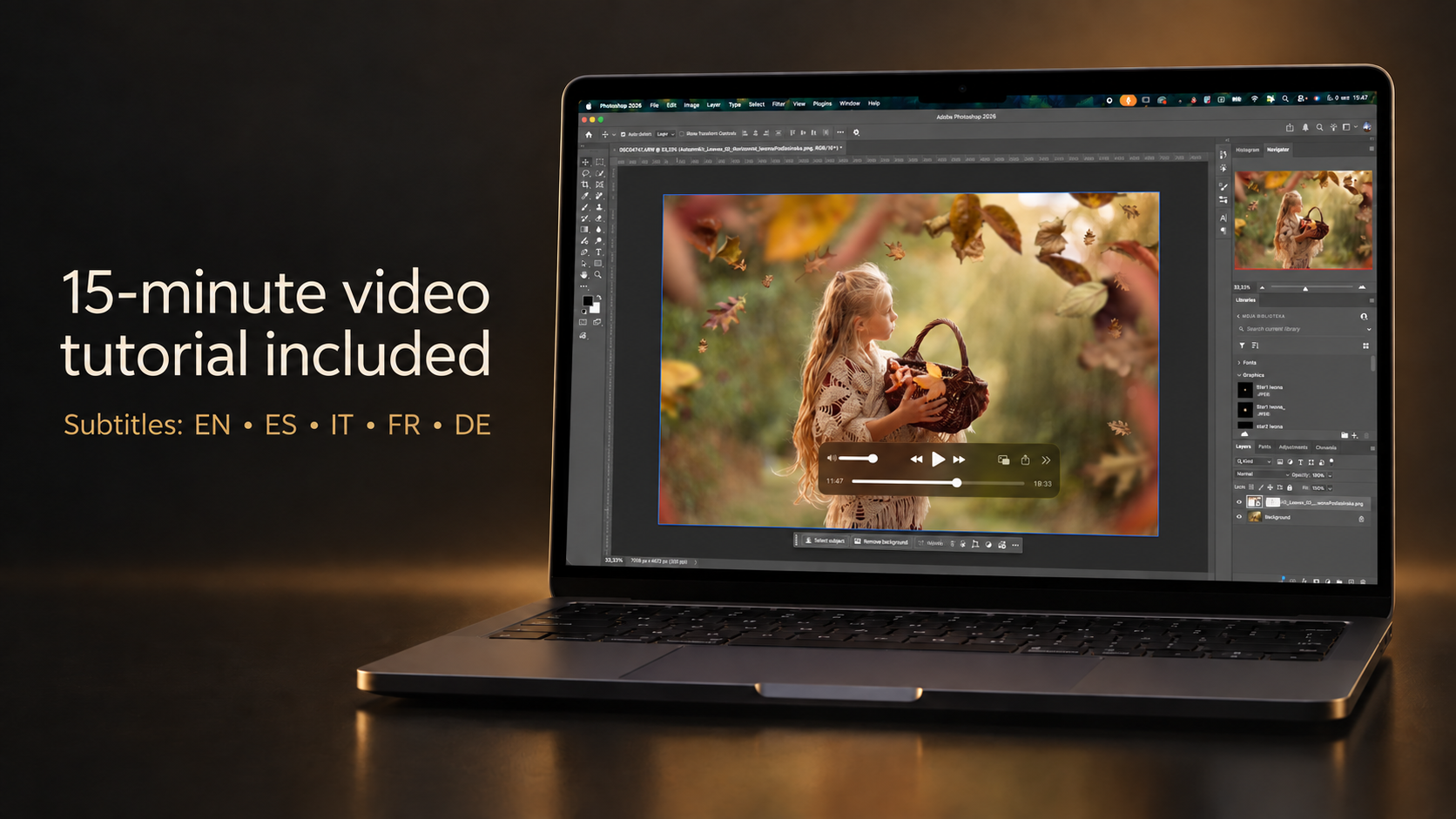
Step-by-Step Video Tutorial Included
The Autumn Kit includes a complete 15-minute English video tutorial showing you how to:
- install the presets in Lightroom, Lightroom Classic and Adobe Camera Raw
- choose the right preset for your photograph
- adjust the strength of the color effect
- move and customize the local masks
- combine color presets with mist and light effects
- apply falling leaves, rain and light flares in Photoshop
- use blending modes, opacity and layer masks to create natural results
The tutorial includes subtitles in:
English, Spanish, Italian, French and German.
You do not need to guess how the tools work. I will guide you through the complete process step by step.
Who Is the Autumn Kit For?
This collection is perfect for:
- portrait, children and family photographers
- photographers working in forests, parks and natural locations
- creators who want to transform green photographs into autumn images
- photographers who want to add atmosphere without spending hours on complex editing
- both professional photographers and creative hobbyists
You do not need advanced editing skills. The included tutorial will show you how to use and customize every type of effect.
Software Compatibility
Presets
The presets require:
- Adobe Lightroom Classic 11.0 or newer
- Adobe Lightroom 5.0 or newer
- Adobe Camera Raw 14.0 or newer
The latest available version of the software is recommended.
Overlays
Adobe Photoshop is required to follow the included overlay tutorial.
The overlays may also work in other editing programs that support layers, layer masks, transparency and Screen blending mode, but the included tutorial is recorded in Adobe Photoshop.
Please note: Photoshop is required only for the overlays. The color, mist and light presets can be used directly in Lightroom or Adobe Camera Raw.
What You Will Receive
After purchasing the Autumn Kit, you will receive access to:
- 11 Lightroom and Adobe Camera Raw presets
- 11 high-resolution Photoshop overlays
- the complete English video tutorial with subtitles
- downloadable product files
- installation and usage instructions
The product and tutorial will be available through your customer account.
This is a digital product. No physical item will be shipped.


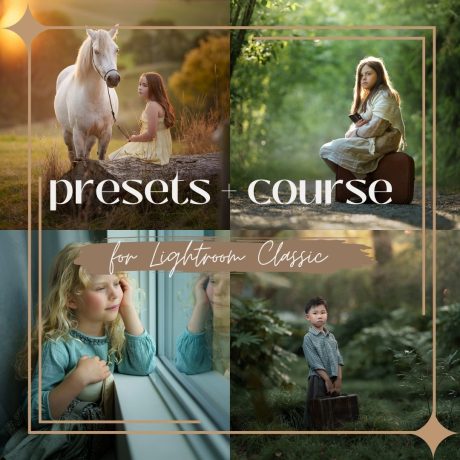
Looking for a complete everyday editing system? Discover my Presets Collection for Lightroom and Adobe Camera Raw.
Create Your Own Autumn Story
You do not need perfect autumn conditions to create a photograph filled with seasonal color, beautiful light and atmosphere.
Start with your own image. Choose the color. Add the light. Complete the story.
Autumn Kit by Iwona Podlasinska
**The Autumn Kit is available for purchase only until November 10, 2026. After that date, it will be removed from the store.**