
Autumn Kit – Installation & Editing Guide
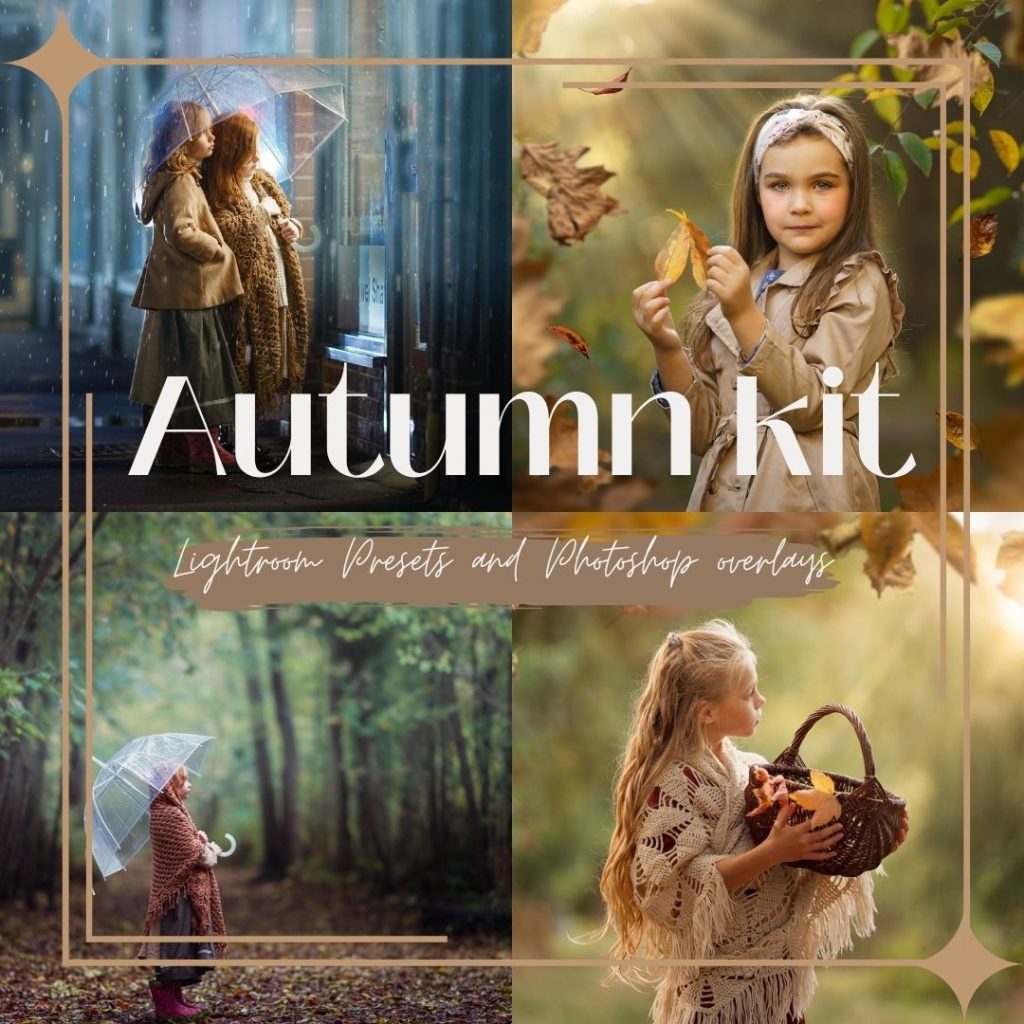
Autumn Kit – Installation & Editing Guide
Welcome to the Autumn Kit – Installation & Editing Guide.
In this course, you will learn how to install and use all the presets and Photoshop overlays included in the Autumn Kit.
The step-by-step video tutorial will show you how to:
- install the presets in Lightroom, Lightroom Classic and Adobe Camera Raw;
- choose and adjust the color presets;
- use and reposition the local light and mist effects;
- add falling leaves, rain and light flares in Photoshop;
- adjust opacity, blending modes and layer masks for natural-looking results.
The downloadable product files and complete tutorial are available in the lesson below.
What You'll Learn
- 1 Autumn Kit Video Tutorial – English
- 2 Tutorial en vídeo de Autumn Kit – Subtítulos en español
- 3 Tutorial video di Autumn Kit – Sottotitoli in italiano
- 4 Tutoriel vidéo Autumn Kit – Sous-titres français
- 5 Autumn Kit Videotutorial – Deutsche Untertitel
- 6 Autumn Kit – no music