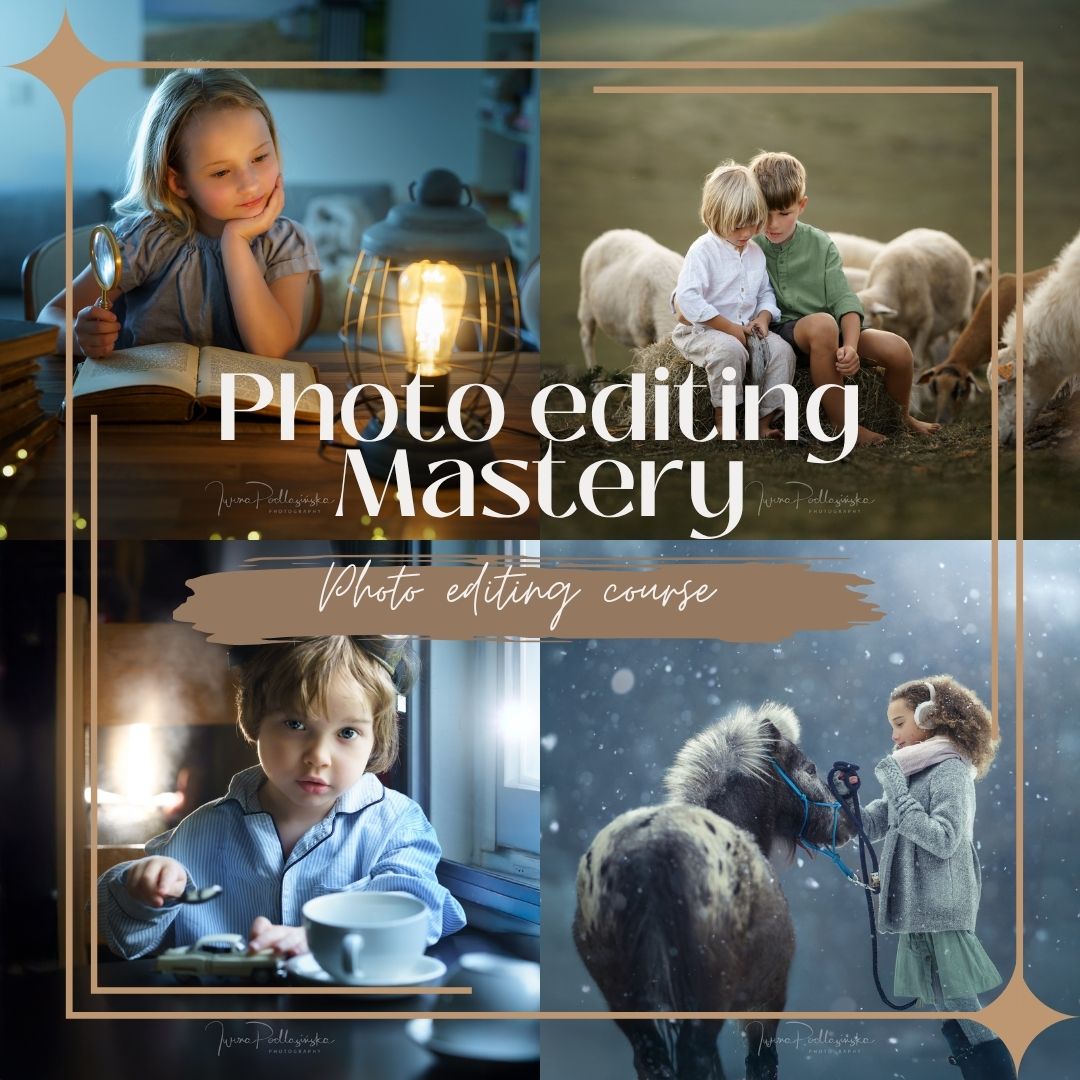
Description
Watch my complete editing process — from RAW to final image
There is a big difference between knowing what Lightroom and Photoshop tools do and knowing when, why and how to use them to create a finished photograph.
In Photo Editing Mastery, I take you through my real editing process from beginning to end.
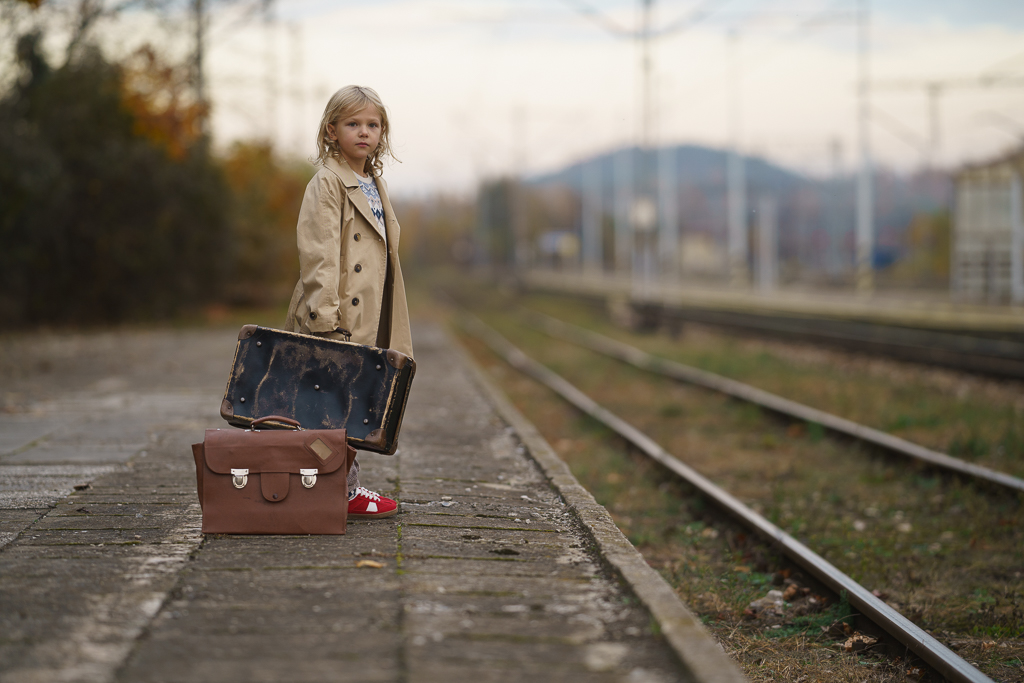
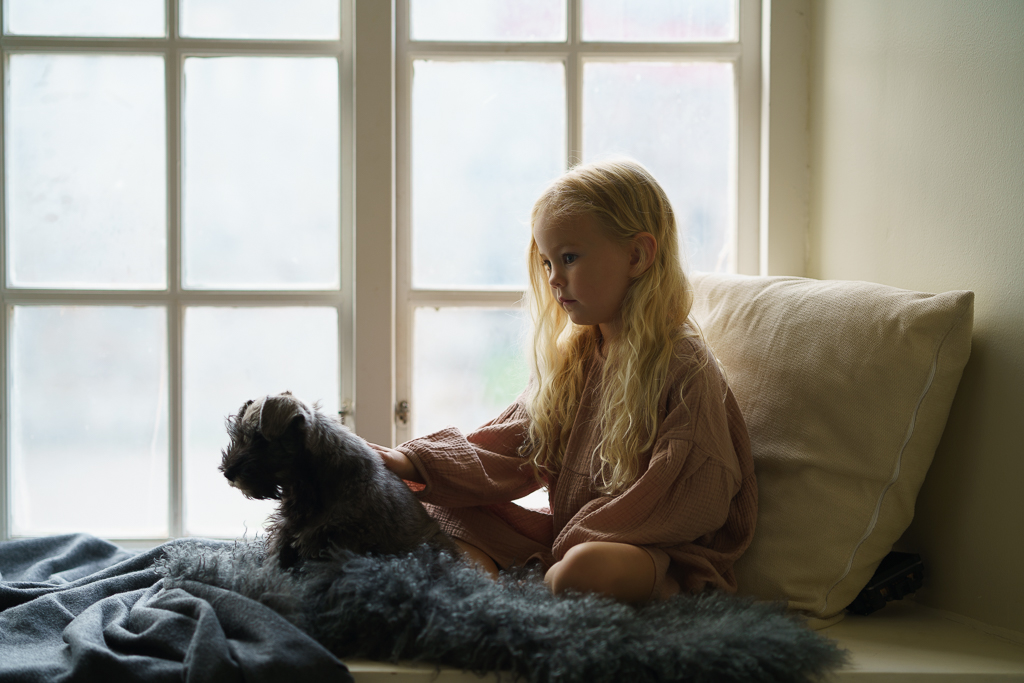
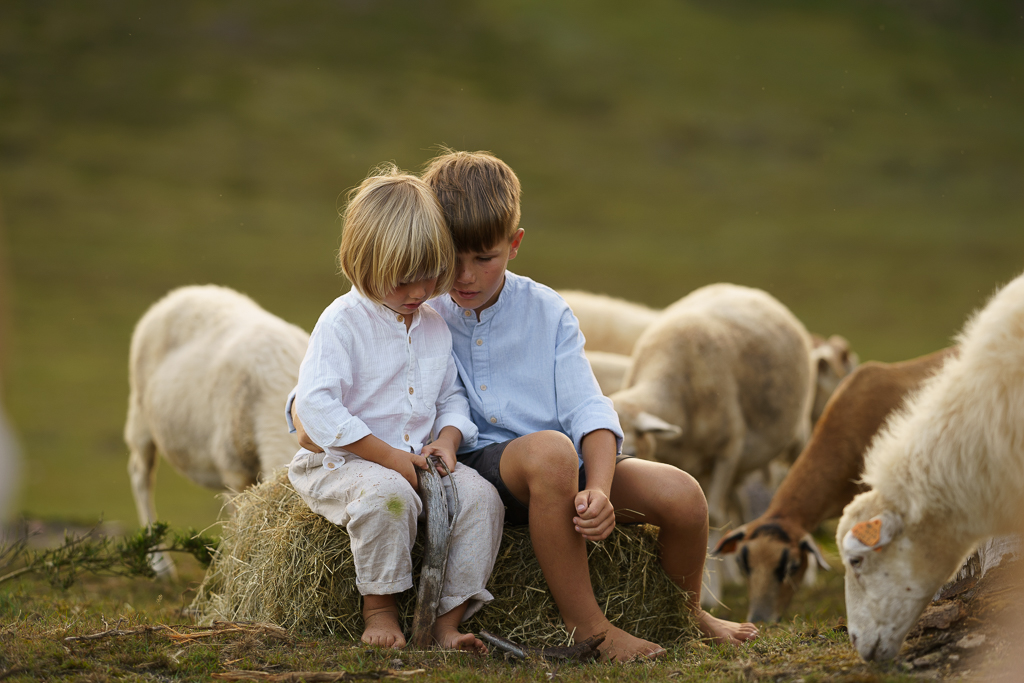
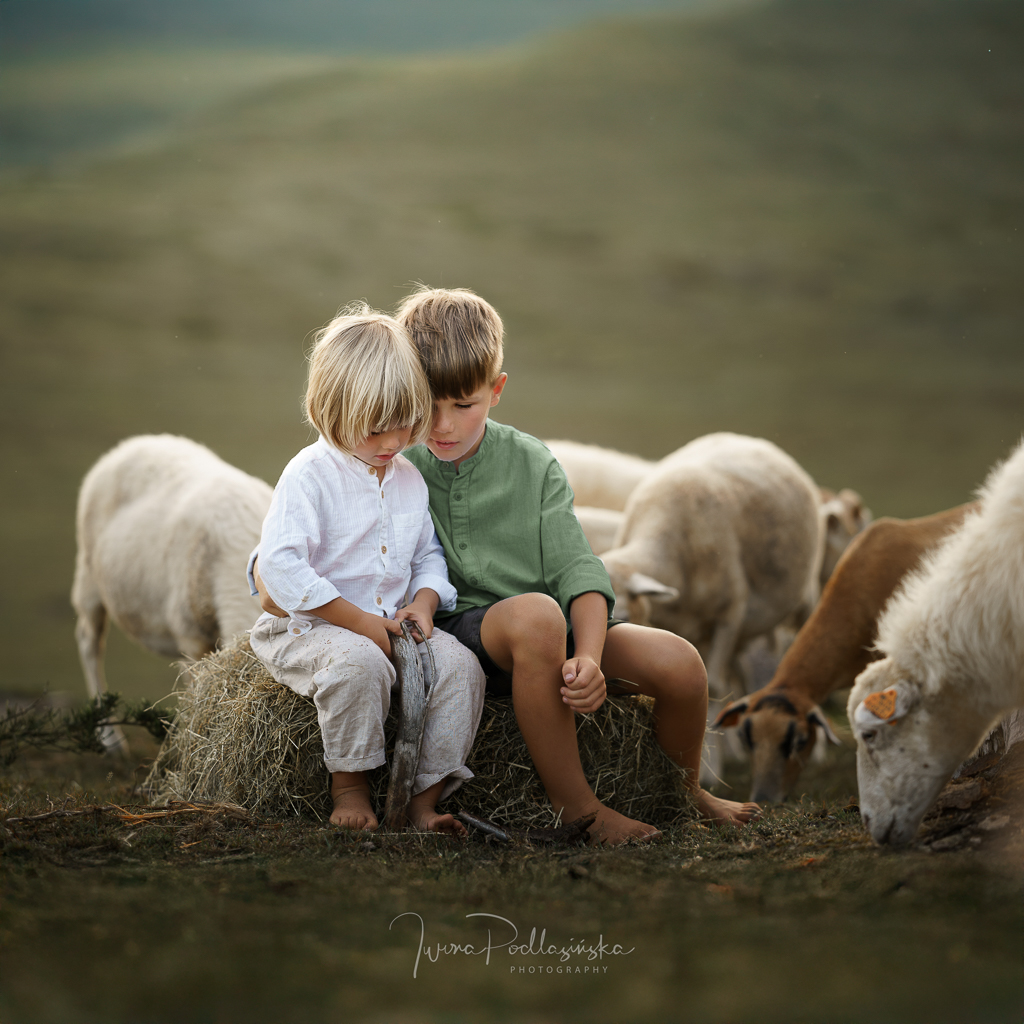
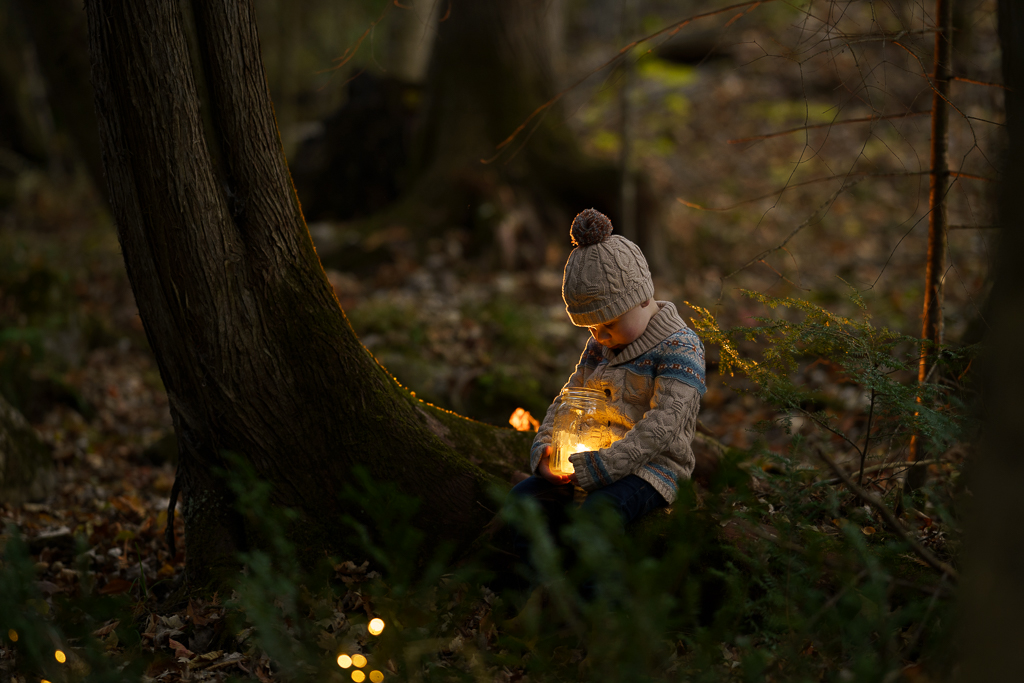
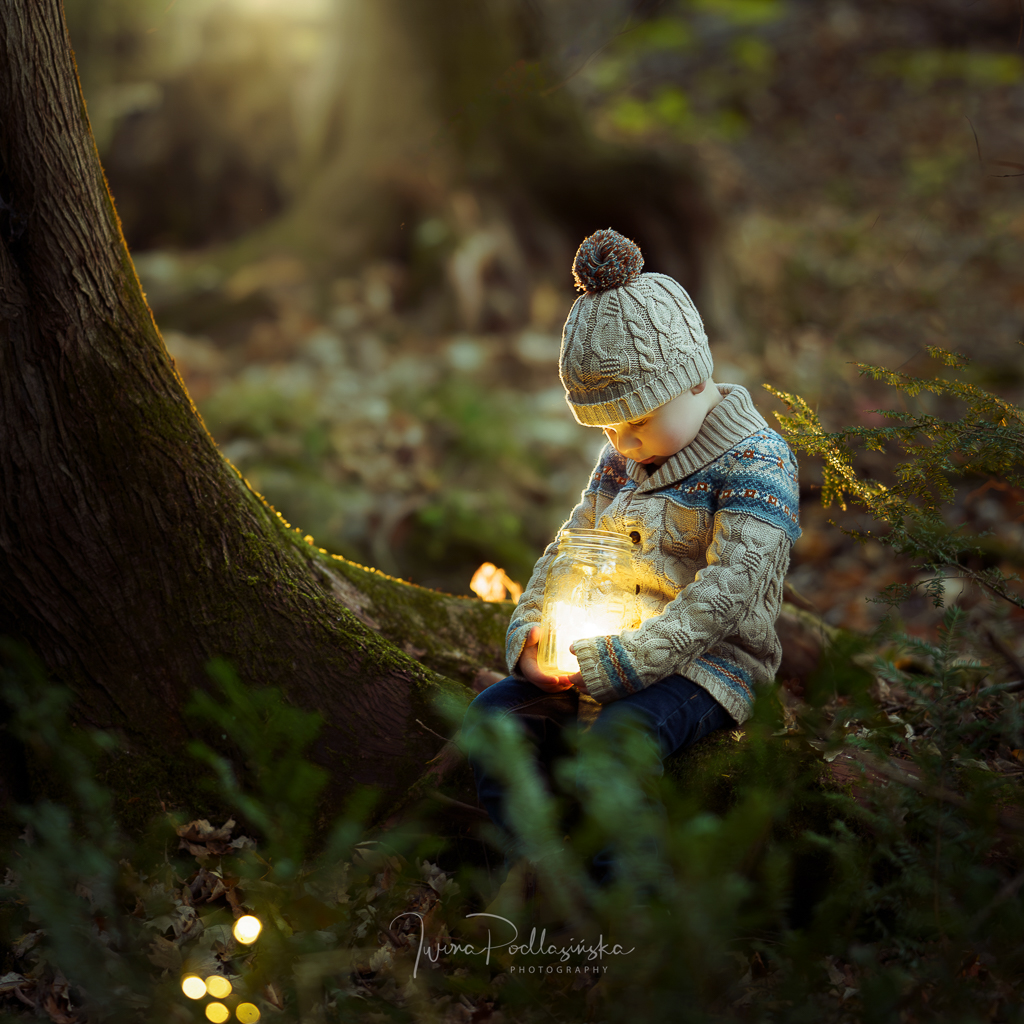
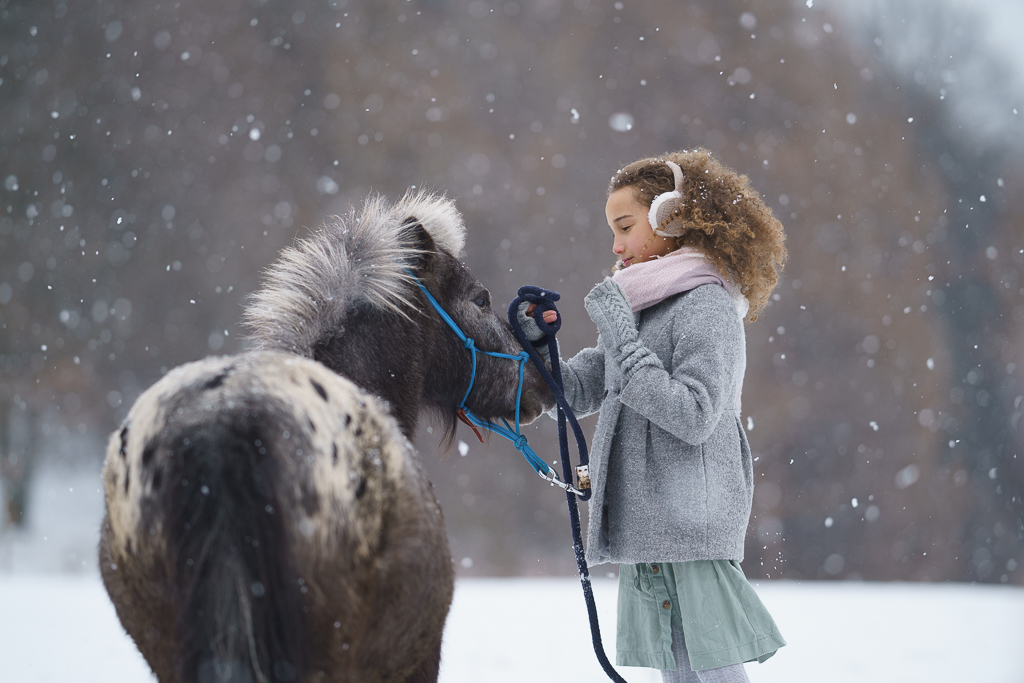
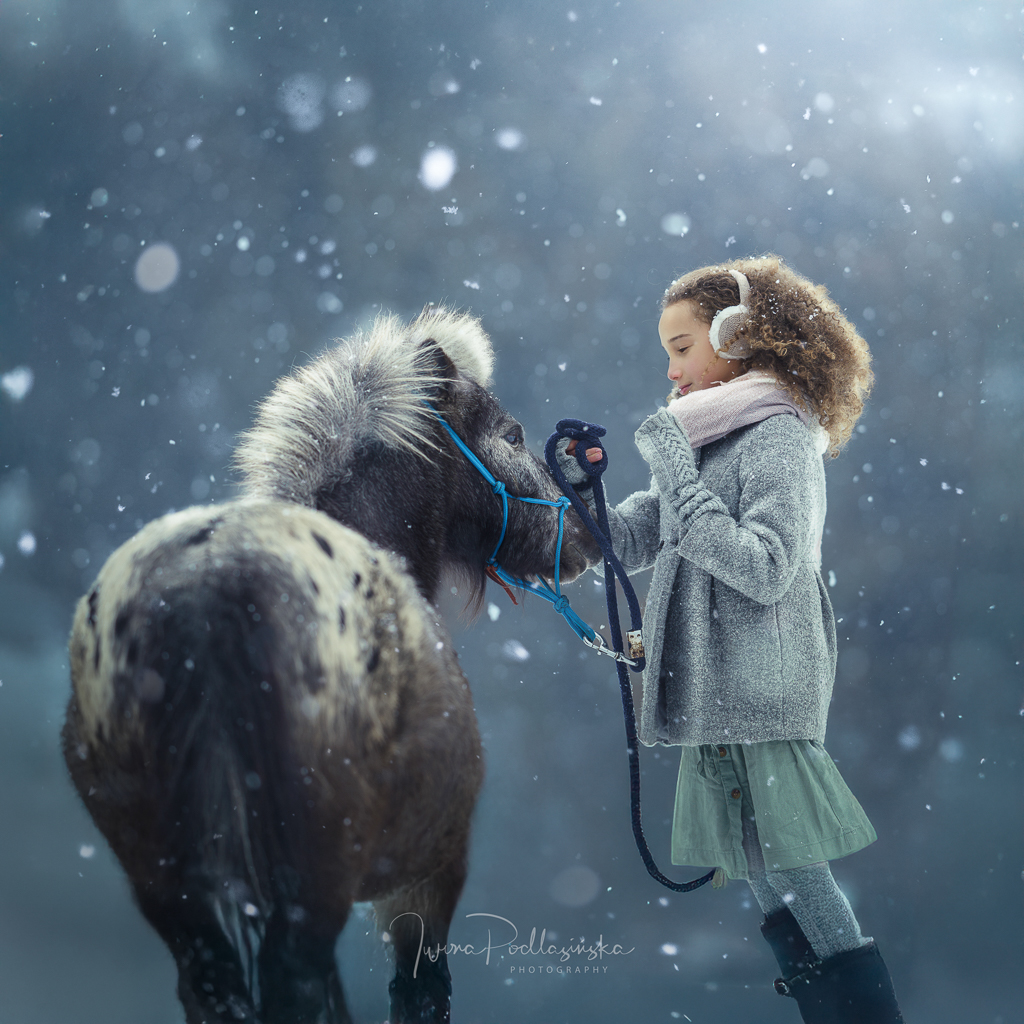
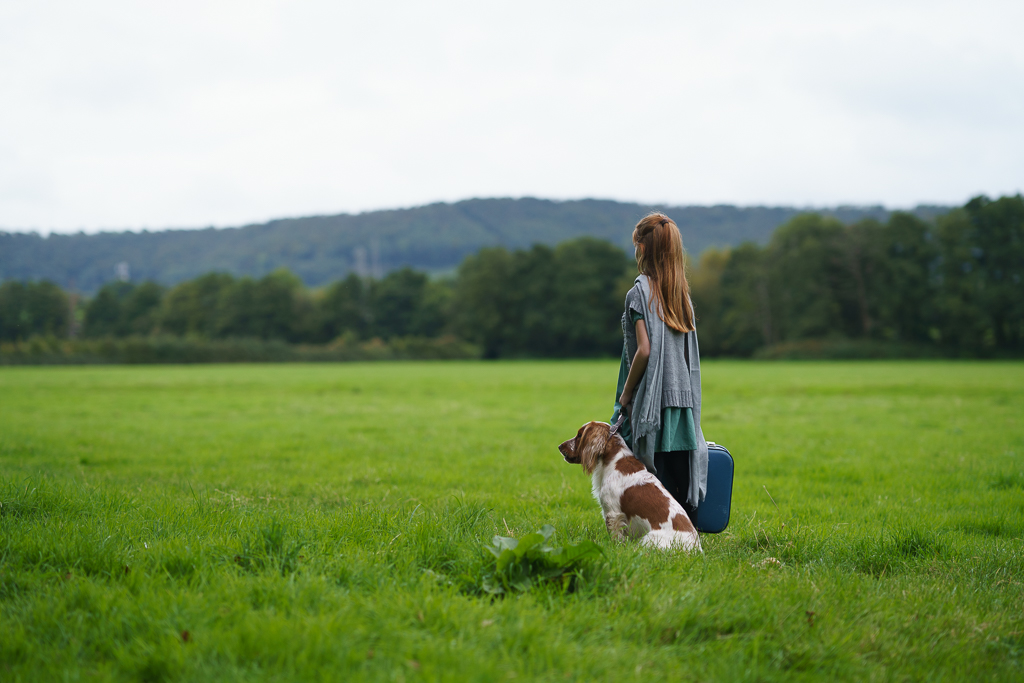
You’ll watch me edit 9 different photographs, each with different light, colours and challenges. I explain the decisions I make along the way — how I shape the light, control colour, work with skin tones, build atmosphere and use Photoshop when Lightroom is no longer enough.
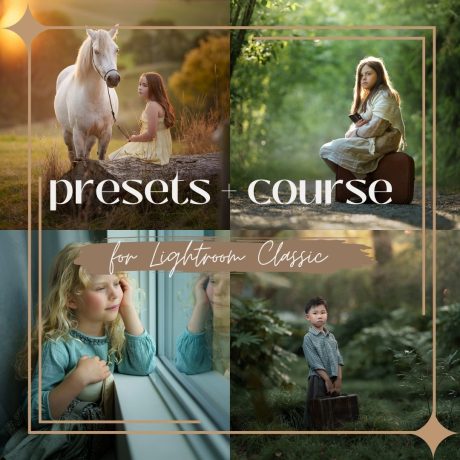
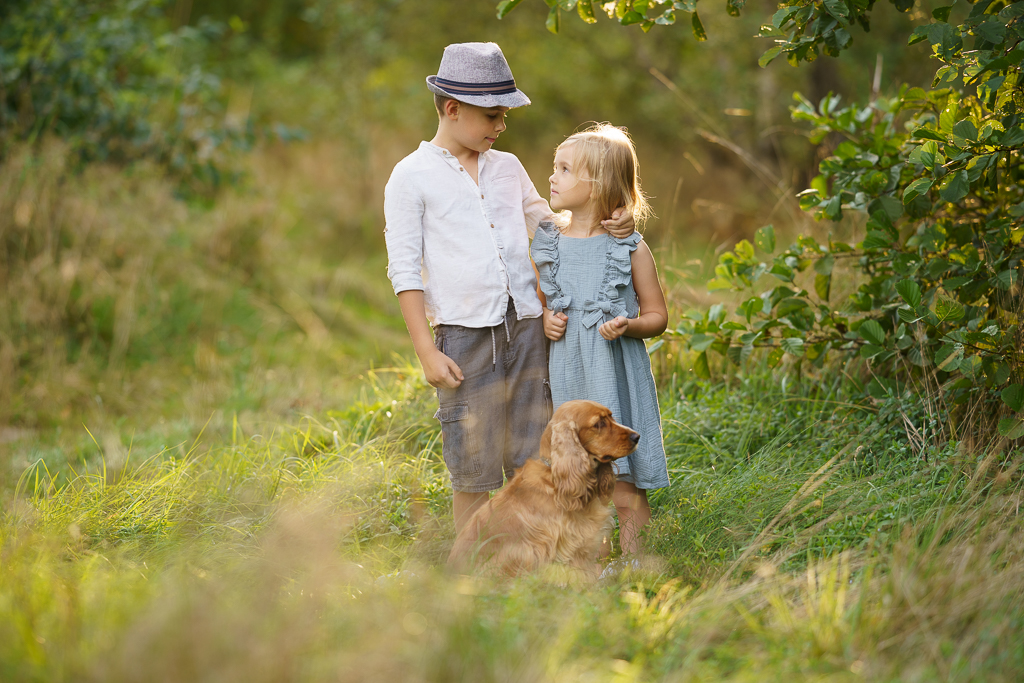
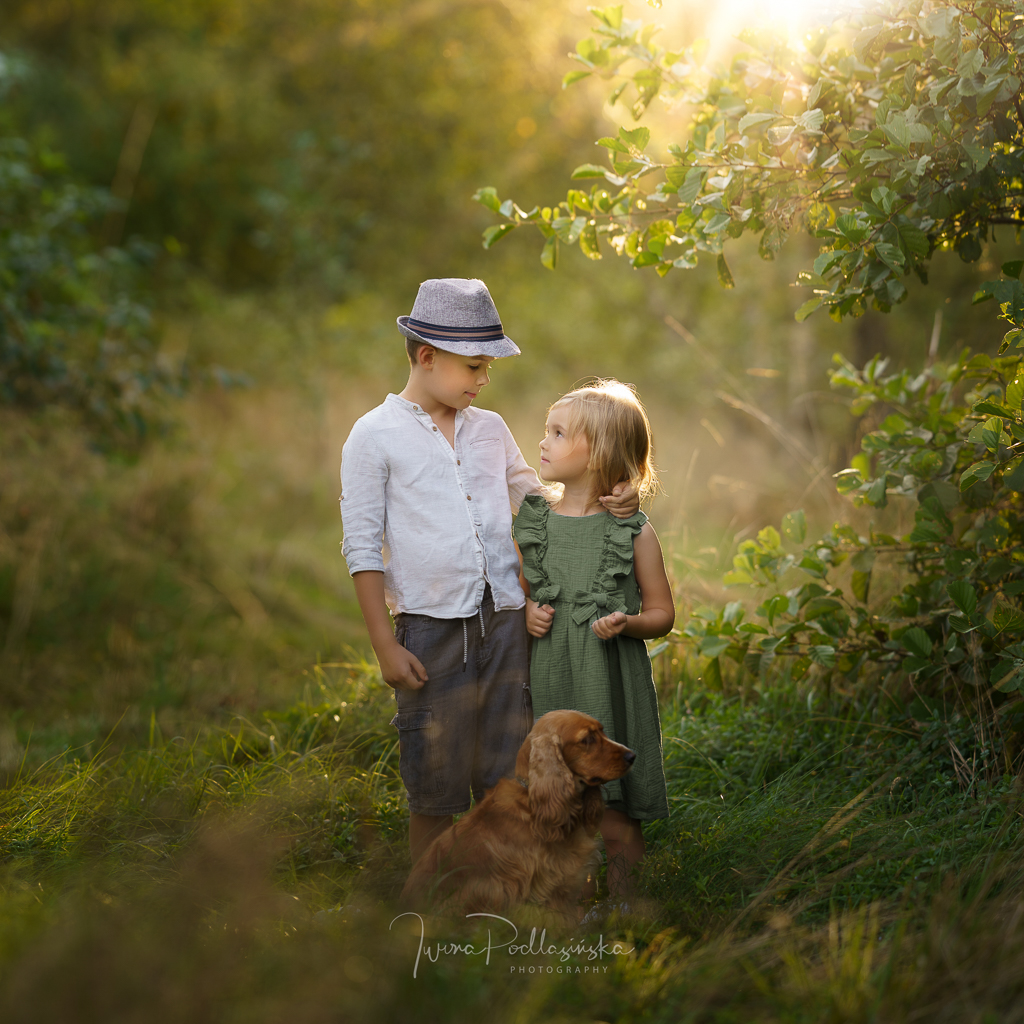
And because you receive the RAW files, you can open the same photographs on your own computer and edit along with me step by step.
RAW → FINAL EDIT




What you’ll learn
Build an image from RAW to final edit
See my complete process instead of learning isolated Lightroom or Photoshop tools.
Shape light and colour
Learn how I use exposure, contrast, colour and local adjustments to create depth and atmosphere.
Create natural skin tones
See how I balance colour while keeping skin looking natural.
Know when to move from Lightroom to Photoshop
Learn which parts of my workflow I complete in Lightroom and when Photoshop becomes useful.
Retouch without losing a natural look
Follow my practical approach to portrait retouching.
Use masks, presets and overlays creatively
See how these tools become part of the editing process rather than one-click effects.
Create a consistent finished image
Understand the decisions that bring all the individual adjustments together.
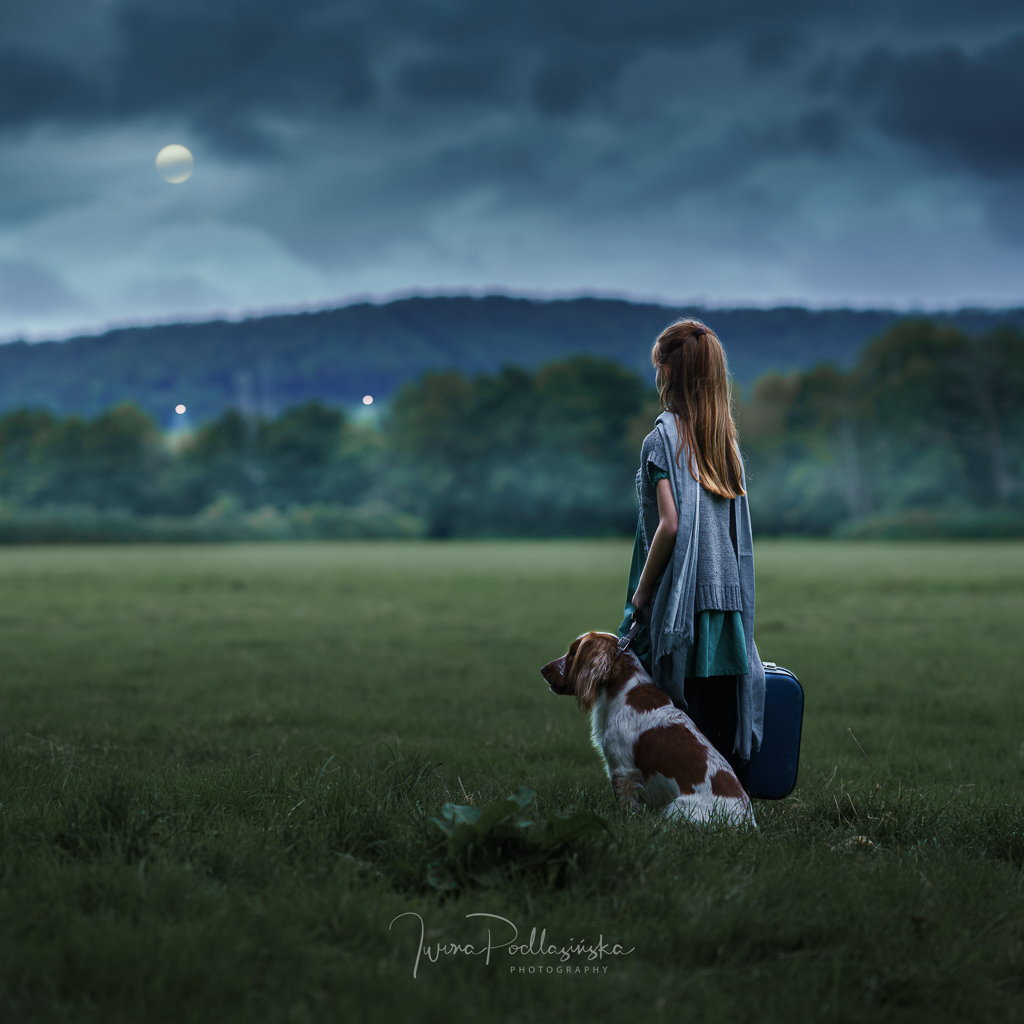
What’s included
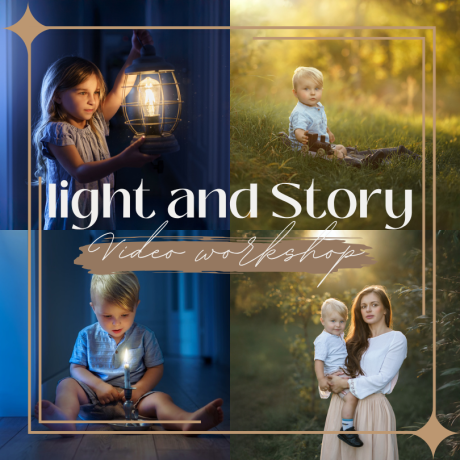
✓ 12 video lessons
✓ 9 complete photo edits from RAW to final image
✓ 2 additional tutorials about tools and workflow
✓ More than 3 hours of video
✓ RAW files from the course
Download the photographs and edit alongside me.
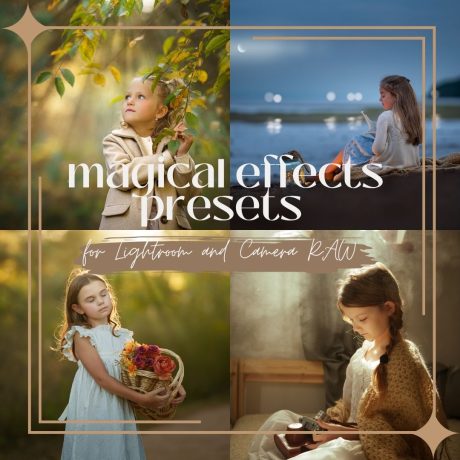
✓ Lightroom presets and Photoshop overlays
✓ Instant access after purchase
✓ Unlimited access after purchase
9 photographs. 9 different editing challenges.




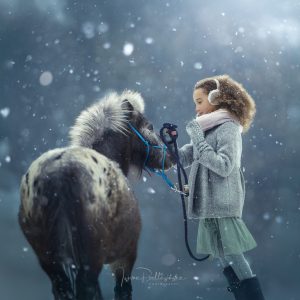



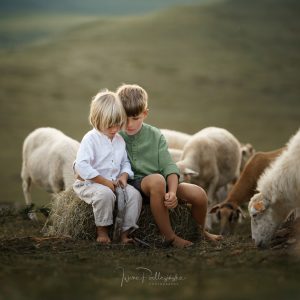
Different light. Different colours. Different seasons. Different problems to solve.
The goal isn’t to teach you one recipe that works for one photograph. It’s to help you understand the editing decisions you can apply to your own images.
This course is for you if…
✓ You understand the basics of Lightroom but still wonder what to do next with an image.
✓ Your edits often feel unfinished or inconsistent.
✓ You want to understand how to create atmosphere through light and colour, rather than rely on one-click filters.
✓ You photograph children, families, portraits or pets and want a natural but creative editing style.
✓ You learn best by watching a complete real-world process instead of isolated software tutorials.
✓ You want to edit the same RAW files alongside me and compare your process with mine.
Learn the way I actually edit
This isn’t a collection of disconnected software tricks.
"These are real photographs and real edits from my own workflow. I show you not only what I do, but also the decisions behind the process.
My goal isn’t for you to copy my photographs. It’s to help you understand the tools and choices well enough to develop an editing process that feels like your own."
Iwona Podlasińska
Do I need to know Lightroom and Photoshop already?
Basic familiarity with the programs will make following the course easier, but you don’t need advanced editing skills.
Which software do I need?
Adobe Lightroom Classic and Adobe Photoshop.
Are the RAW files included?
Yes. You can download the RAW files used in the course and edit alongside me.
Are presets and overlays included?
Yes. The course includes Lightroom presets and Photoshop overlays used as part of the workflow.
Can I use the techniques on my own photographs?
Yes. The purpose of the course is not to recreate one specific look, but to understand the workflow and apply the techniques to your own images.
How long do I have access to the course?
The access is unlimited.