Description
Photoshop-style effects — without Photoshop
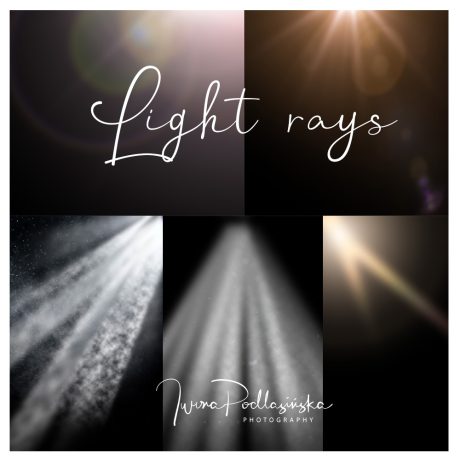
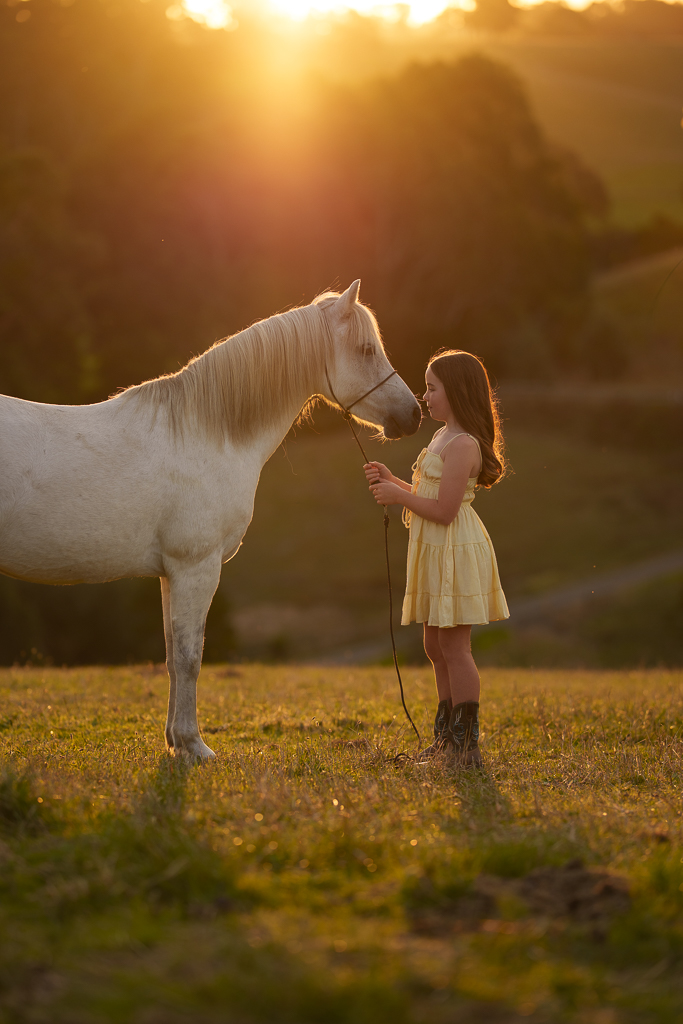
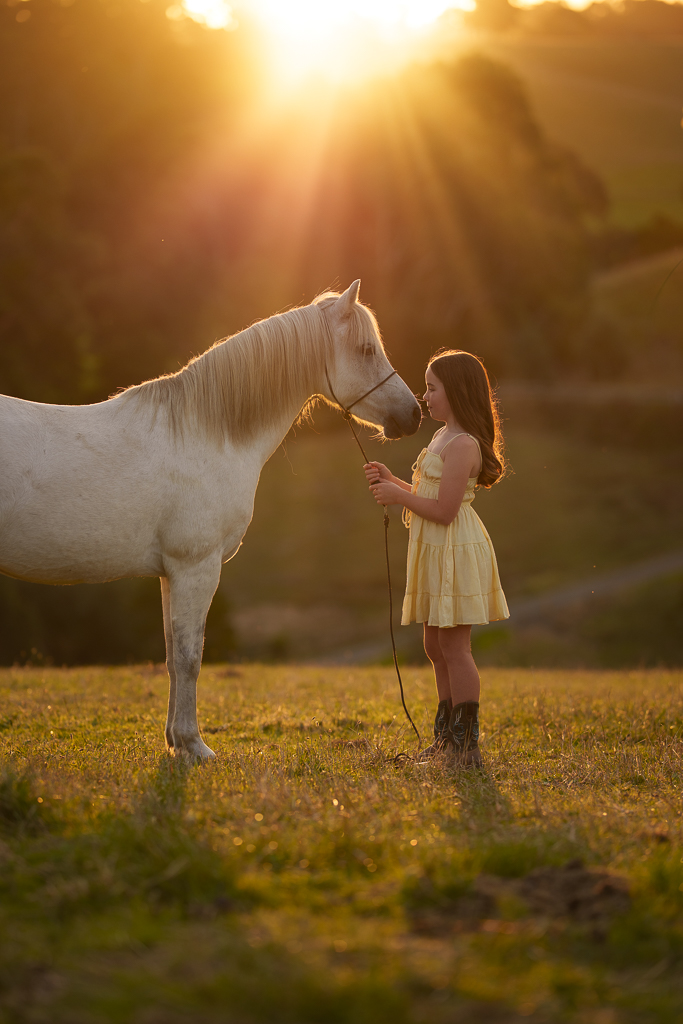
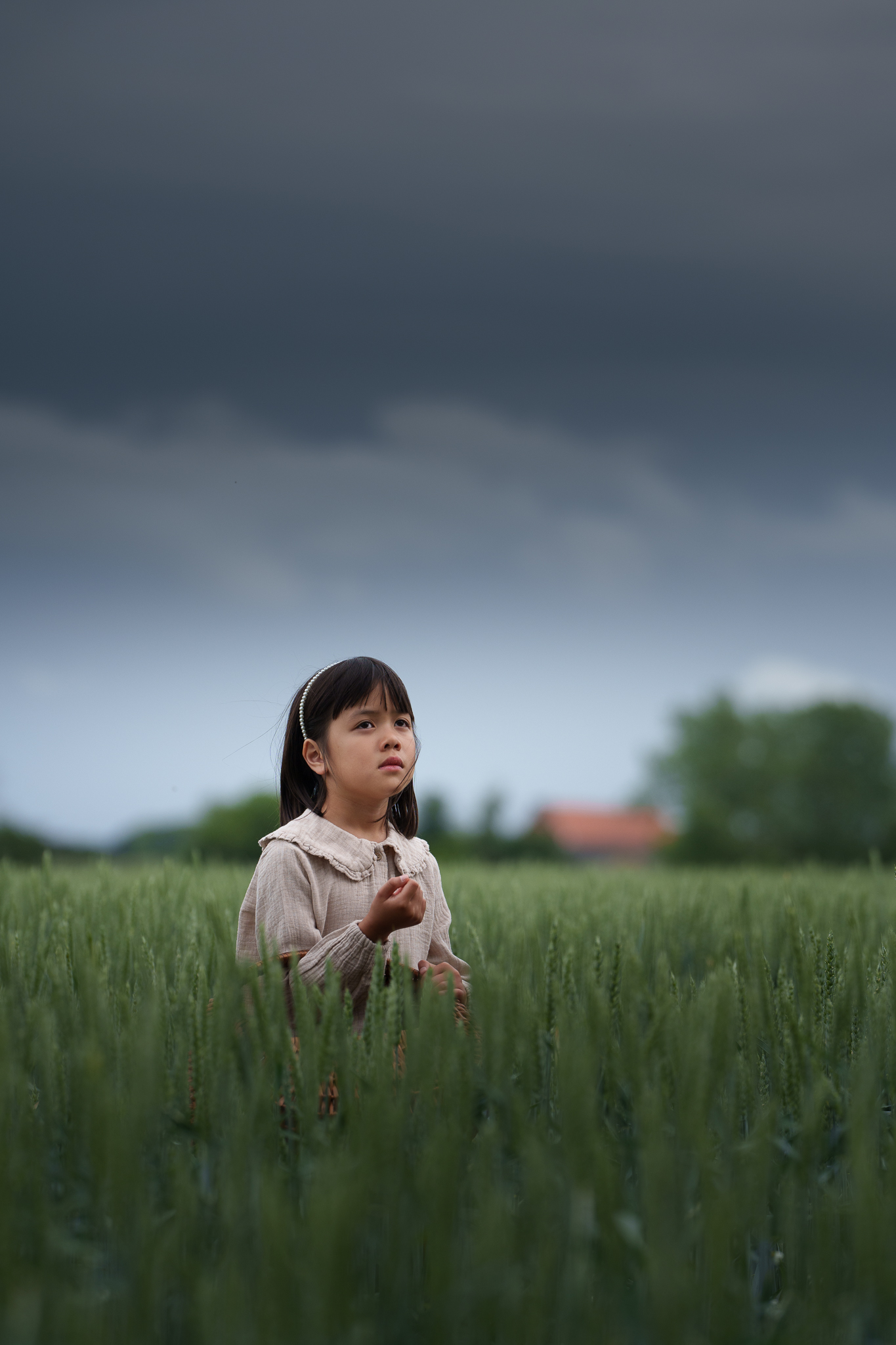
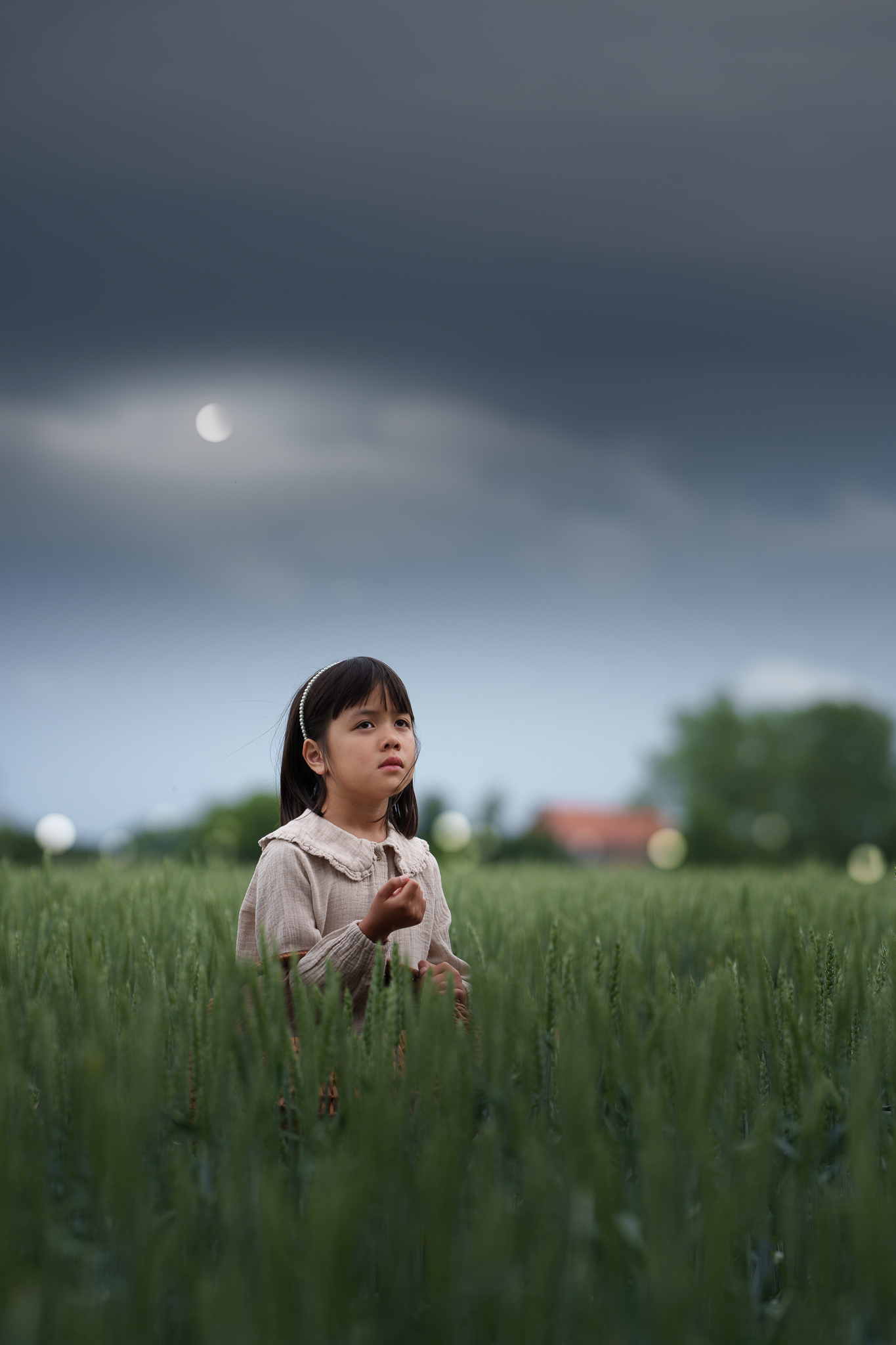
Add light rays, flares, bokeh, dust or a moon without creating layers or manually building complex masks.
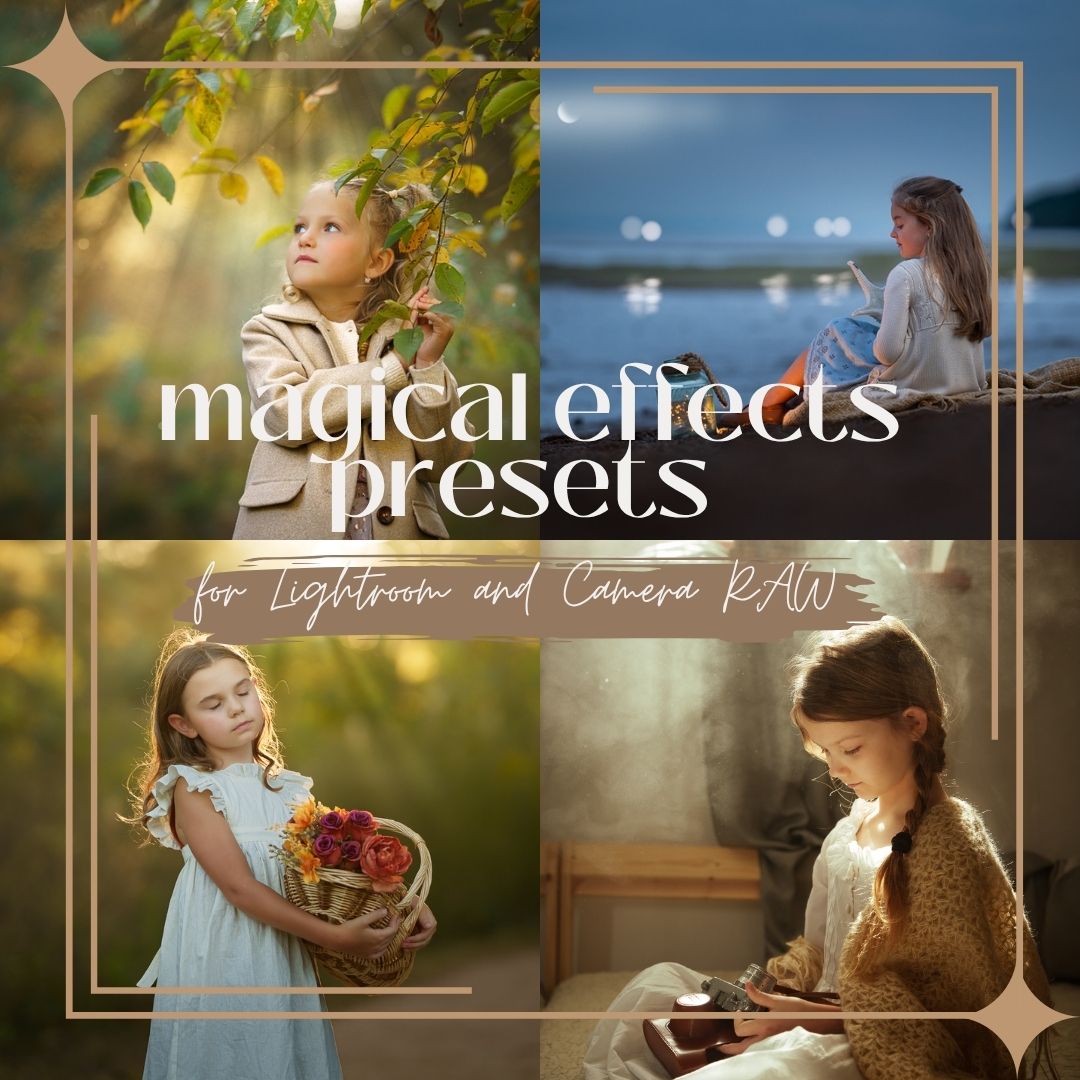
Magical Effects is a collection of 17 creative presets for Lightroom and Adobe Camera RAW powered by masks. Choose a preset and the effect appears on your photograph as an editable mask that you can adjust to fit your image.
These are not typical presets
A traditional preset changes the overall appearance of your photograph. Magical Effects works differently.
Each preset creates an editable effect using a mask. This means you can add light, bokeh or dust exactly where you need it and then adjust the effect to suit your photograph.
The speed of a preset. The control of a mask.
What do you get?
✓ 8 Light Rays & Flares presets
Add rays of light and creative flare effects.✓ 4 Bokeh presets
Create beautiful points of light and atmosphere.✓ 4 Dust presets
Add illuminated particles and dust to your scene.✓ 1 Moon preset
Add a moon effect to your photograph.17 creative effect presets in total
✓ Instant access after purchase
✓ Lifetime access
✓ Future updates


How does it work?
1. Choose an effect
Select a preset such as Light Rays, Bokeh or Dust.2. Lightroom creates the effect
The preset uses a mask to place the effect on your photograph.3. Make it your own
Adjust its position, intensity, exposure, temperature and other mask settings.You decide whether the final result is subtle or dramatic.


One effect. Full control.
After applying a preset, you can:
• move the effect to another part of the photograph
• increase or decrease its intensity
• adjust exposure and temperature
• customise the mask for your image
• combine multiple effectsThis means the preset becomes a creative starting point rather than a finished filter applied to your photograph.
Who are Magical Effects for?
Magical Effects are especially useful if:
• you edit in Lightroom and don't want to move to Photoshop just to add an effect
• you photograph portraits, children or families
• you love creating light and atmosphere during editing
• you want to experiment with more creative edits without a complicated workflow
• you want the freedom to adjust every effect to your own photograph
A simpler creative workflow
Without Magical Effects:
Lightroom → Photoshop → layers → masking → effect → back to Lightroom
With Magical Effects:
Lightroom → choose an effect → adjust the mask → done.
Spend less time switching between programs and more time creating the atmosphere you imagined.
Frequently Asked Questions
Do I need Photoshop?
No. Magical Effects work directly in Lightroom, Lightroom Classic and Adobe Camera RAW.
Can I adjust the effect after applying a preset?
Yes. Each effect is created using a mask, so you can change its position, intensity and other settings.
Can I combine several effects on one photograph?
Yes. You can combine different effects and adjust each one individually.
Will these presets change the colour of my entire photograph?
That's not their purpose. Magical Effects are designed primarily to add local creative effects using masks rather than apply a finished colour look to the entire photograph.
How do I install the presets?
Import the downloaded preset files into the Presets panel in Lightroom, Lightroom Classic or Adobe Camera RAW. Once installed, they will be available in your presets list.