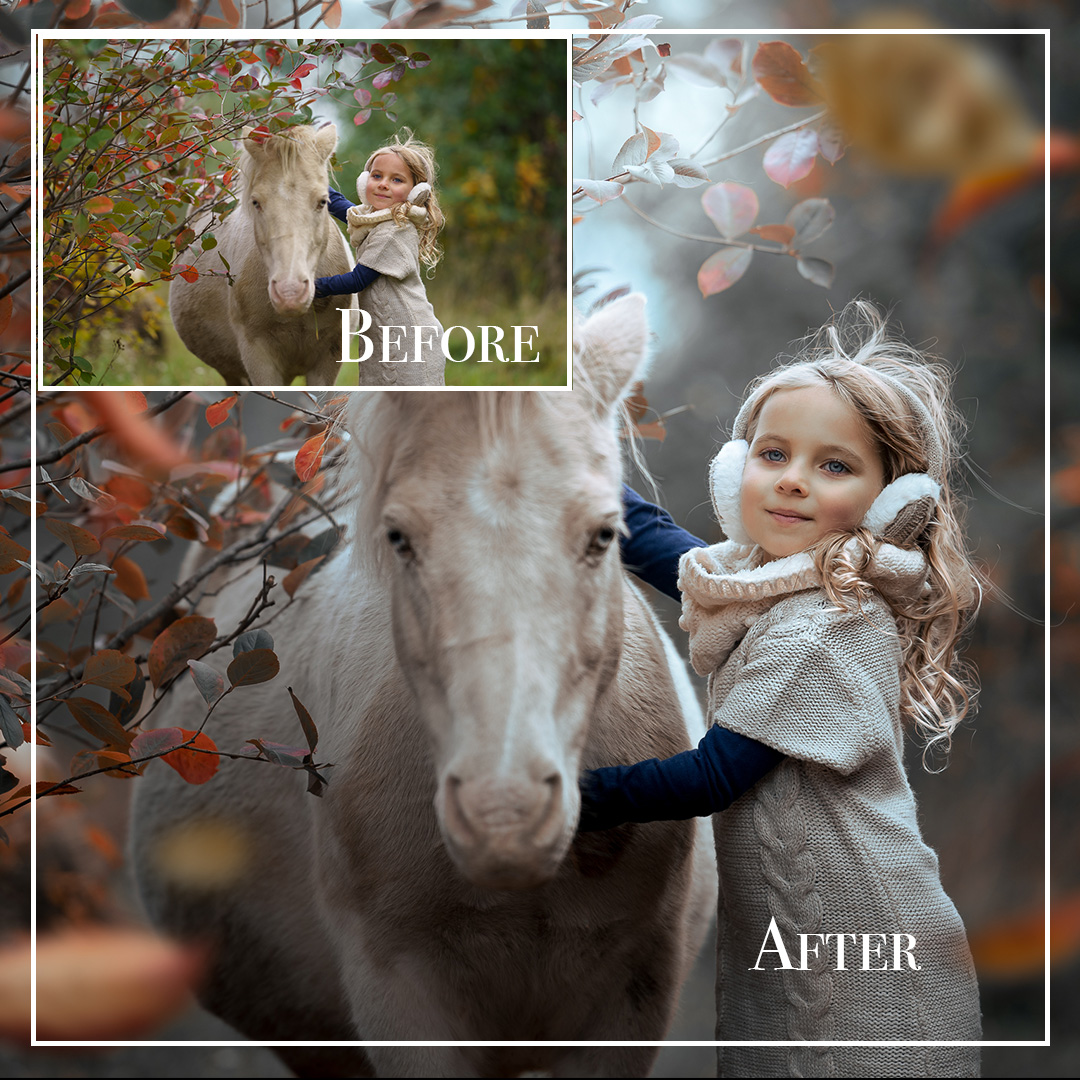
Description
“The Pony” – Lightroom Classic Portrait Editing Tutorial
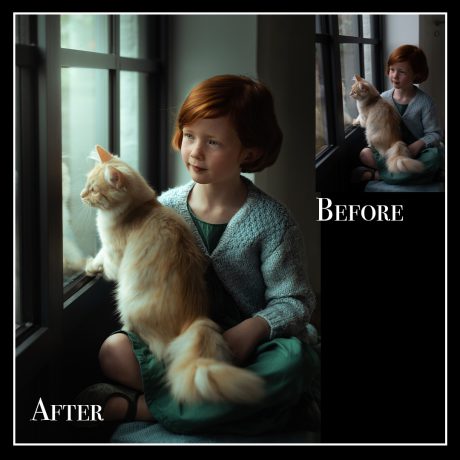
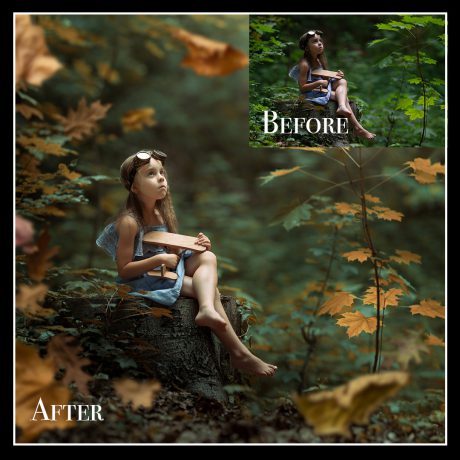
Step into a world of dreamy portrait editing! In this step-by-step tutorial, I’ll show you exactly how I edit a soft, summery portrait of a girl with a pony using only Adobe Lightroom Classic.
Perfect for photographers who want to create magical, painterly portraits with soft tones and natural retouching – all without Photoshop.
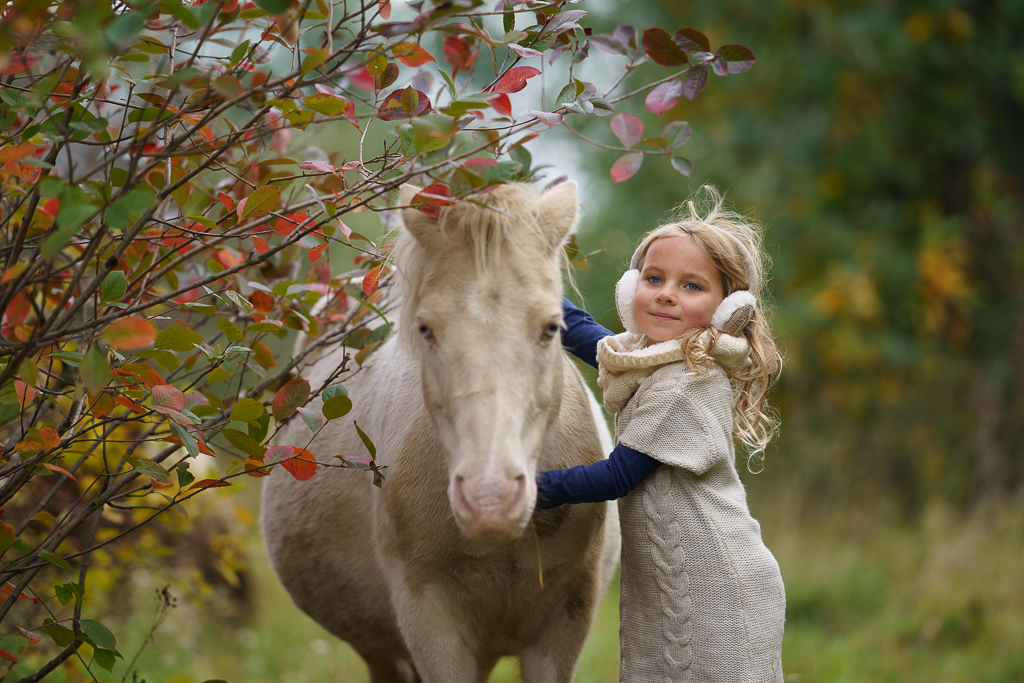
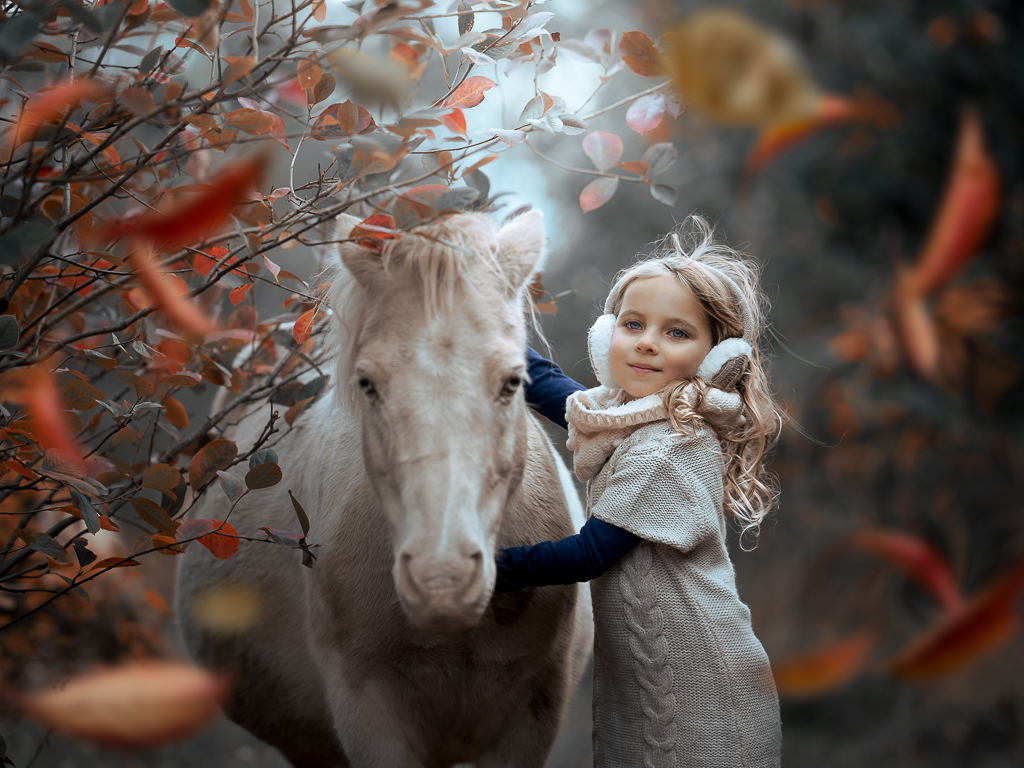
✨ What You’ll Learn:
-
How to edit exclusively in Lightroom Classic – no Photoshop needed
-
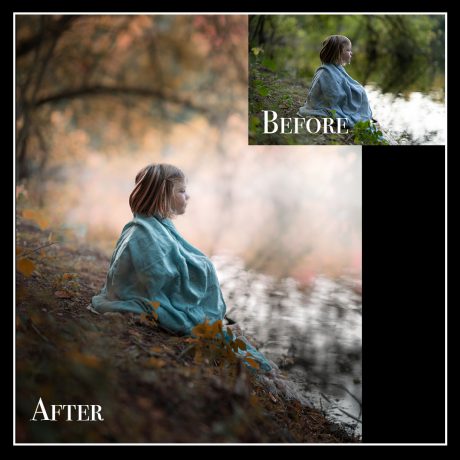
How to achieve a soft, dreamy background while keeping your subject sharp
-
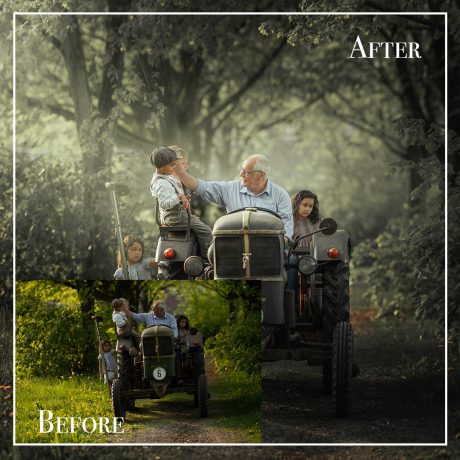
How to create beautiful, artistic tones using my custom settings
-
How to retouch a child’s face gently and naturally
-
How to balance light, color, and contrast to keep that fairytale vibe
? What’s Included:
-
? Full video tutorial with real-time editing
-
? Downloadable RAW file to follow along
-
? My custom Lightroom preset
-
⏱️ Duration: approx. 35 minutes
?? Who is it for?
✔️ Child & family photographers
✔️ Creatives who prefer editing in Lightroom only
✔️ Beginners and intermediate editors building their unique style