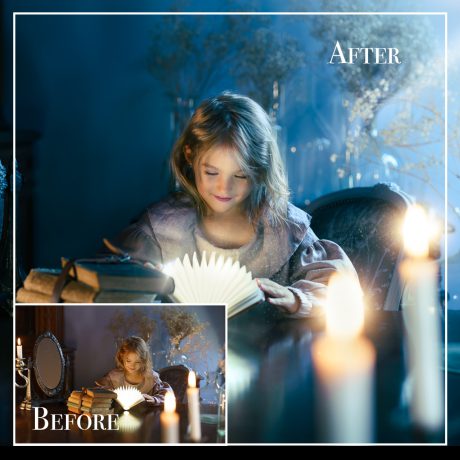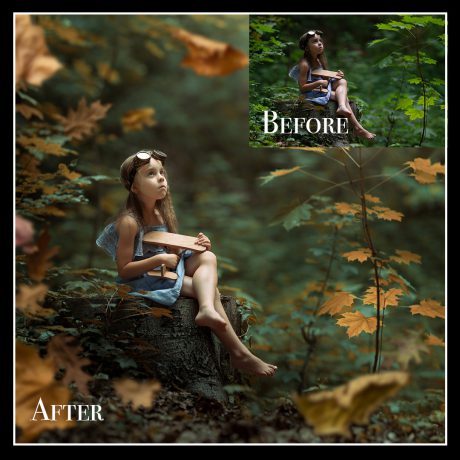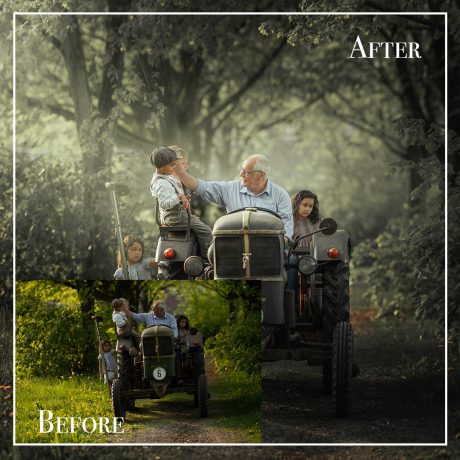
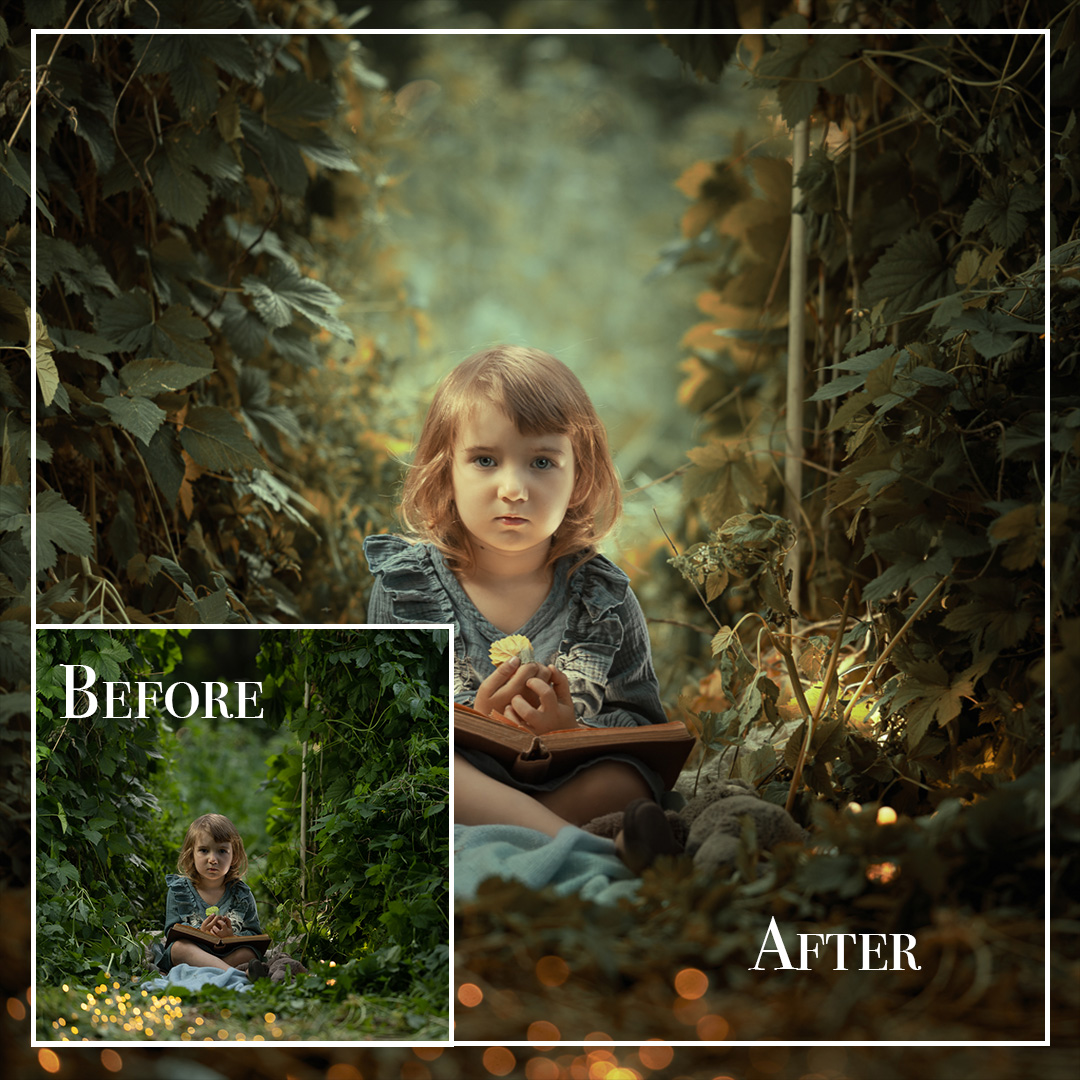
Description
Natural Light Magic – Child Portrait Editing in Adobe Lightroom
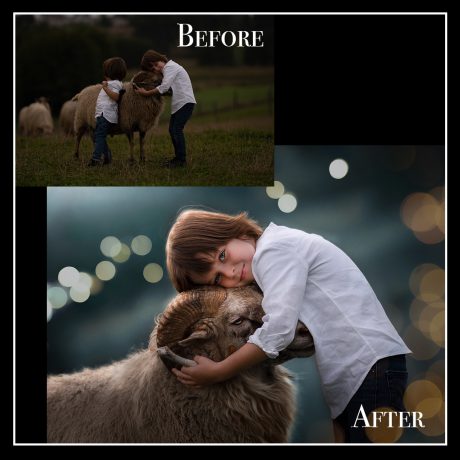
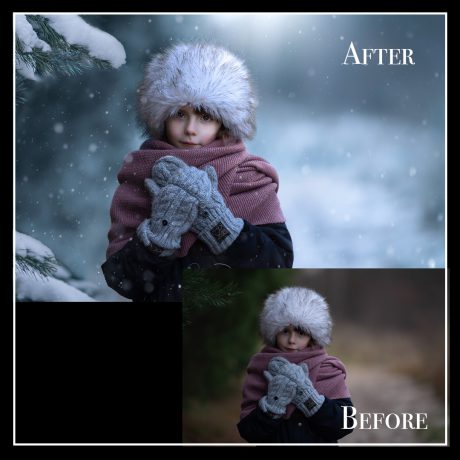
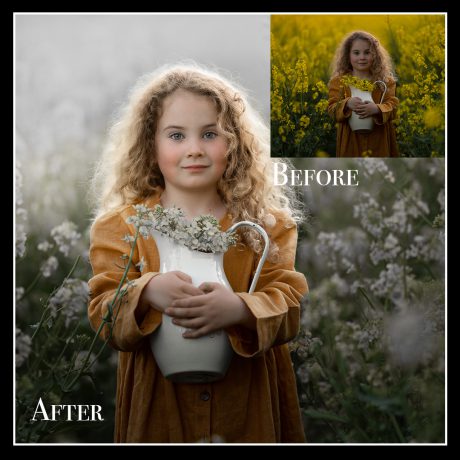
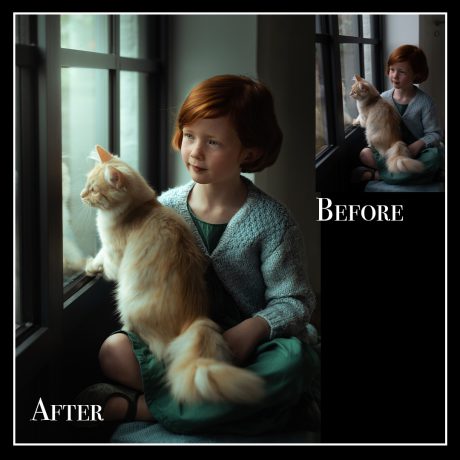
Discover how to transform a simple outdoor portrait into a stunning visual story – using only Lightroom Classic!
In this comprehensive tutorial, you'll learn how to edit a child portrait taken in natural garden light. No Photoshop needed – all adjustments are done in Adobe Lightroom Classic, making this perfect for both beginners and those who want to streamline their workflow.
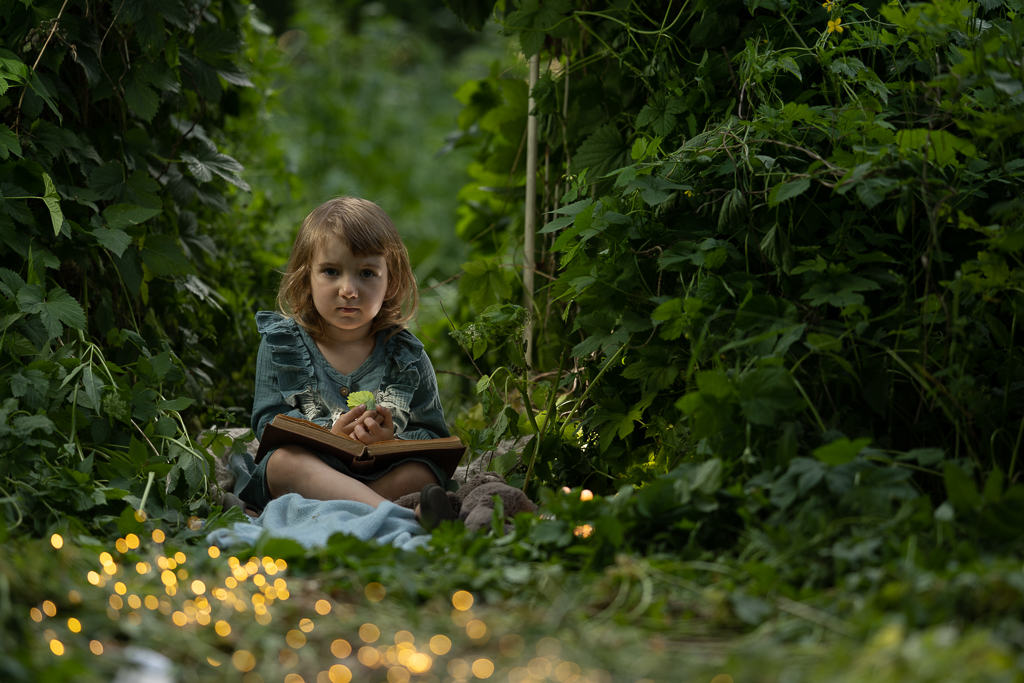
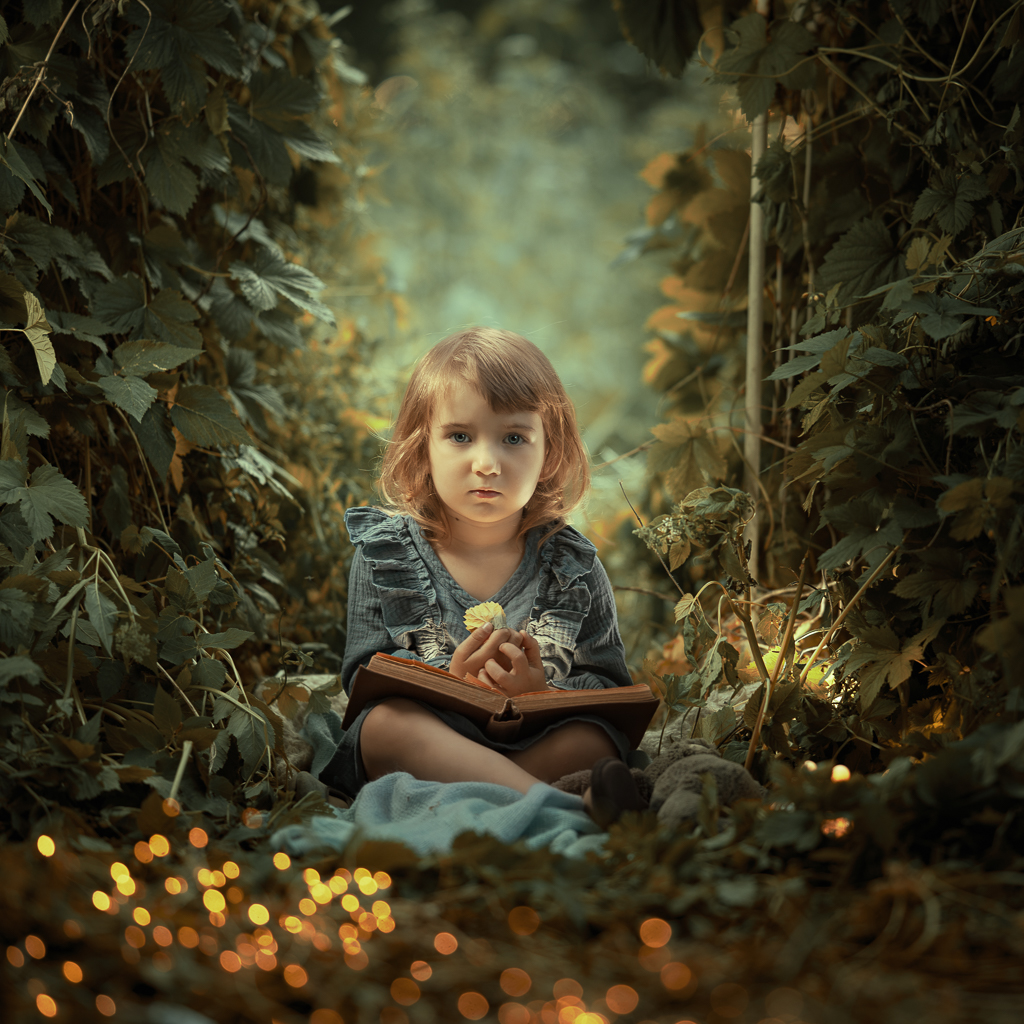
✨ What You’ll Learn:
-
Full Lightroom workflow for editing child portraits taken outdoors
-
How to manage exposure and light for natural, glowing results
-
Color enhancement techniques to create depth and warmth
-
Sharpening and retouching methods – including subtle skin correction and removing under-eye shadows
-
How to preserve softness in the background while making the subject pop
? What’s Included:
-
✅ In-depth, real-time video tutorial
-
✅ Easy-to-follow step-by-step instructions
-
✅ Practice files so you can edit alongside the lesson
-
✅ Professional techniques explained in a beginner-friendly way
“A beautifully edited portrait doesn’t just capture a child — it preserves a fleeting moment in time.”
With this tutorial, you’ll gain the confidence to transform everyday photos into enchanting portraits full of light, emotion, and charm – using nothing but Lightroom.
Start editing today and unlock the true potential of your photography!