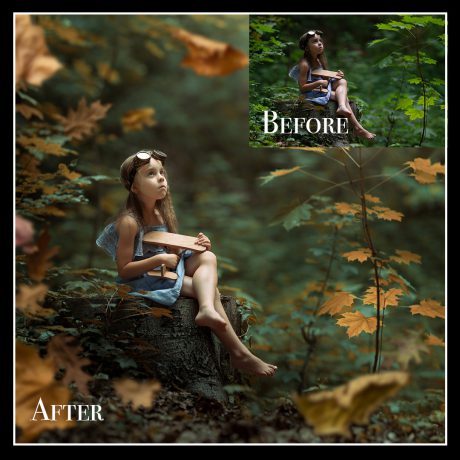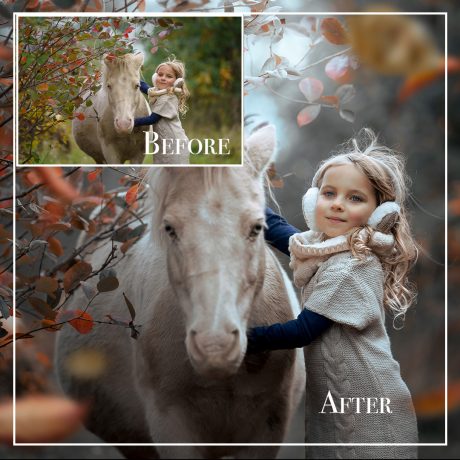
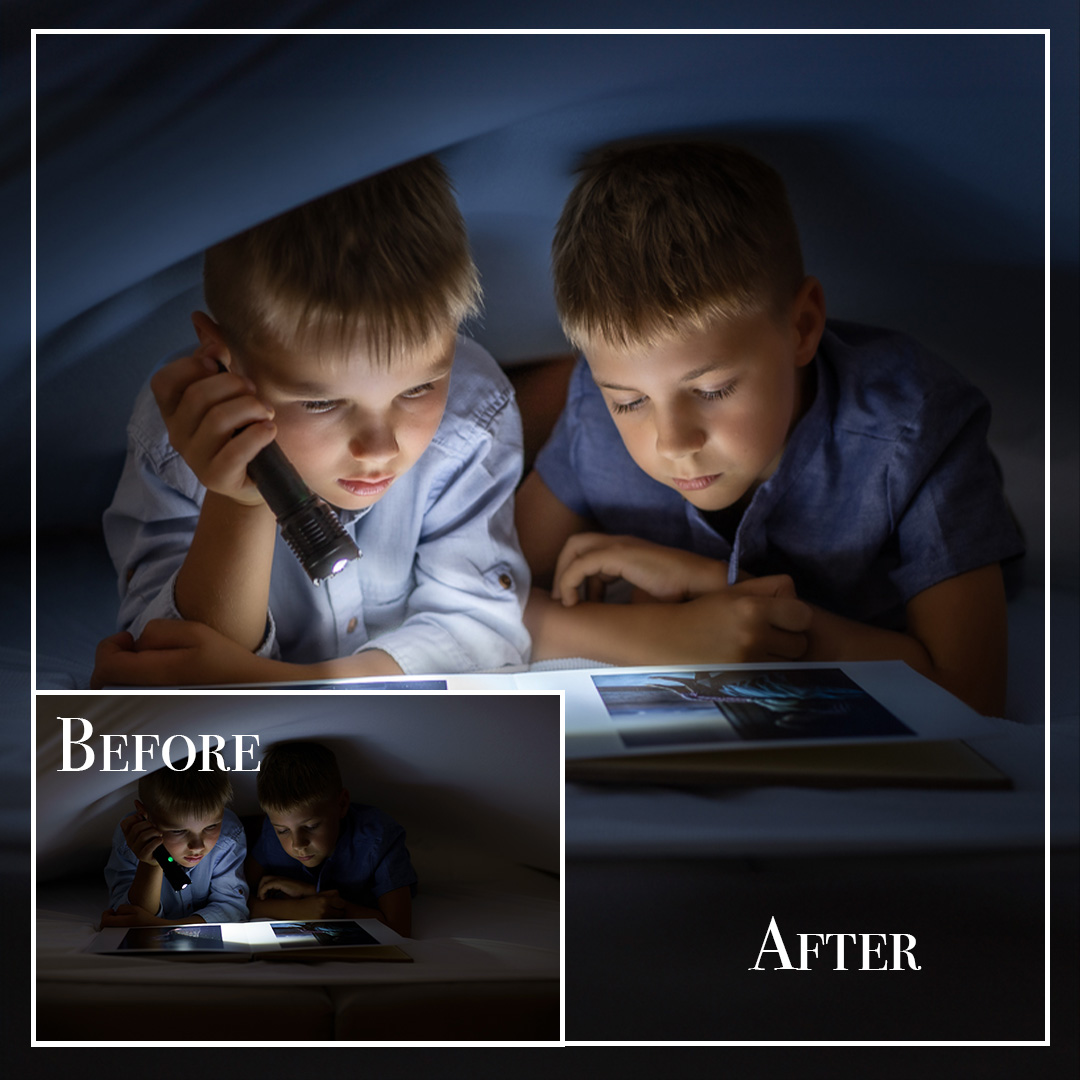
Description
Night Secrets – Lightroom Editing with a Photoshop Finishing Touch
Discover how a simple evening scene becomes cinematic and full of character!
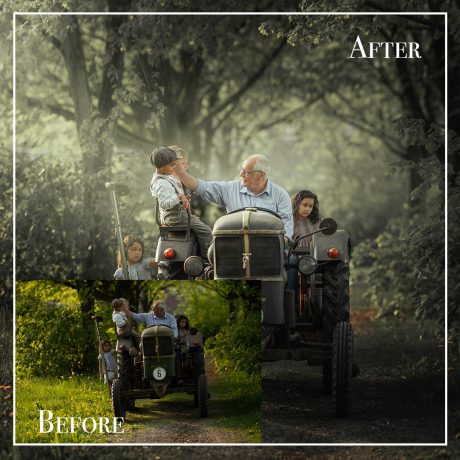
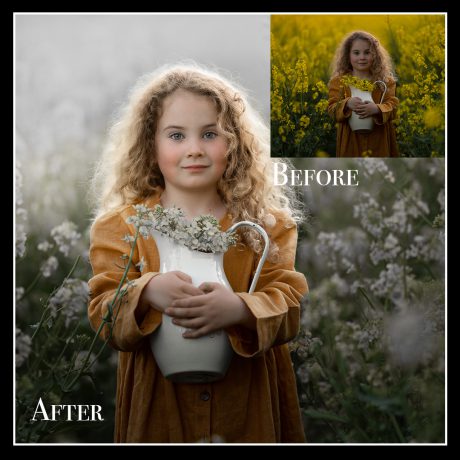
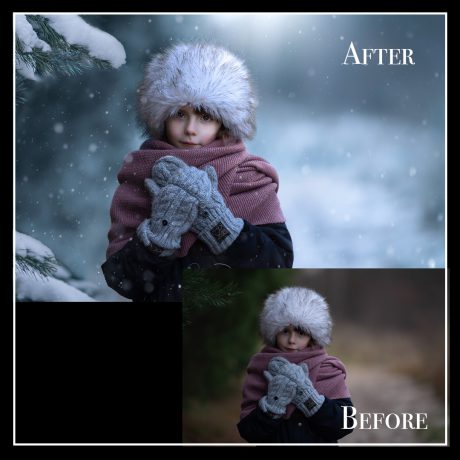
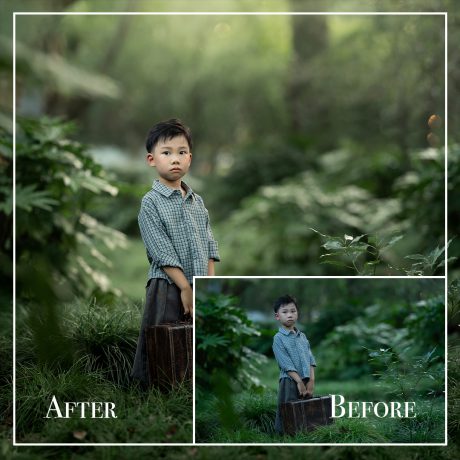
In this tutorial, I’ll guide you step by step through my full editing process in Lightroom Classic, with a final tweak in Photoshop to expand the frame.
✨ What You’ll Learn:
-
How to achieve moody blue-orange tones – for a cinematic, storytelling vibe
-
How to brighten the face naturally – soft, glowing skin without blown highlights
-
How to add subtle details and magical light – bringing your portrait to life
-
How to extend the frame in Photoshop – for better balance and visual impact
-
Step-by-step process – easy to follow, great results


“Night doesn’t mean darkness – it’s the perfect canvas for storytelling through light and tone.”
Perfect for those who want to create moody, expressive portraits with limited gear and natural light.
A touch of Lightroom, a pinch of Photoshop – and pure magic.