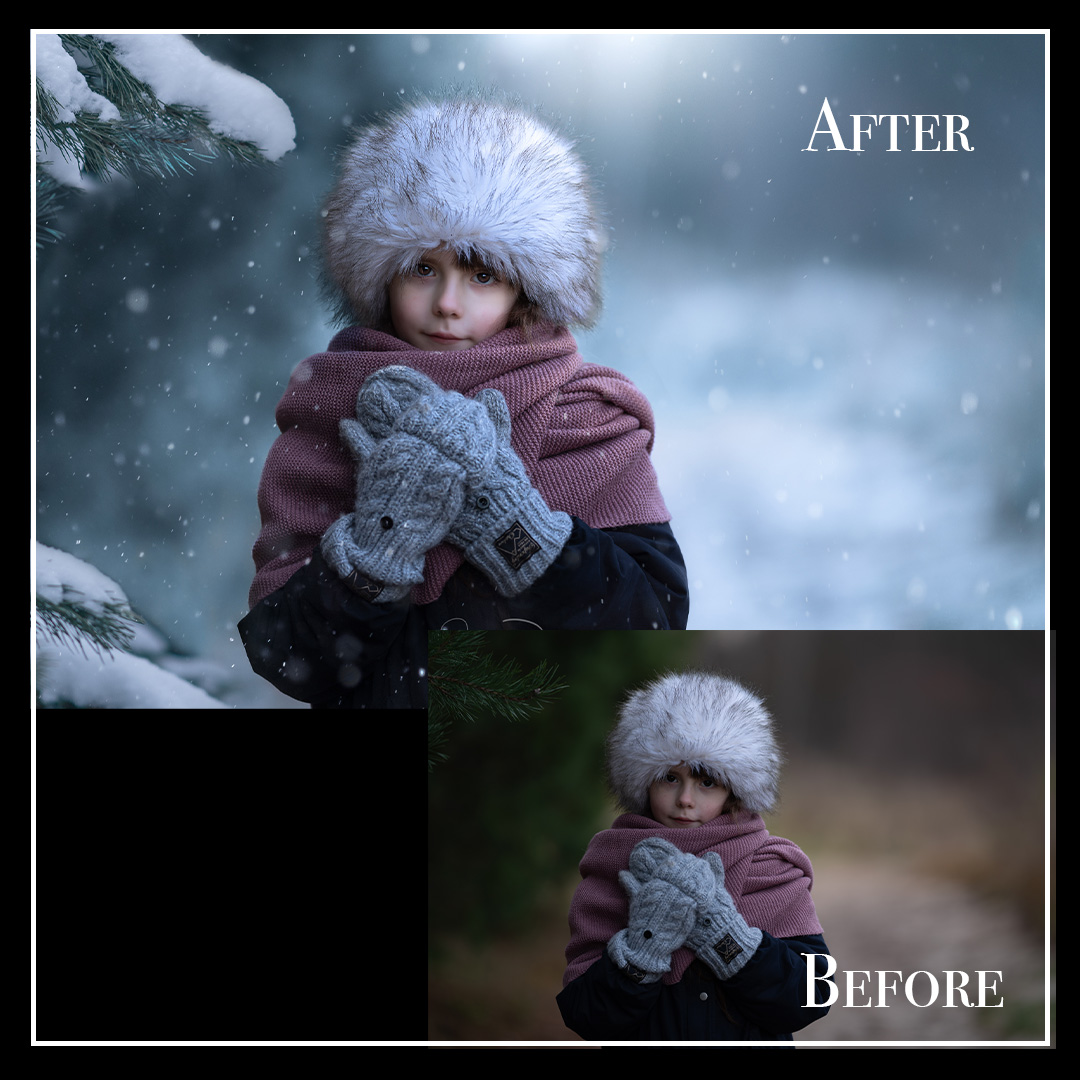
Description
❄️ Winter Transformation – Lightroom & Photoshop Tutorial: From Autumn Mood to a Magical Winter Scene
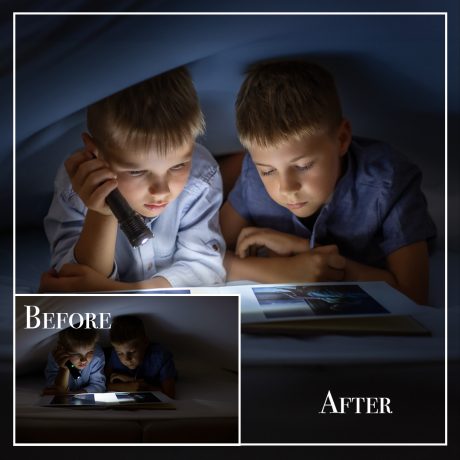
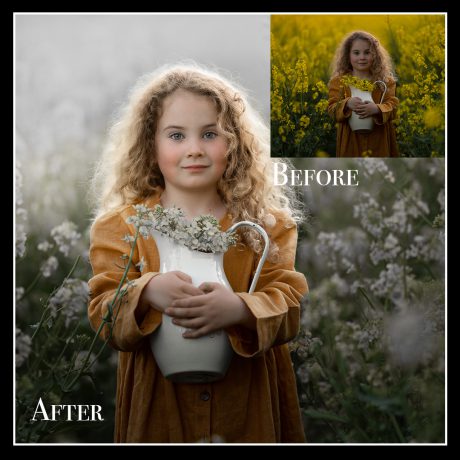
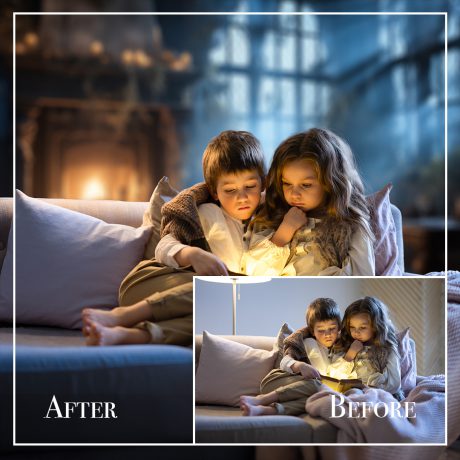
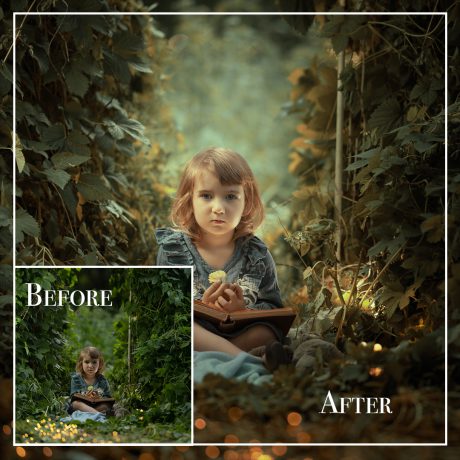
Learn how to turn a cloudy autumn portrait into a captivating winter fairytale, using just Lightroom Classic and Photoshop – step by step.
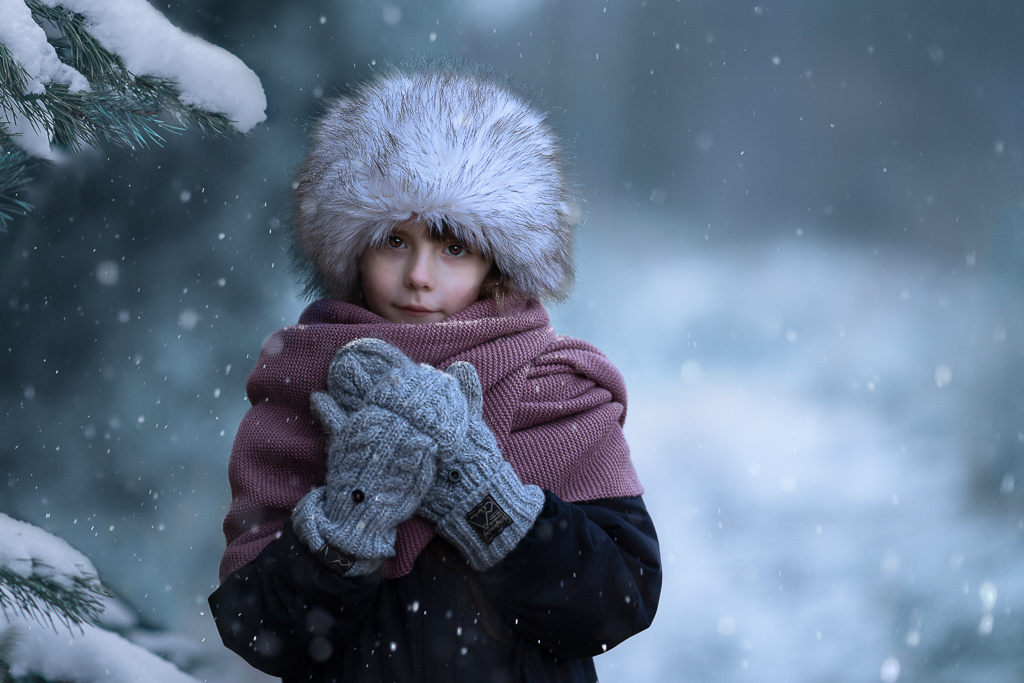
In this tutorial, I’ll show you how to add cool winter tones, enhance natural skin, and apply realistic snow effects to completely transform your image.

✨ What you’ll learn:
-
? How to create a cool, frosty color palette while keeping skin tones soft and natural
-
?️ How to add snow and subtle winter textures that bring your image to life
-
? How to use light and contrast to make your photo feel like a real winter day
-
? How to blend it all together in Lightroom and Photoshop – no extra plugins needed
What’s included:
-
Full video tutorial with my step-by-step workflow
-
Tips on color balance, lighting, and subtle details
-
Quick and effective techniques using only Lightroom Classic and Photoshop
-
Great for both beginners and experienced editors
“You don’t need snow outside to create winter magic. Just Lightroom, Photoshop, and a little imagination.”
This is a quick, practical tutorial that will help you create professional-quality winter portraits filled with mood, light, and storytelling charm.