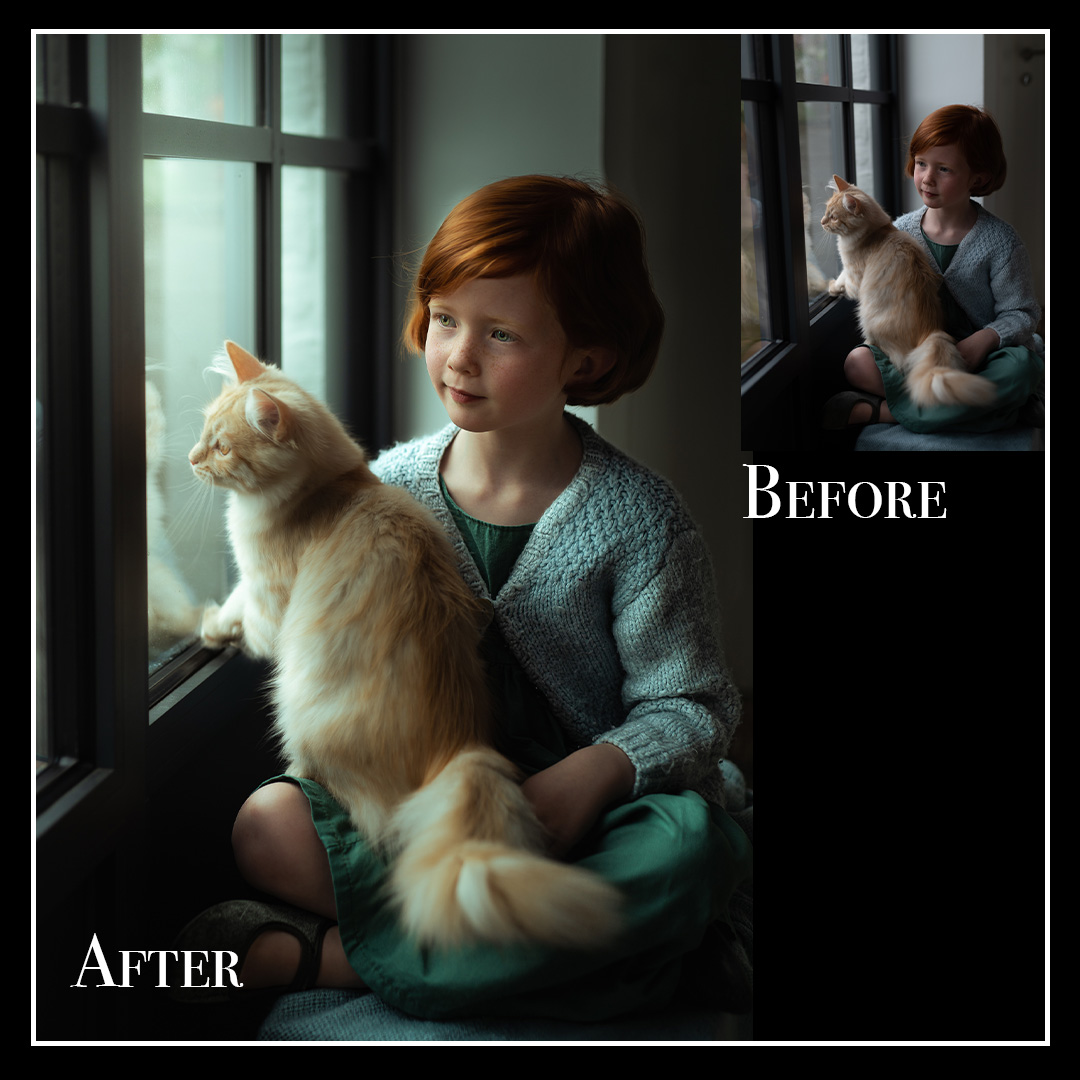
Description
Master Natural Light Portrait Editing
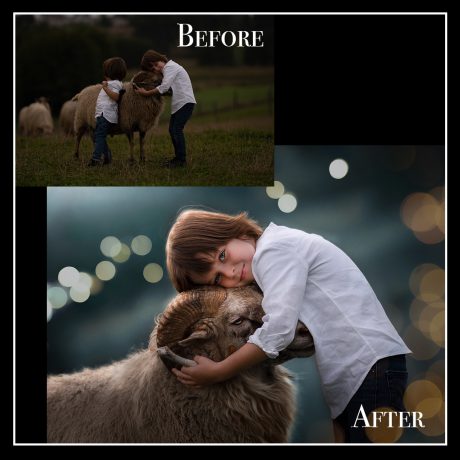
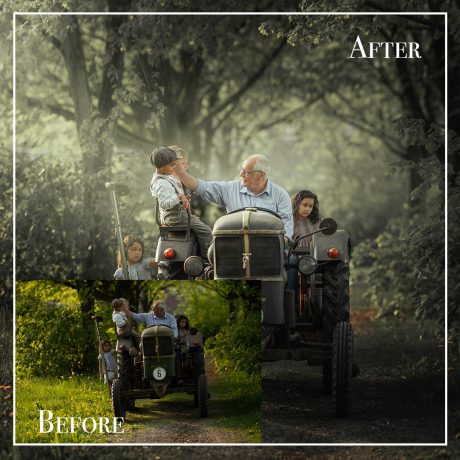
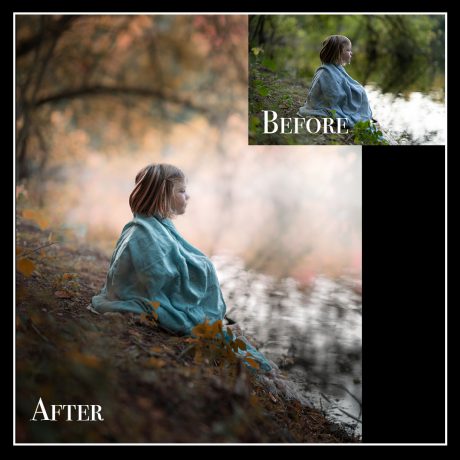
Create a Painterly Look in Adobe Lightroom Classic
Transform your portraits into soft, timeless works of art — no Photoshop required.
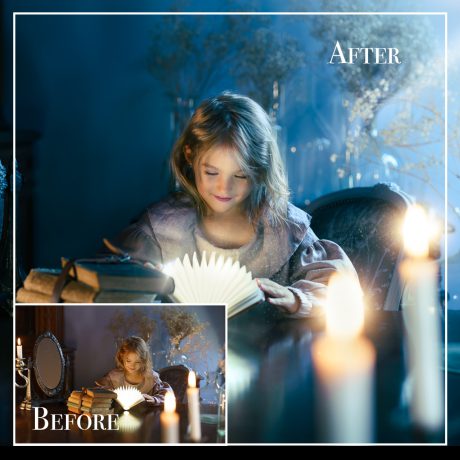
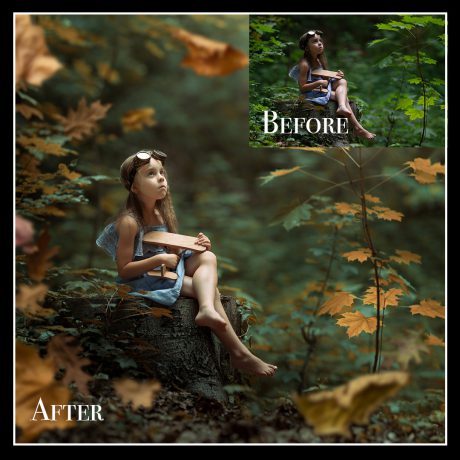
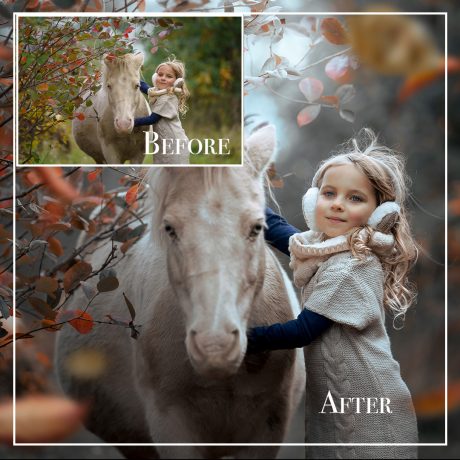
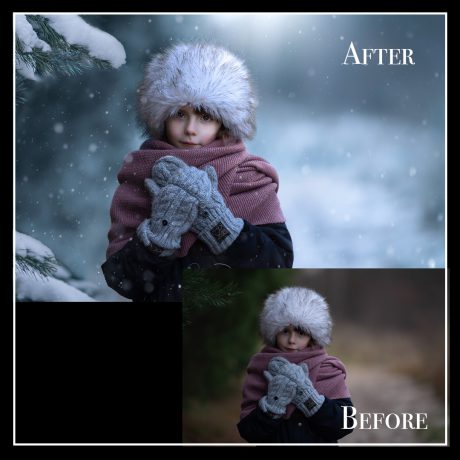
In this in-depth Lightroom Classic tutorial, you’ll learn how to masterfully edit natural light portraits to achieve that painterly, fine-art aesthetic. Whether you're a beginner or seasoned photographer, this course gives you all the tools you need to create dreamy, professional-quality images with ease.
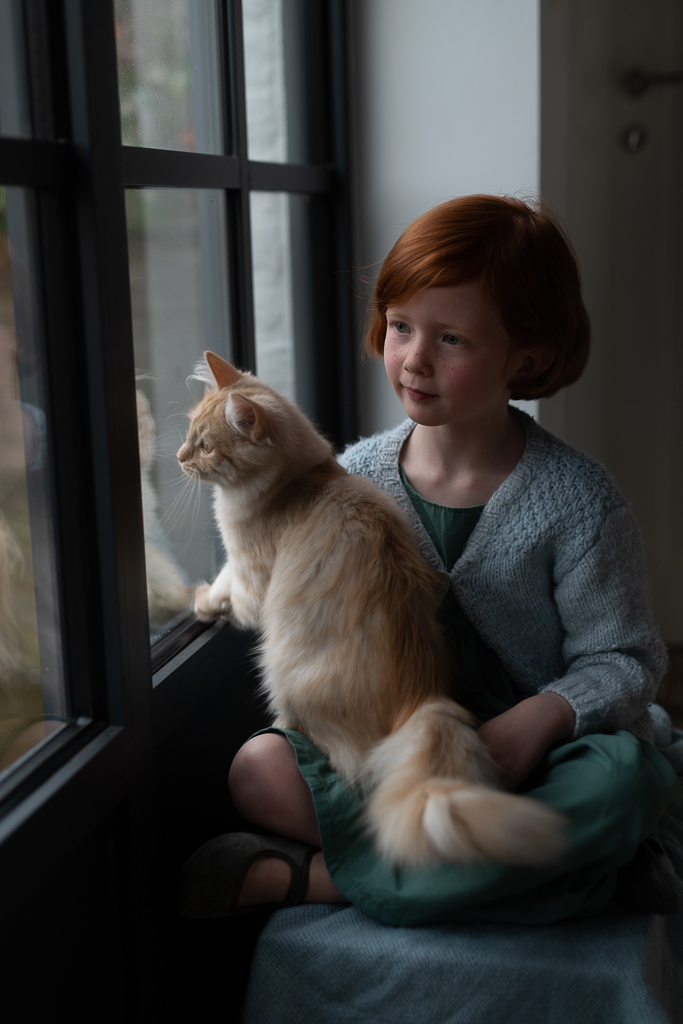
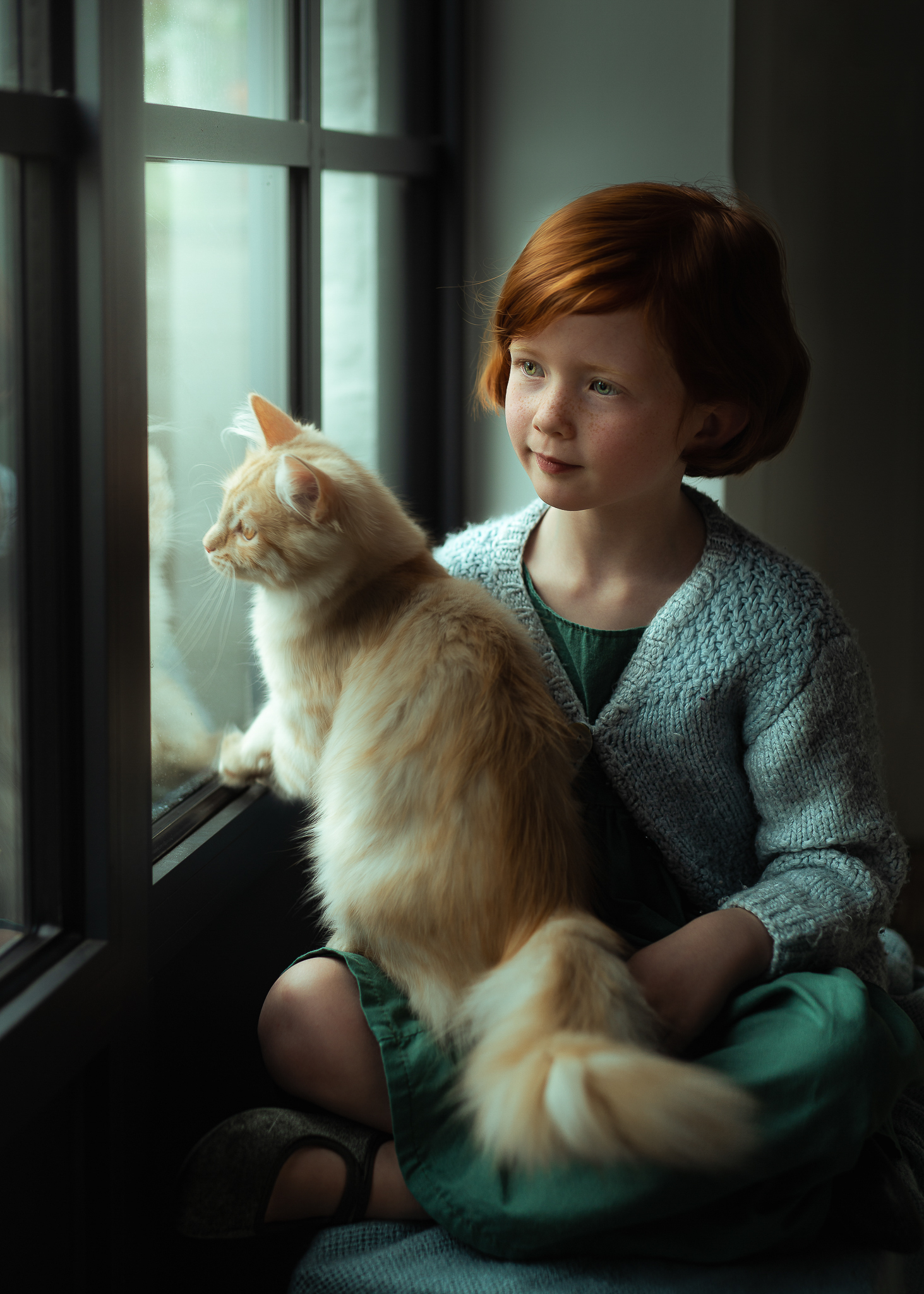
✨ What You’ll Learn:
-
Create a Painterly Look
Step-by-step guidance to give your portraits a soft, artistic quality inspired by classical art. -
Professional Color Grading
Learn how to balance tones and color harmony to achieve a rich, cohesive finish in your photos. -
Fast & Natural Retouching
Discover easy techniques for retouching skin and facial features — keeping everything elegant and realistic. -
Hands-On Learning
Get access to the original RAW file and a custom Lightroom preset so you can edit along and practice with confidence.
“Light is the brush. Lightroom is the canvas.”
Refine your creative voice and bring your portraits to life — one subtle, painterly edit at a time.
What’s Included:
-
Full-length video tutorial (in Lightroom Classic)
-
Downloadable RAW file for hands-on practice
-
Custom Lightroom preset to speed up your workflow
-
Lifetime access — learn at your own pace