Description
Rapeseed Portrait – Lightroom Editing with a Magical Touch in Photoshop
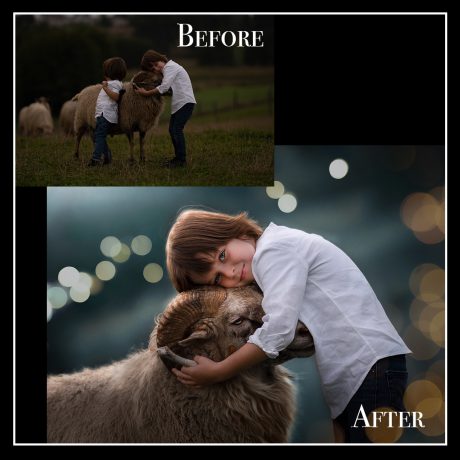
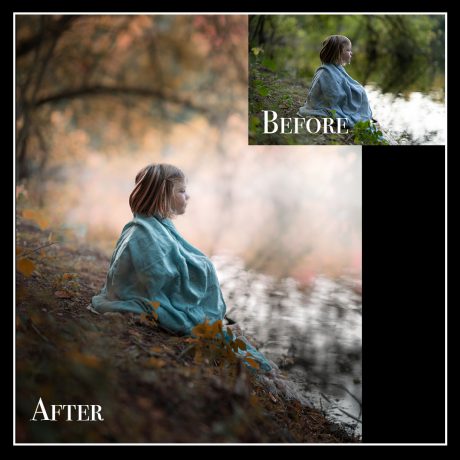
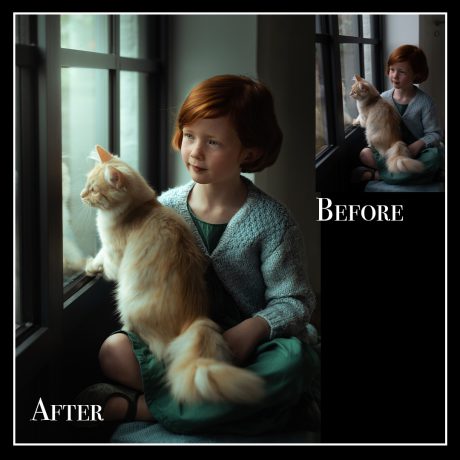
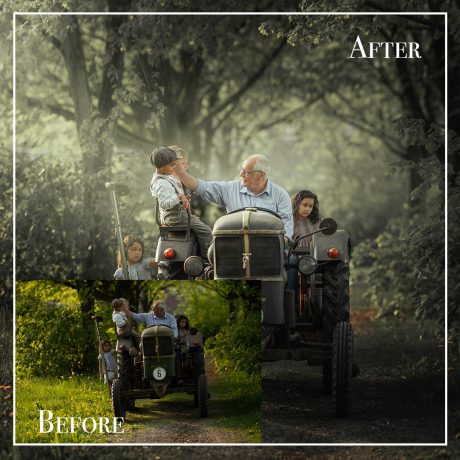
Watch how I turn an average photo into a breathtaking portrait—using mostly Lightroom Classic!
This tutorial shows you how to create softness, clarity, and color harmony without relying heavily on Photoshop.
We’ll only jump into Photoshop briefly to add a final artistic overlay for extra magic.
✨ What You’ll Learn:
-
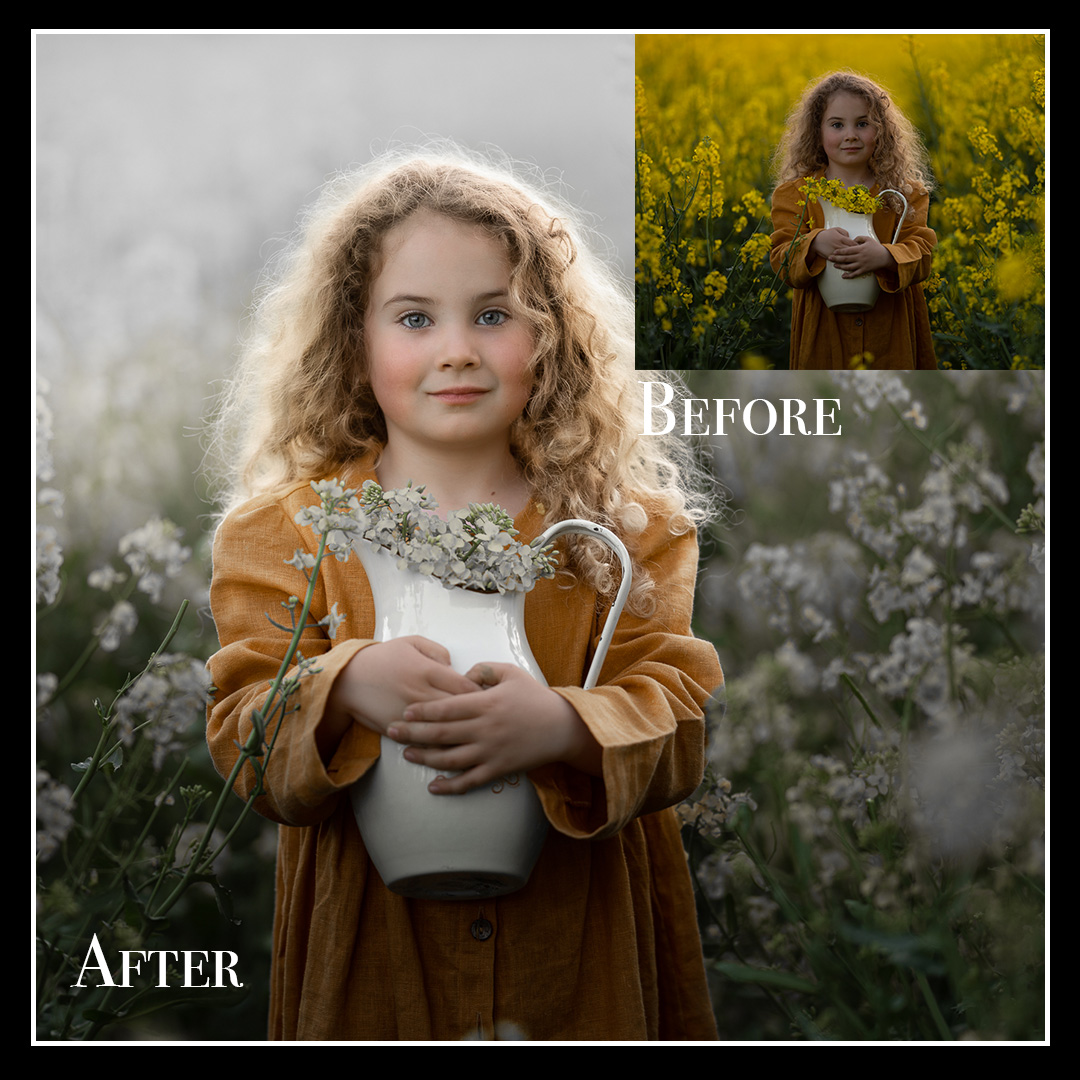
How to turn yellow rapeseed into white – creative color transformations
-
Brightening the face and shaping light – naturally and gently
-
Adding softness and atmosphere – dreamy and delicate finish
-
Working with tones and color balance – all inside Lightroom
-
Using a Photoshop overlay – just one final creative step
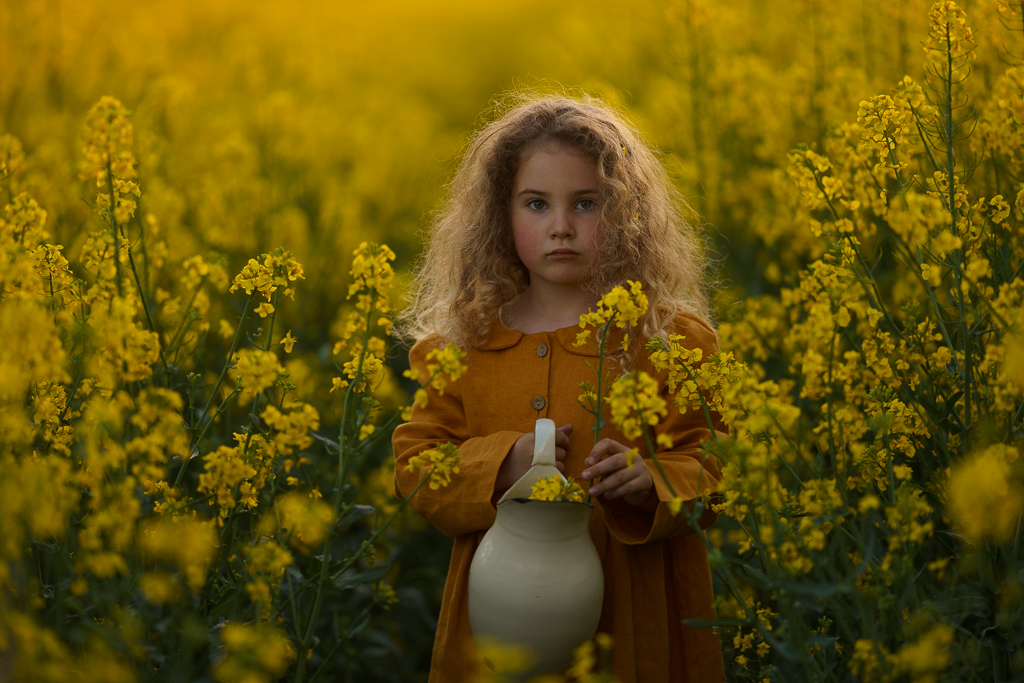
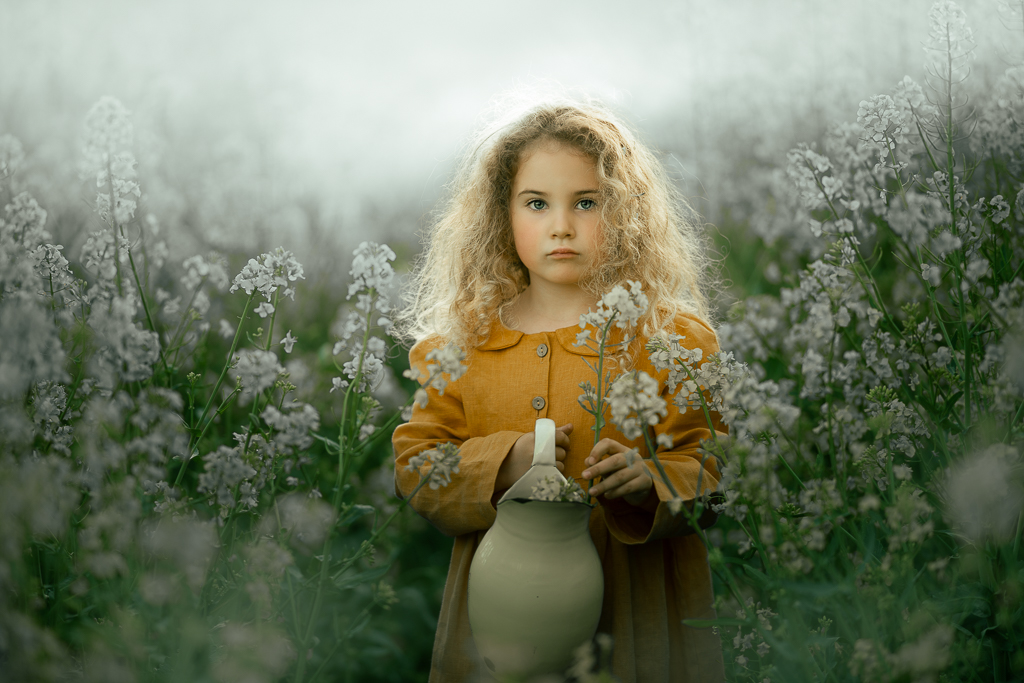
“The photo doesn’t have to be perfect – your vision makes it magical.”
This tutorial is perfect if you want to elevate simple outdoor portraits with just Lightroom and a light Photoshop touch.