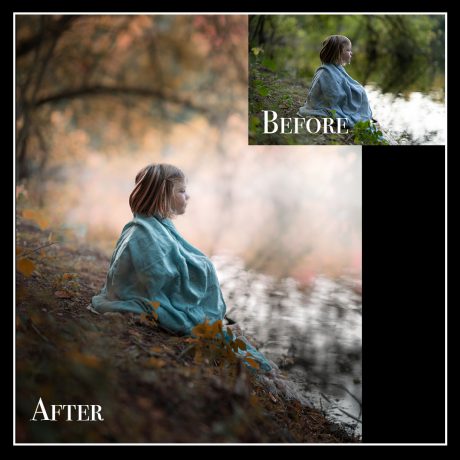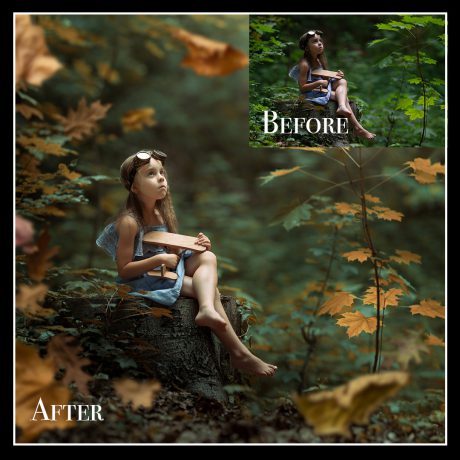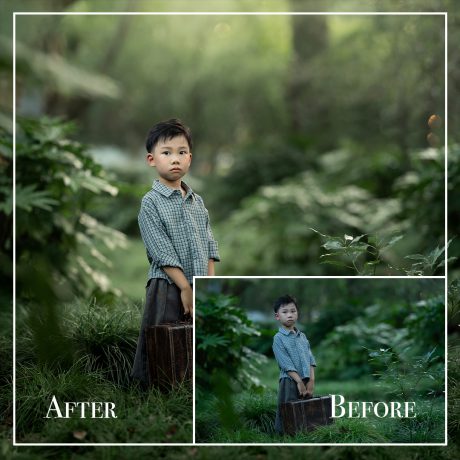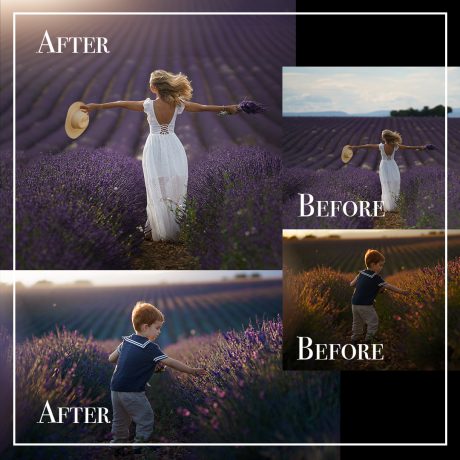
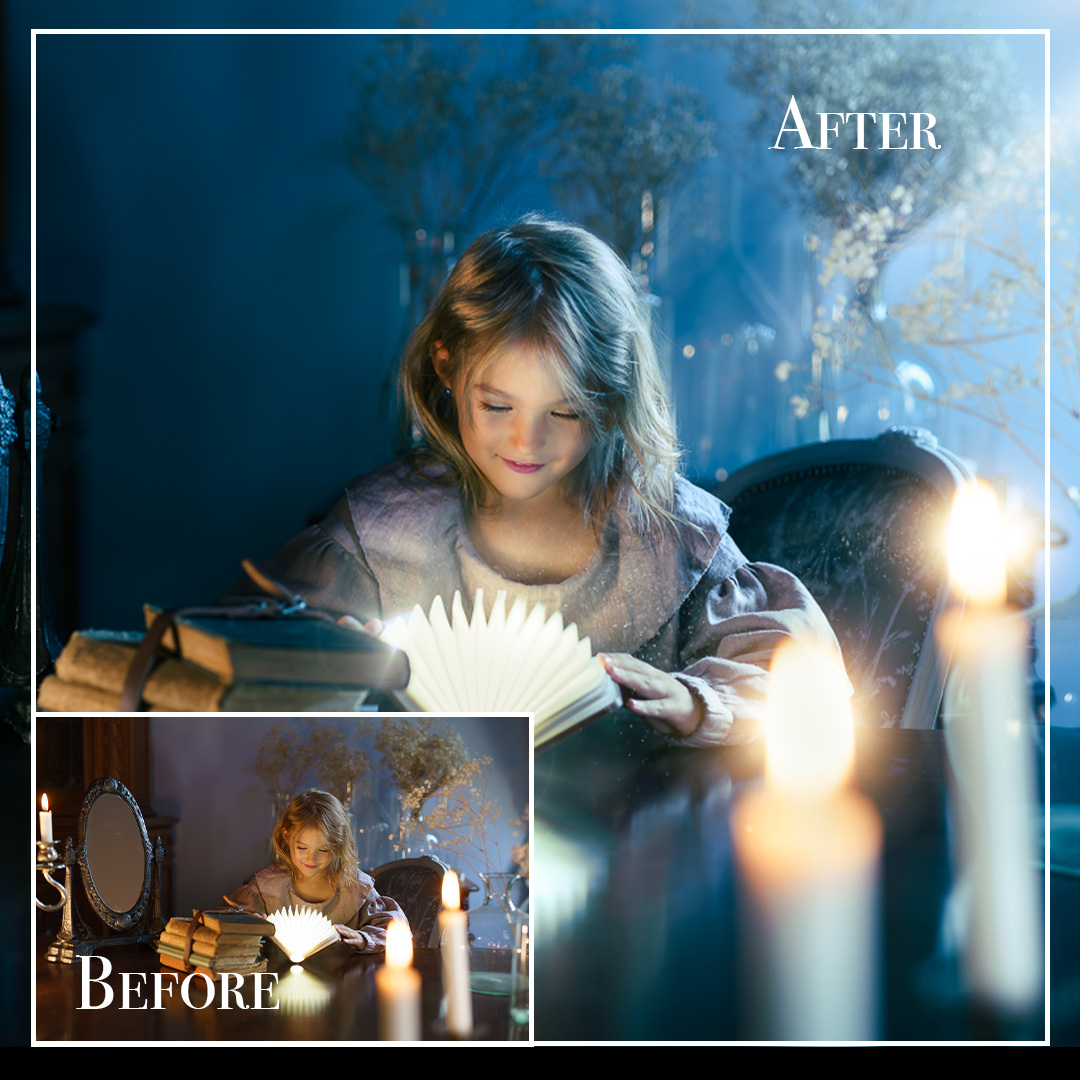
Description
Candlelight Magic — Mastering Blue Tones & Atmosphere in Lightroom and Photoshop
Turn a simple candlelit photo into a mesmerizing work of art.
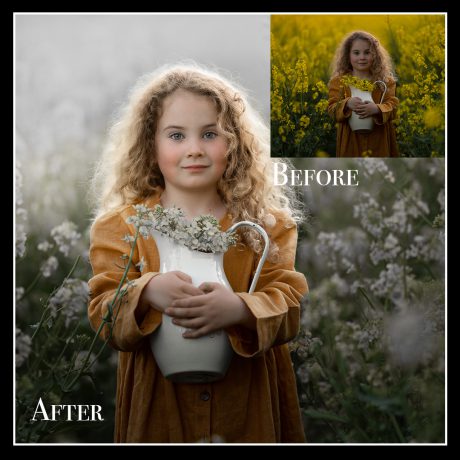
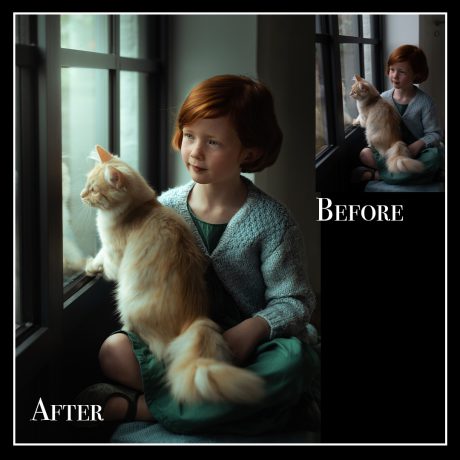
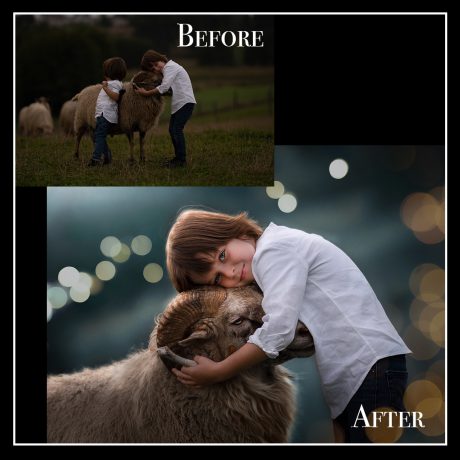
In this enchanting tutorial, you’ll learn how to transform warm candlelight portraits into atmospheric, emotion-filled images using Adobe Lightroom and Photoshop. Whether you're a beginner or an experienced photographer, this step-by-step video guide will teach you the techniques I use to create my signature dreamy blue-toned edits.
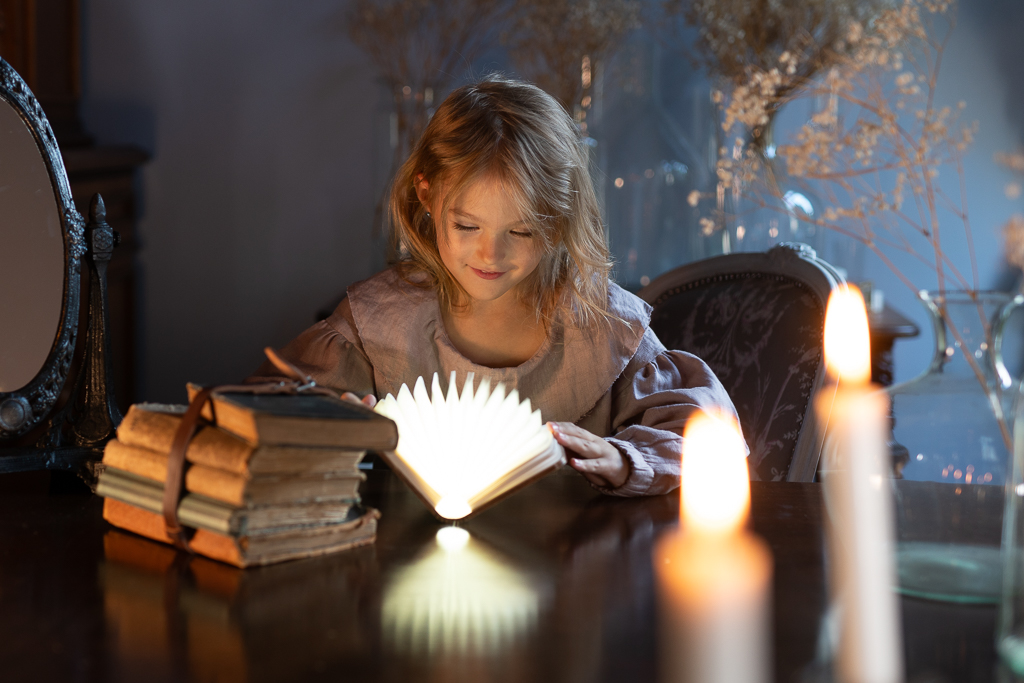
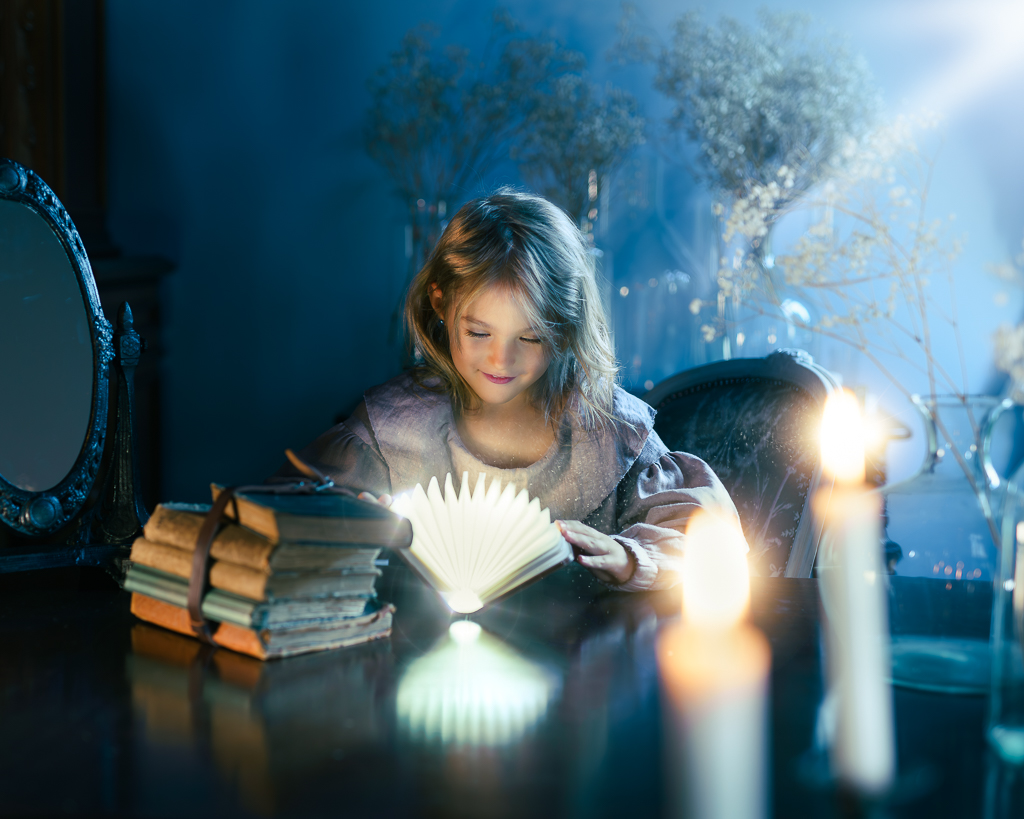
What You'll Learn:
-
Master Blue Tones for Night Photography
Create a moody, cinematic color palette by blending cool blues with soft candlelight warmth. -
Add Shine and Glow for Atmosphere
Learn how to enhance your subject's face with a gentle glow—without overexposing the highlights. -
Sprinkle in Magic Dust & Details
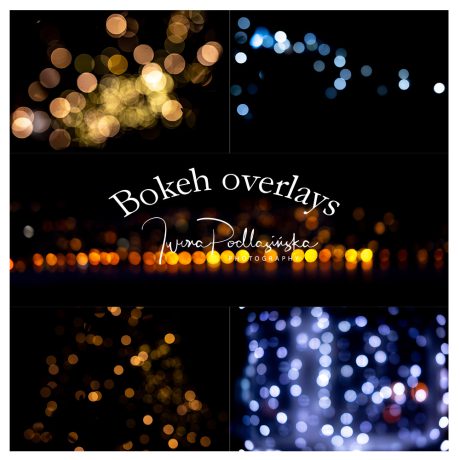
Discover how to add magical particle overlays and small, glowing accents that elevate your image. -
Build a Story with Light and Shadow
See how subtle lighting adjustments can change the entire mood of your photo and pull the viewer in. -
Use Lightroom & Photoshop Together
Edit most of your image in Lightroom, then move to Photoshop for creative finishing touches like extending the frame or adding sparkle.
✨ Why You’ll Love It:
“With just a candle and creativity, you can create a whole world.”
Whether you’re editing cozy portraits, winter scenes, or fantasy-style imagery, this tutorial will open up new creative possibilities and give your photos a professional, polished look.
What’s Included:
-
Full step-by-step video tutorial with voiceover
-
Techniques for color grading, retouching, and enhancing candlelight
-
Use of overlays and glow effects for added magic
-
Lightroom-based workflow with optional Photoshop finishing
-
Lifetime access and rewatch any time