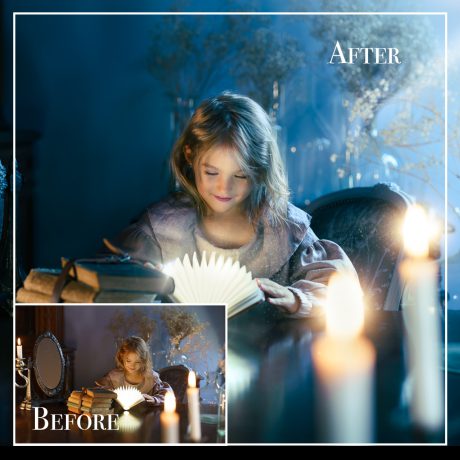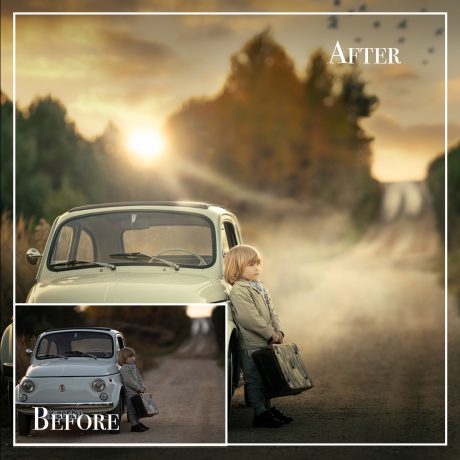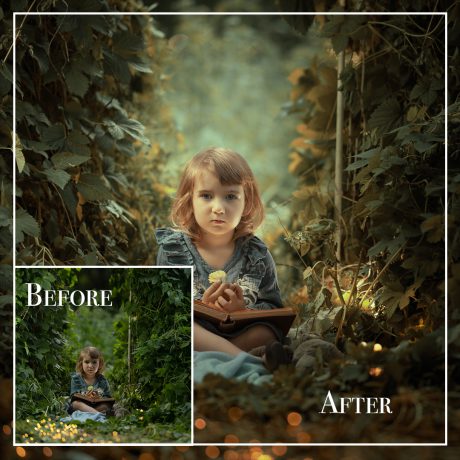
Description
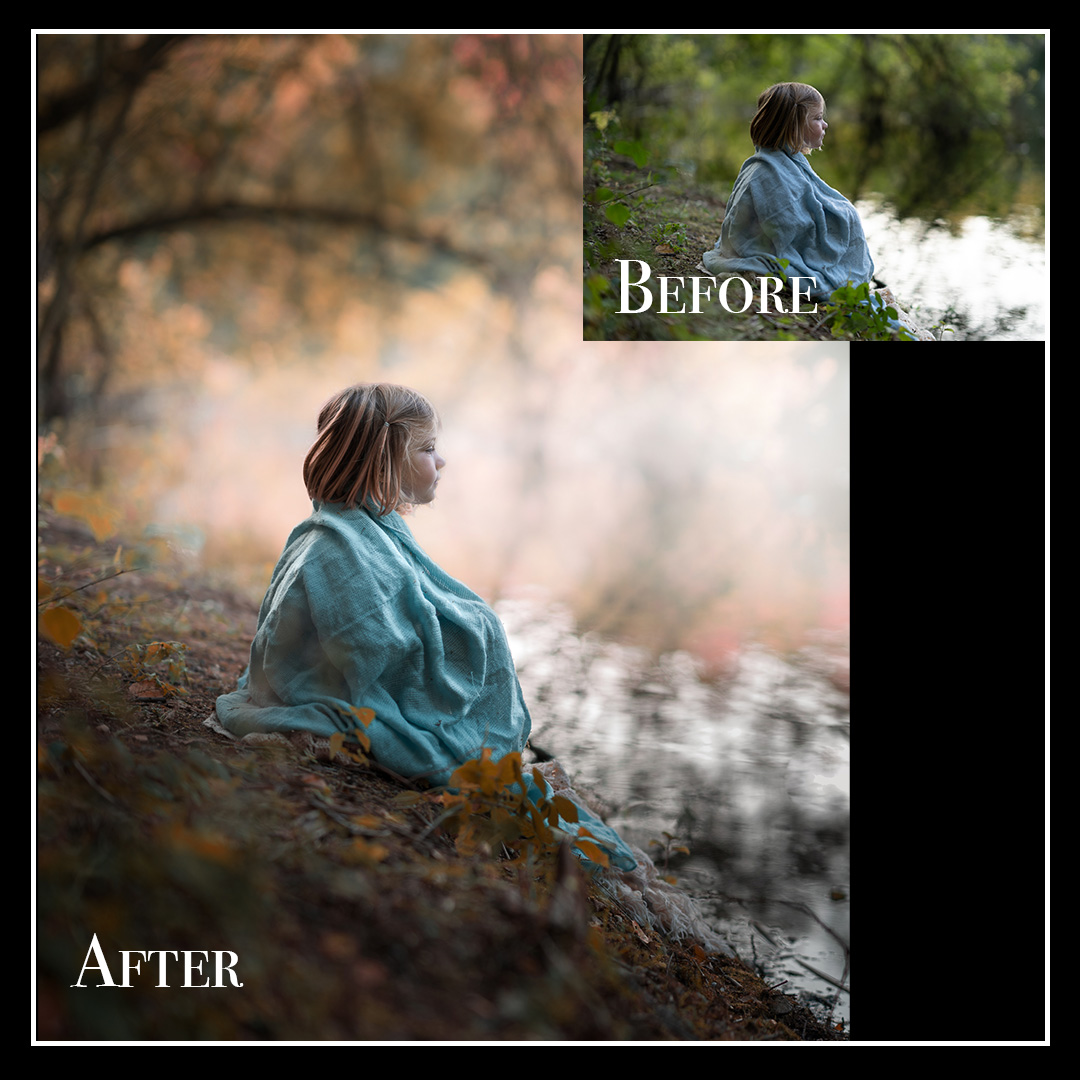
Fall Fusion – Lightroom Classic Tutorial: Merging Photos, Fall Tones & Professional Sharpness
Take your editing to the next level with this step-by-step Lightroom Classic tutorial.
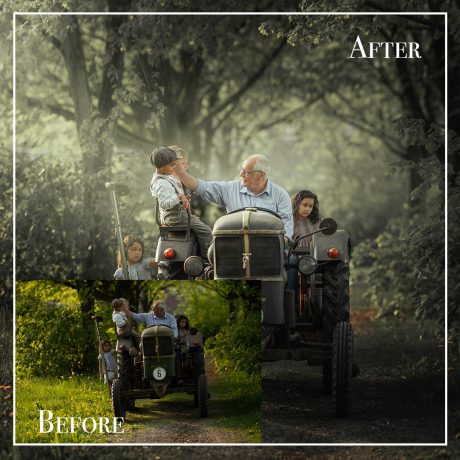
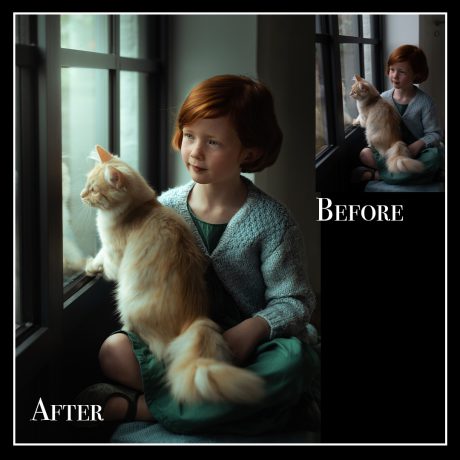
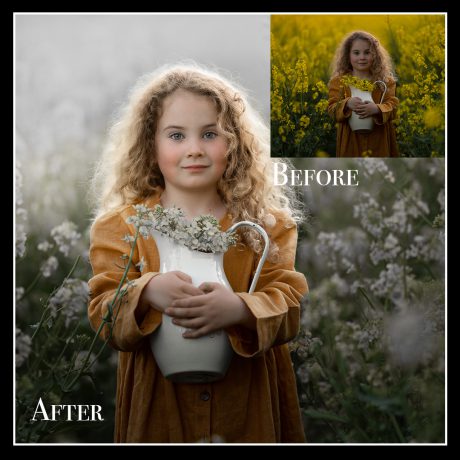
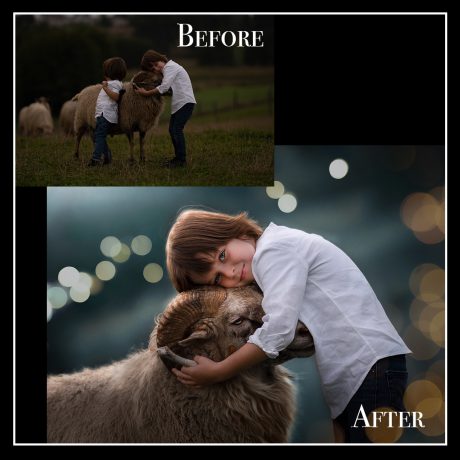
Learn how to merge multiple photos into a single, seamless composition full of depth and atmosphere.
You’ll discover how to create a soft, foggy background that enhances mood, and learn to bring out those warm, rich fall colors that make autumn portraits so magical.
Finally, we’ll sharpen the subject with precision, keeping the background beautifully soft for that professional, magazine-ready finish – all done in Lightroom Classic, no Photoshop required!
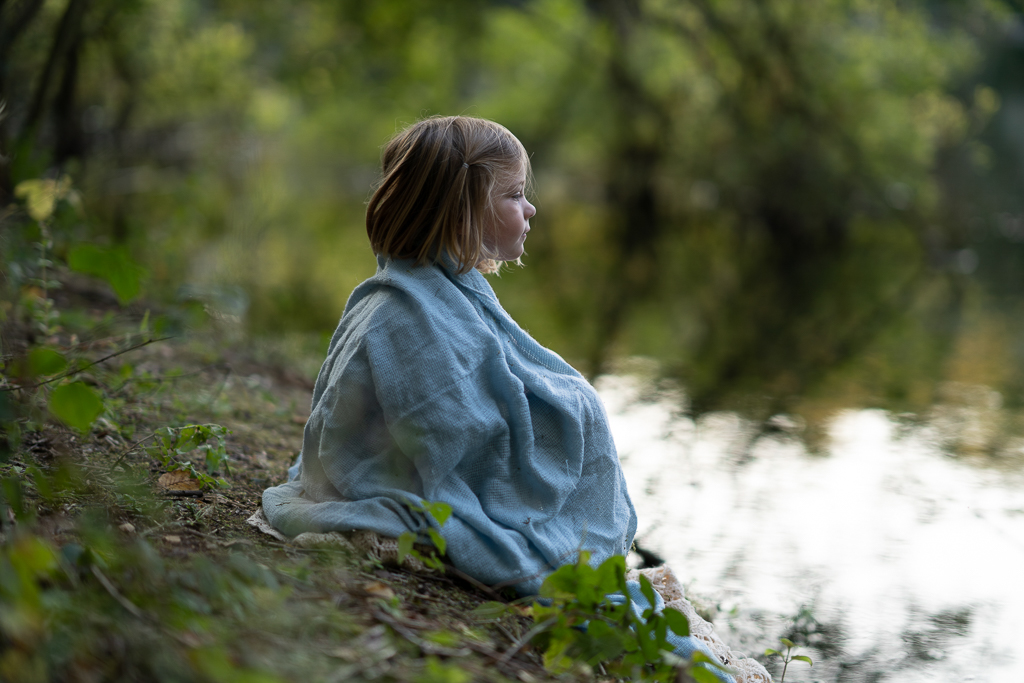

✨ What you’ll learn:
-
How to merge multiple images into one cohesive composition
-
How to create foggy, dreamy depth in your background
-
How to enhance warm autumn tones and color harmony
-
How to get crisp sharpness on your subject while keeping soft, elegant bokeh
? What’s included:
-
Full editing video with step-by-step instructions
-
Lightroom-only process – no plugins or Photoshop needed
-
Ideal for fall portraits, family photos, and storytelling edits
-
Perfect for both beginners and experienced editors
“One photo can tell a story—but several combined can create a world.”