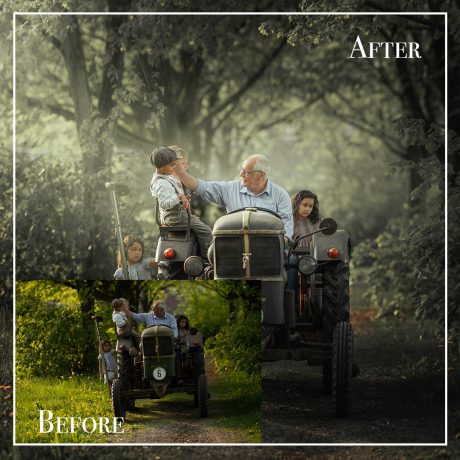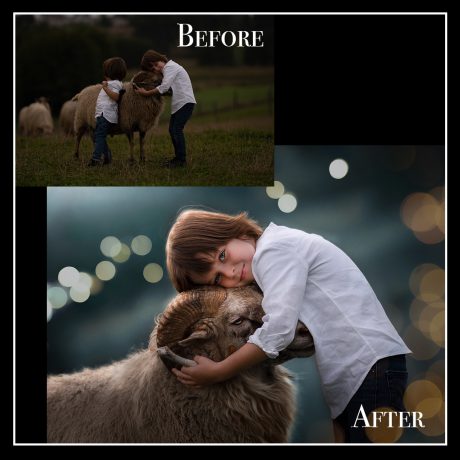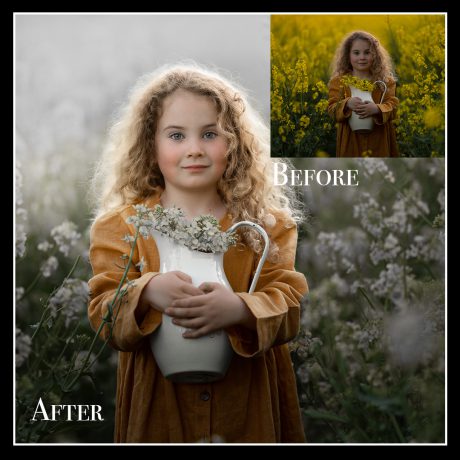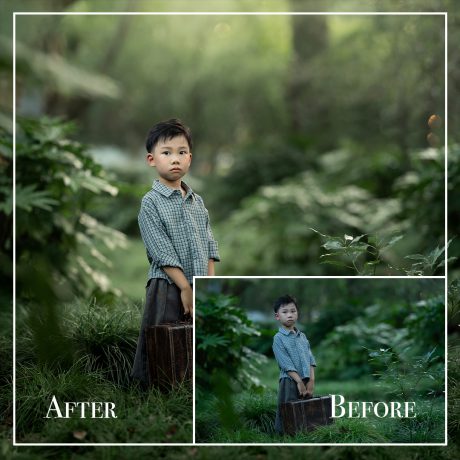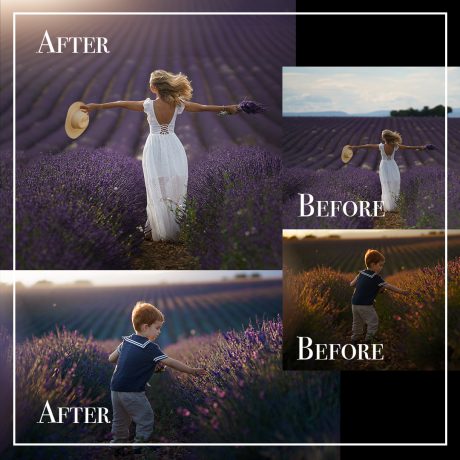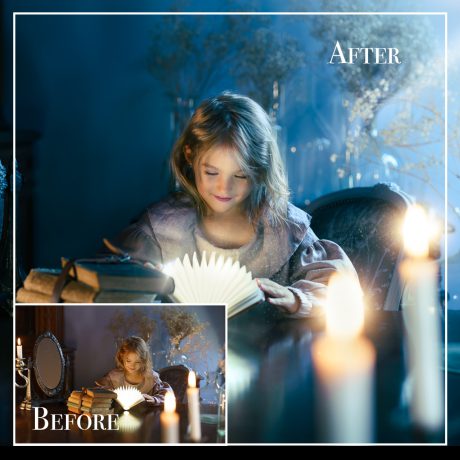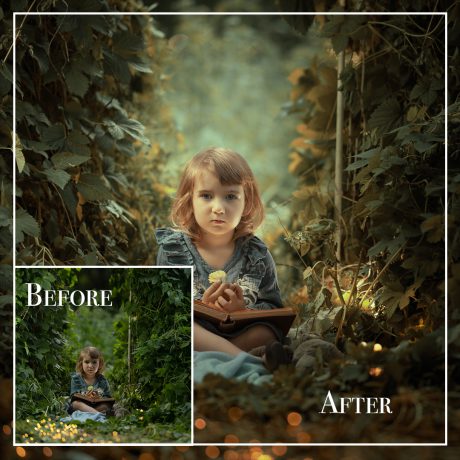
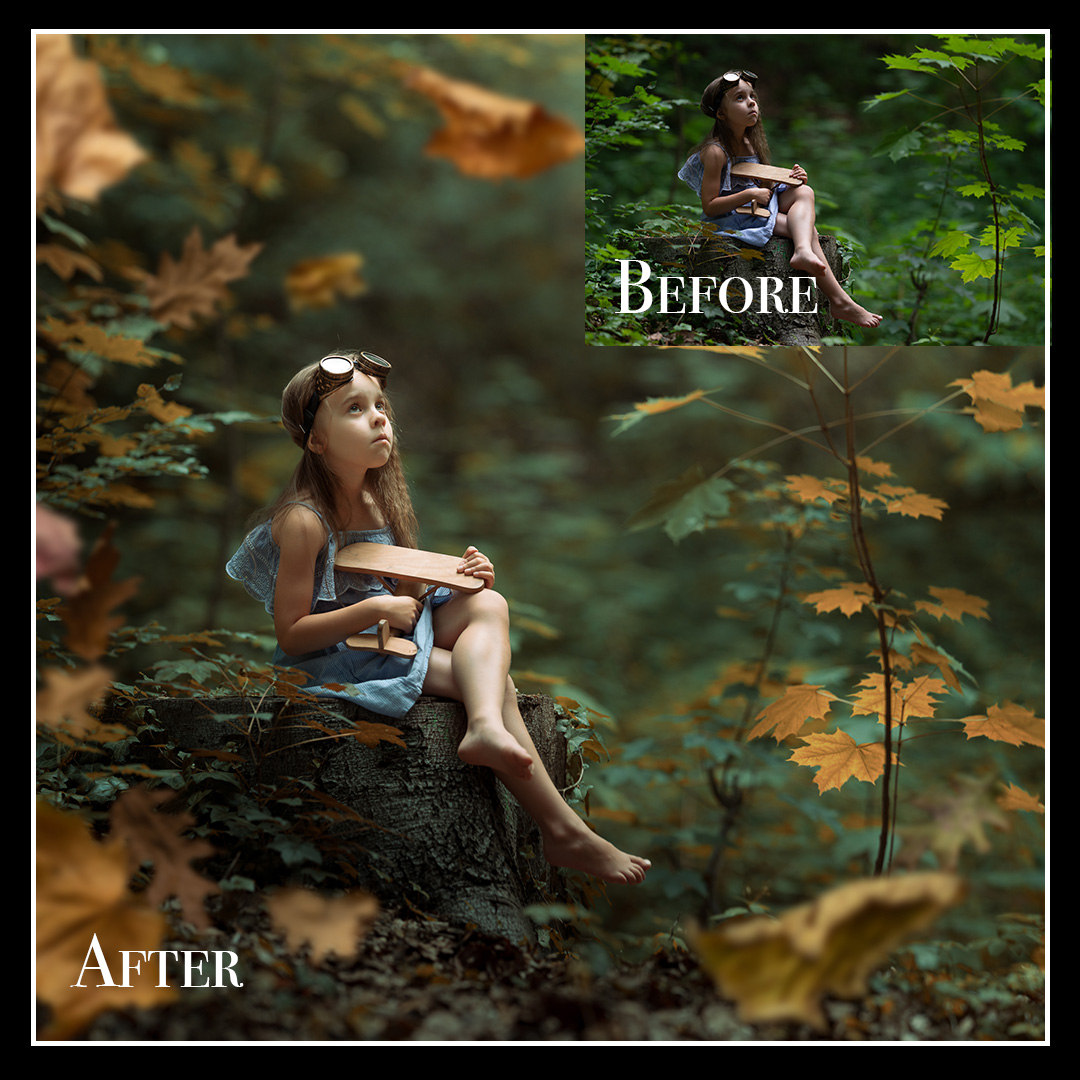
Description
Fall Fusion — Lightroom Classic Tutorial
Merge Photos, Add Autumn Mood, and Sharpen Like a Pro
Bring your photos to life with warm fall tones, dreamy backgrounds, and precise sharpness — all in Adobe Lightroom Classic.
This easy-to-follow, step-by-step tutorial will guide you through the entire process of transforming a simple outdoor photo into a stunning, professional-grade autumn portrait. Whether you’re a beginner or experienced photo editor, you’ll learn essential techniques that elevate your editing game.


What You’ll Learn:
-
Photo Merging in Lightroom
Combine two images into one seamless composition for a stronger, more dynamic scene — no Photoshop needed. -
Add Depth with Foggy Backgrounds
Learn how to create soft, misty effects that enhance mood and atmosphere, perfect for autumn storytelling. -
Enhance Fall Colors
Discover pro tips for warming up tones and making leaves, grass, and skin tones glow with rich, seasonal hues. -
Sharpen the Subject
Make your model stand out with crisp, clean detail — all while preserving the natural softness of the background.
“Even the simplest photo can become art with the right light, color, and story.”
What’s Included:
-
Full video tutorial with voiceover
-
Lightroom-only workflow (no Photoshop required)
-
Step-by-step breakdown of each editing stage
-
Ideal for portrait photographers working with natural light and seasonal backdrops