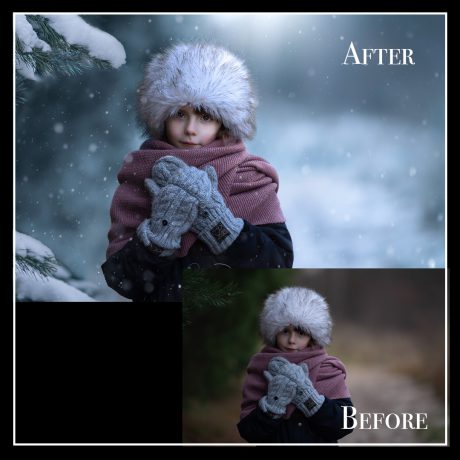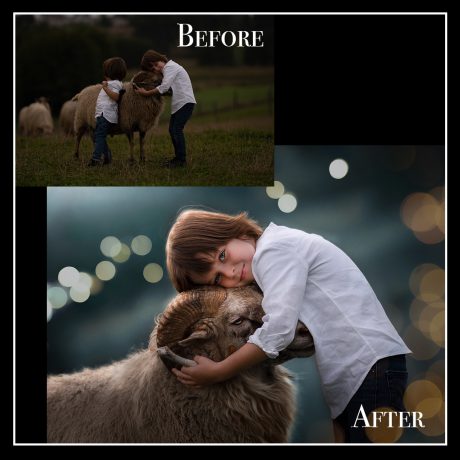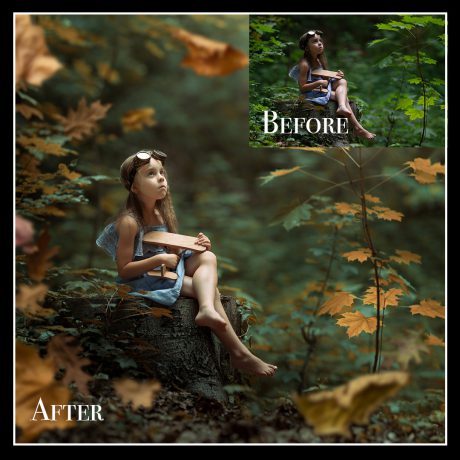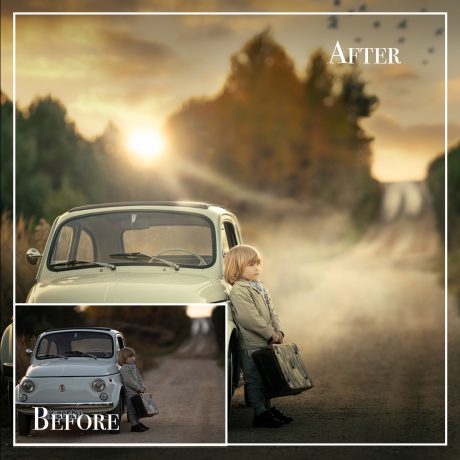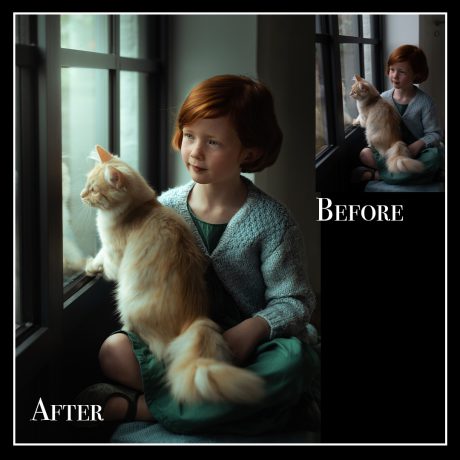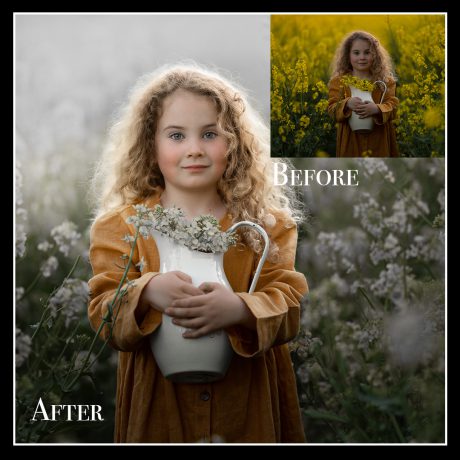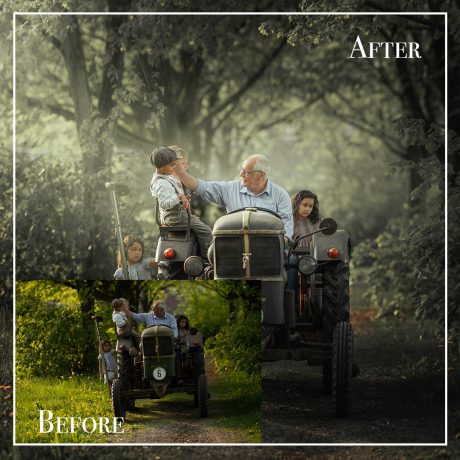
Description
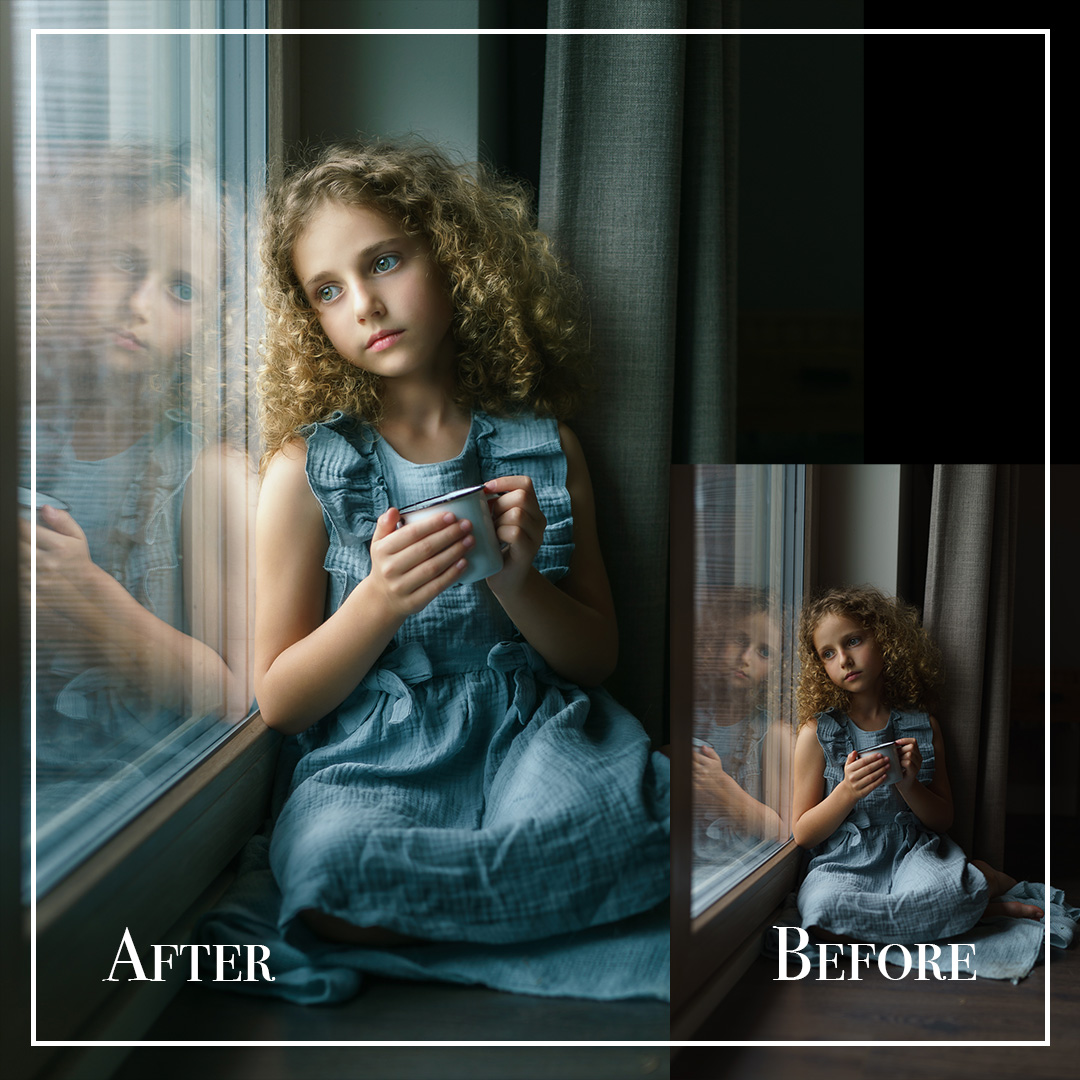
Window Light Portrait – Retouching a Child’s Portrait in Lightroom Classic
Looking to create a soft, emotional portrait using only natural light and Lightroom?
In this step-by-step tutorial, I’ll show you how I retouch a little girl’s portrait by the window using only Adobe Lightroom Classic – no Photoshop needed.
Perfect for soft light, gentle tones, and natural beauty.
✨ What You’ll Learn:
-
Balancing light and exposure – adjust highlights and shadows for softness
-
Creating deep, rich tones – add dimension and mood to your portrait
-
Natural skin retouching – smooth out skin and lighten under-eye shadows gently
-
Sharpening the portrait – bring clarity to details while keeping the image soft
-
Local adjustments – draw focus to the subject using subtle light corrections
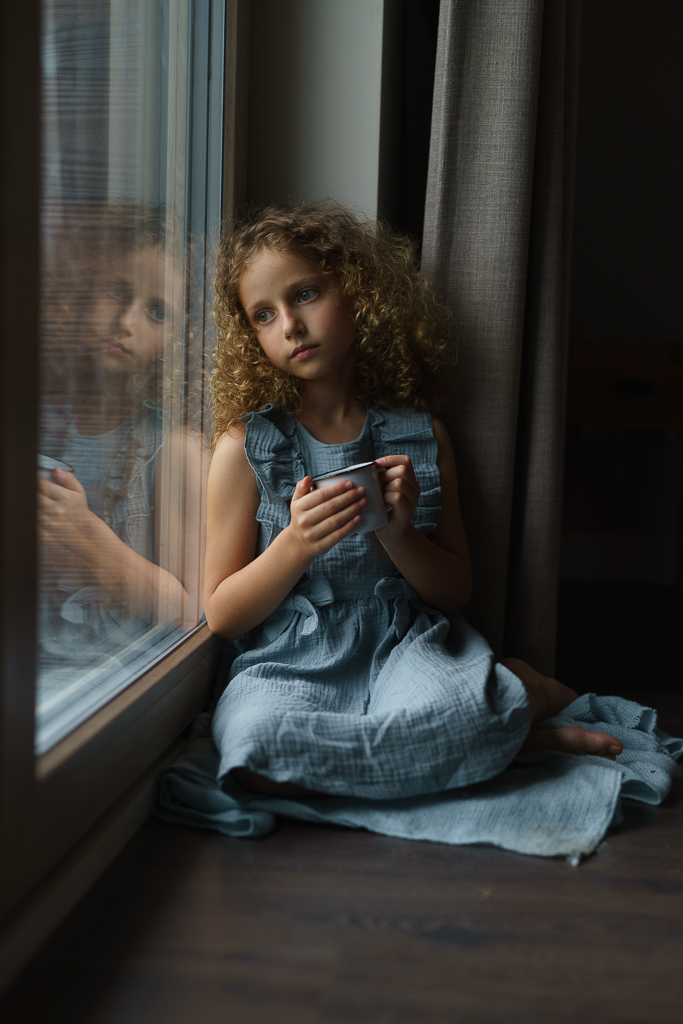
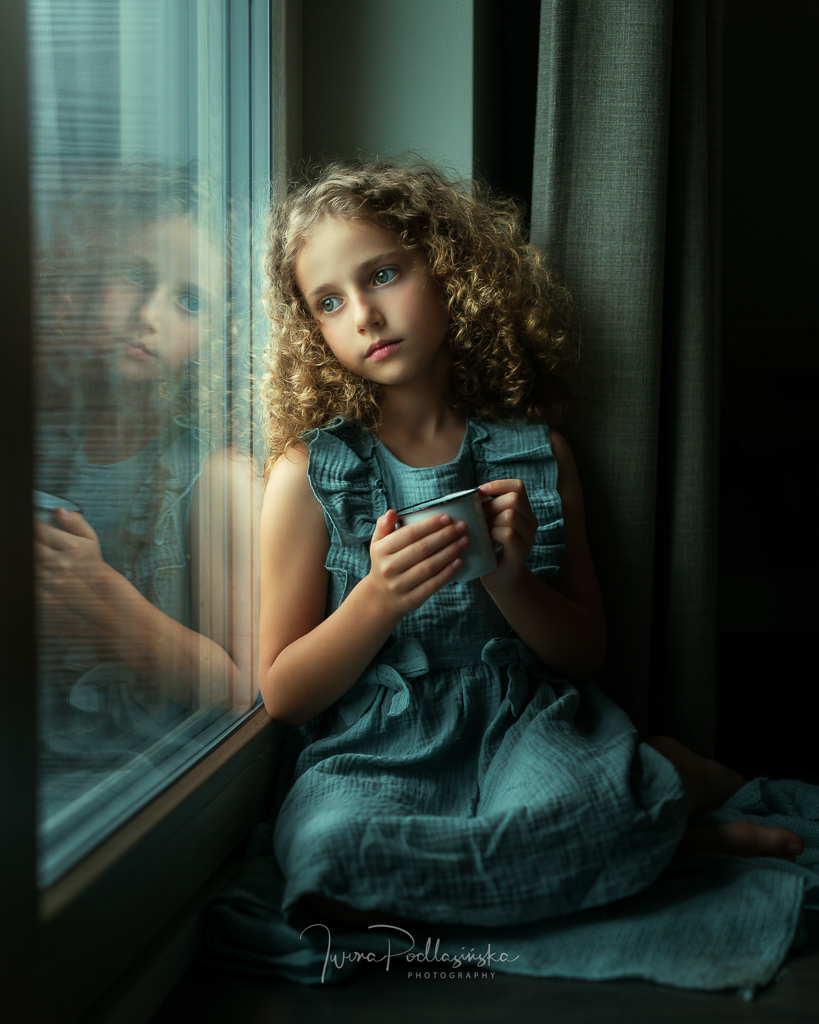
“A beautiful portrait is not about perfection – it’s about tone, light, and emotion.”
This tutorial is ideal for anyone shooting children in natural home light and wanting to enhance portraits with subtlety, warmth, and depth – all within Lightroom.