
Description
Retouch Preset – for Lightroom (.xmp file)
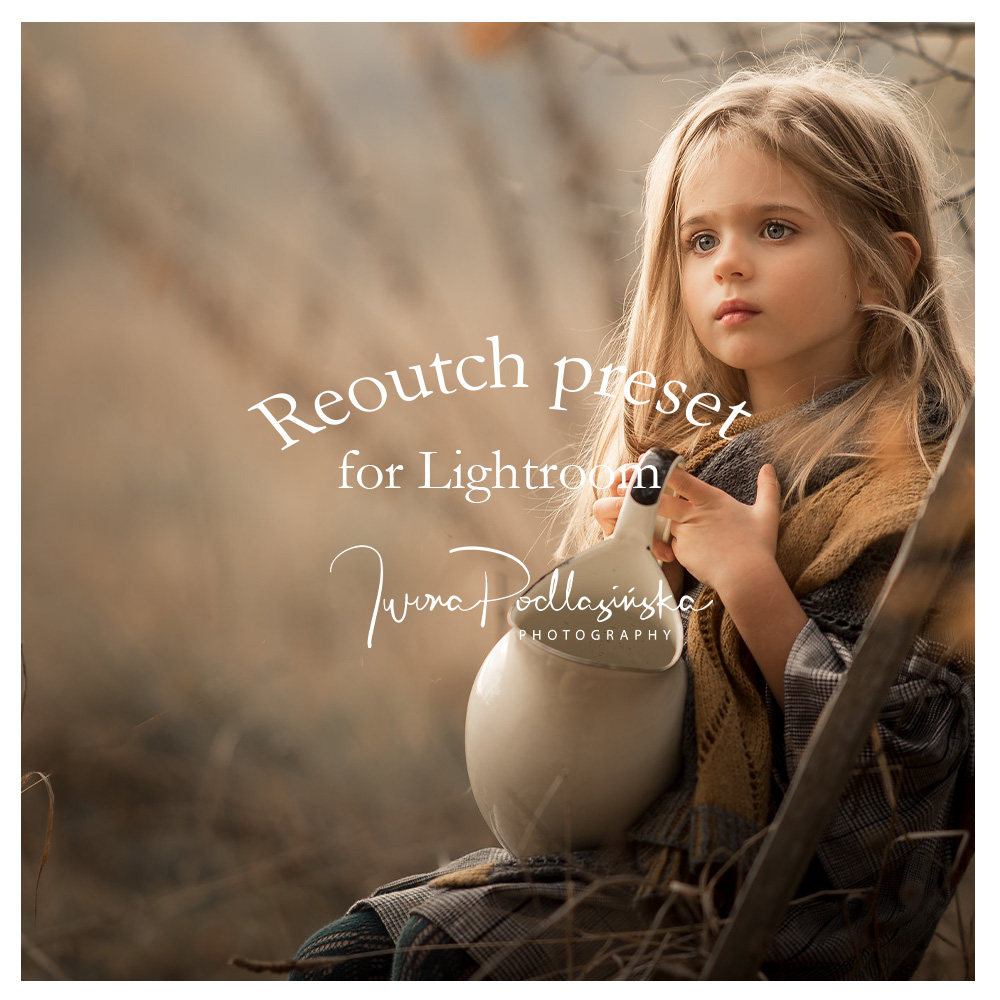
Speed up your portrait editing workflow and achieve a polished, professional look in seconds with this Retouch Preset for Lightroom. Provided as a ready-to-use .xmp file, this preset is designed to enhance natural beauty while saving you valuable editing time.
It smooths the skin while maintaining texture, brightens the eyes, softens the hair, and gently whitens teeth – all with a subtle, natural finish. Perfect for beauty, portrait, family, wedding, or newborn photography.
What does the preset do?
-
Smooths skin without making it look artificial
-
Enhances eyes – adds clarity and brightness
-
Softens and refreshes hair
-
Whitens teeth in a clean, natural way
-
Gives a subtle, clean retouch effect – not overdone
Why you'll love it:
-
✅ Provided as an
.xmppreset file -
✅ Saves time on portrait retouching
-
✅ Compatible with Lightroom Classic and Lightroom CC
-
✅ Works with a wide range of skin tones and photography styles
-
✅ Great base for further adjustments if needed
How to install the preset in Lightroom:
-
Open Lightroom Classic (or Lightroom CC).
-
Go to the Develop module.
-
On the left panel, locate the Presets section.
-
Click the “+” icon and choose Import Presets.
-
Select the downloaded .xmp file and confirm.
-
Done! The preset will now appear in your preset list and is ready to use.
The Retouch Preset is a must-have tool for photographers who want to achieve smooth, clean, and professional portraits – fast and effortlessly.